Search  for anything...

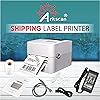
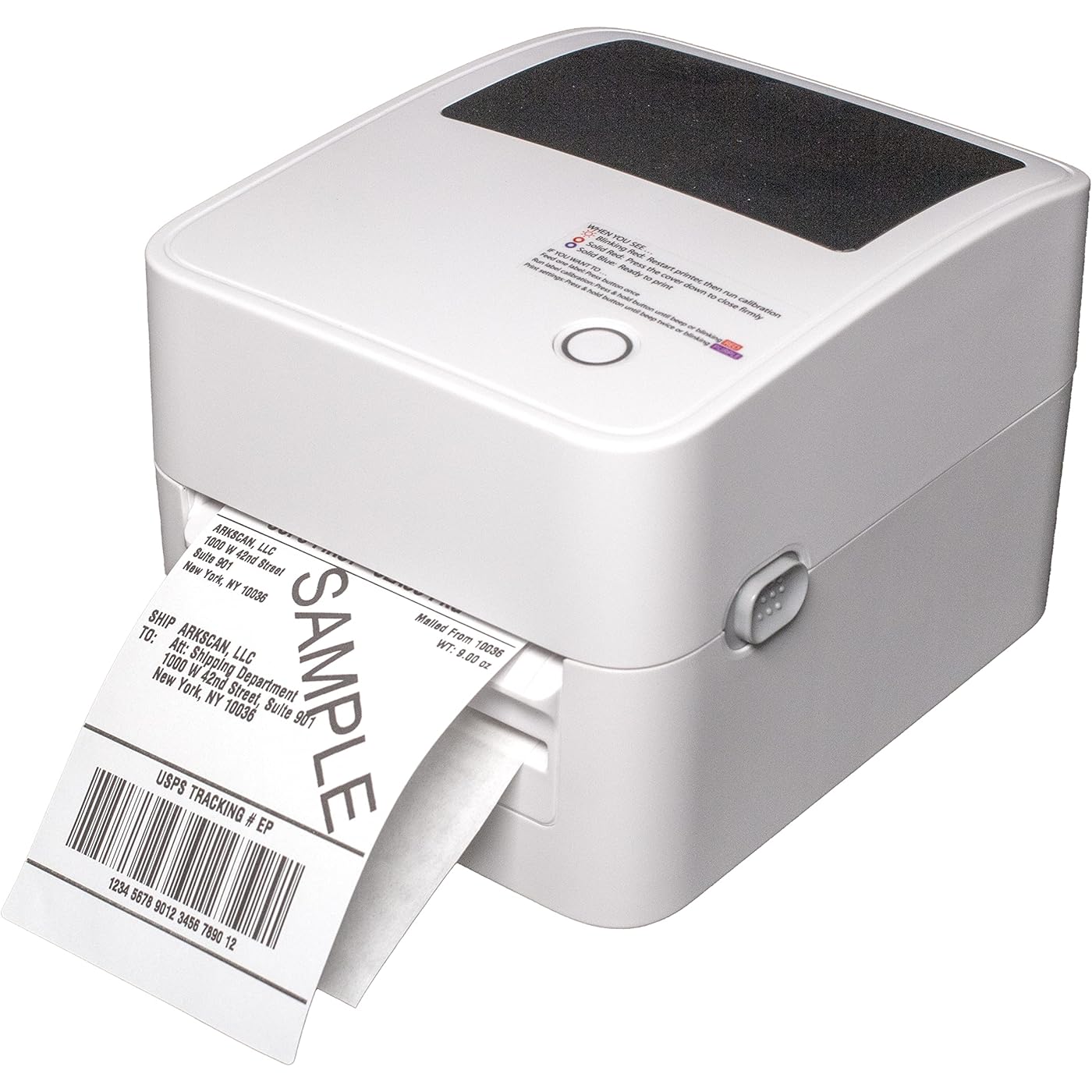
Arkscan 2054K-AP Auto Peel Shipping Label Printer, Separate Label from Backsheet Automatically, Print on Windows Mac Chromebook on USB, Wireless When Connect to Bluetooth-Enabled Windows iOS Android
  • Based on 14 reviews
Condition: New
Checking for the best price...
$279.00 Why this price?

Buy Now, Pay Later


As low as $46.50 / mo
  • – 6-month term
  • – No impact on credit
  • – Instant approval decision
  • – Secure and straightforward checkout

Ready to go? Add this product to your cart and select a plan during checkout.

Payment plans are offered through our trusted finance partners Klarna, Affirm, Afterpay, Apple Pay, and PayTomorrow. No-credit-needed leasing options through Acima may also be available at checkout.

Learn more about financing & leasing here.

Free shipping on this product
This item's return window has been extended for the holiday season: FREE refund/replacement until Jan 31, 2026

To qualify for a full refund, items must be returned in their original, unused condition. If an item is returned in a used, damaged, or materially different state, you may be granted a partial refund.

To initiate a return, please visit our Returns Center.

View our full returns policy here.


Availability: In Stock.
Fulfilled by Amazon

Arrives Thursday, Dec 18
Order within 20 hours and 2 minutes
Available payment plans shown during checkout

Protection Plan Protect Your Purchase
Checking for protection plans...

Features

  • Print shipping labels for Amz Seller Merchant Fulfillment, FBA, FNSKU, EasyPost, EasyShip, eBay, Endicia Dazzle, Etsy, Fedex Ship Manager, Fedex website, Inventory Lab, PayPal, Poshmark, ShippingEasy, Shippo, ShipStation, ShipWire, ShipWorks, ShopGator, Shopify, Stamps Desktop, Stamps website, StockX, UPS WorldShip Desktop, UPS website, USPS website, XPSship, Endicia Dazzle, Pirateship and more.
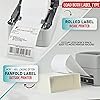
  • A multi-functional printer to print shipping label, product label, barcode label, labels for other purpose. Able to print minimum of 0.75" & maximum of 4.25" in width, minimum of 0.4" & maximum of 90" in length. Support roll paper loaded inside the printer & fanfold paper loaded from back of the printer. Printing speed is 5 inches per second.
  • Come a free software of BarTender UltraLite Label Design Software Tool (Windows Only) to print product labels, warehouse label that contains the most frequently used label-design print features, including full design capabilities for text, graphics barcodes, most serializing capabilities.
  • Arkscan offers 5-star U.S. based real time tech support via Phone, Live Chat and Remote Access with extended office hours from east to west coast. Arkscan understands the USA customers' needs, speak your language, and assist you with technical issue of your printing software in a timely manner. If running into any difficulty to setup or operate the printer, Arkscan's tech support team will be easy to reach and back you up to continue your business as usual.
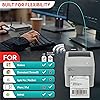
  • High speed shipping label printer for Windows, Apple Mac Computer / MacOS, Chromebook / ChromeOS & Android via USB connection, also supports Android & iOS/iPhone/iPad wireless connection printing. Direct thermal technology will never require to refill ink toner. It supports Arkscan's labels, Zebra compatible and Arkscan compatible labels. All shipping labels from UP and Fedex are supported. Most common shipping labels in size 4x6 inches, 4x8.25 inches and 4x6.75 inches are supported.
  • Bluetooth is a trademark owned by Bluetooth SIG, Inc. Any mention is for informational purposes only and does not imply endorsement.

Brand: Arkscan


Connectivity Technology: USB, Wireless


Printing Technology: Thermal


Special Feature: Wireless, USB


Color: Beige


Model Name: 2054K-AP


Printer Output: Monochrome


Maximum Print Speed (Color): 10 ppm


Max Printspeed Monochrome: 60.00


Item Weight: 47 Ounces


Product Dimensions: 8"D x 6.5"W x 5.75"H


Controller Type: iOS


Maximum Media Size: 4 x 6 inch


Included Components: Sample, Power Adapter, Power Cable, Label Printer, USB cable, Optional WiFi & Bluetooth


Print media: Labels


Max Input Sheet Capacity: 500


Max Copy Speed (Black & White): 60 ppm


Compatible Devices: Laptops


Sheet Size: 4 x 6", 2.25 x 1.25" and all sizes Inches


Maximum Black and White Print Resolution: 203 DPI


Warranty Type: limited warranty


Color Depth: 1 bpp


Dual-sided printing: No


Max copy resolution black-white: 203 DPI


Duplex: auto


Hardware Interface: USB


Additional Printer functions: Print Only


Control Method: Remote


Total USB Ports: 1


Model Series: 2054K


UPC: 769923972954


Supported Media Sizes: 4 x 6 inches


Item Weight: 2.94 pounds


Item model number: 2054K-AP


Date First Available: December 11, 2021


Department: womens


Manufacturer: Arkscan


Frequently asked questions

If you place your order now, the estimated arrival date for this product is: Thursday, Dec 18

Yes, absolutely! You may return this product for a full refund within 30 days of receiving it.

To initiate a return, please visit our Returns Center.

View our full returns policy here.

  • Klarna Financing
  • Affirm Pay in 4
  • Affirm Financing
  • Afterpay Financing
  • PayTomorrow Financing
  • Financing through Apple Pay
Leasing options through Acima may also be available during checkout.

Learn more about financing & leasing here.

Top Amazon Reviews


  • Auto peeler is neat
This printer is pretty neat, it automatically peels labels from the backsheet which saves a ton of time. It works with Windows, Mac, and Chromebook via USB, and wireless Bluetooth printing is available for Windows only. The print speed is decent and labels come out clean and readable. Setup was mostly easy, though I did have a moment of confusion with the software installation. Overall, it’s a handy tool if you print a lot of shipping labels regularly. ... show more
Reviewed in the United States on October 18, 2025 by Amazon Customer Amazon Customer

  • So efficient
There's a lot to like about this little machine. For starters, it's small. I love that! Doesn't take up much room on my desk or in the office. And I can store it easily. It feeds labels through quickly and prints them clear. No big issues with setup. The install video is quite helpful. So far, this has been doing a great job. ... show more
Reviewed in the United States on October 13, 2025 by Michelle L. Hankes Michelle L. Hankes

  • Stay Away from This Printer!
Nothing but trouble with this printer. No supporting app either. Difficult to configure and download drivers. Would stay away from this printer at the price. After a year I get nothing but blinking red lights (bad). Every time you troubleshoot it uses the expensive label paper up too. Not easy to use at all. There are better options on the market. I use a windows PC. ... show more
Reviewed in the United States on December 4, 2025 by Spencer

  • Shipping Label Printer
As an online seller, I've gone through my share of label printers, and the 2054K-AP Auto Peel is working great. The auto-peel function alone saves so much time, especially when I'm fulfilling a lot of orders. Setup was straightforward on my Windows machine via USB, and I appreciate that it supports wireless printing, even if it's only for Windows. The print quality is excellent, and it handles all my 4x6 shipping labels perfectly. I've used it with Shopify, Shippo, and even directly through the UPS website without any issues. The included BarTender software is a nice bonus for creating product labels, although I haven't used it extensively yet. Great choice! ... show more
Reviewed in the United States on September 19, 2025 by Hogg Wyld

  • Easy to use but a bit big
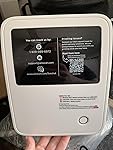
The machine is quite big in size, but it's not too heavy. I plan to leave it on my desk since it's quite big. The printer was overall pretty easy to set up and came with simple instructions. However, you will need to download the driver onto your laptop or computer to set up as a printer. Unfortunately, I have an older iphone that the cord cannot plug into to print directly from my phone. However, it works perfectly fine with my laptop. The driver was also pretty easy and quick to download and set up. I used the USB cable it came with. I didn't test out the wifi connection. However, there is a spot for the ethernet cord to plug into the printer if you wanted to utilize that. On the instructions, it seems like the company is working on a bluetooth capability, but it is not ready yet. This therefore cannot print and connect via bluetooth. Overall, I used it to print a USPS label and it came out easily. To calibrate, it does feel like it wastes 2 sheets of labels though because it must move the label forward to line up the roll. I did end up accidentally calibrating twice so I'm kind of stuck with extra labels torn out and probably not able to put into the printer unfortunately. ... show more
Reviewed in the United States on August 6, 2025 by Tm Tm

  • It works but not with Amazon
I cannot get it to print Amazon labels. That was the whole reason for purchasing this.
Reviewed in the United States on May 19, 2023 by Thomas M Moody Jr

  • Auto-Peel Speed Boost for Ship Days
I set this up via USB and was printing 4×6 labels in minutes—the auto-peel hands you a ready-to-stick label and kicks the liner out cleanly, which really speeds up batch shipping. Prints are crisp, barcodes scan first try, and the 5 ips pace keeps up with busy days. I like that it handles both internal rolls and fanfold stacks, and direct thermal means no ink or toner drama. The included BarTender UltraLite (Windows) is handy for quick product and warehouse labels. Simple, fast, and built for sellers who ship a lot. ... show more
Reviewed in the United States on August 9, 2025 by kristy roakes

  • Very Difficult Installation
I found this printer to be very difficult to install. The installation instructions don't tell you everything you need to know. First you have to go to their website and down load their printer driver. It tells you that if Windows wants to install its driver you should refuse it. So I did. At one point during installation it asks for a PIN number. The instructions don't talk about this, so I figured I could set the PIN I wanted to use. It failed every time. It also talks about "label calibration." None of my other label printers required this. I tried the "set up" procedure several times: once for USB and twice for bluetooth. Neither worked. I pulled up a shipping label from a PDF file and tried to print it. Nope. It never even responded. I have never had this much trouble installing a printer. I cannot in good conscience recommend this printer. ... show more
Reviewed in the United States on July 30, 2025 by Anonymous Cajun

Can't find a product?

Find it on Amazon first, then paste the link below.
Checking for best price...