

Buy Now, Pay Later
- – 4-month term
- – No impact on credit to apply
- – Instant approval decision
- – Secure and straightforward checkout
Ready to go? Add this product to your cart and select a plan during checkout.
Payment plans are offered through our trusted finance partners Klarna, Affirm, Afterpay, Zip, Apple Pay, and Google Pay. No-credit-needed leasing options through Acima may also be available at checkout.
Learn more about financing & leasing here.
FREE 30-day refund/replacement
To qualify for a full refund, items must be returned in their original, unused condition. If an item is returned in a used, damaged, or materially different state, you may be granted a partial refund.
To initiate a return, please visit our Returns Center.
View our full returns policy here.
Recently Viewed


At a glance
- Condition
- New
- Model
- XTOOL 12+8 Cable
- Power Source
- Corded Electric
- Operating System
- Windows XP
- In the box
- 12+8 Cable
Features 4
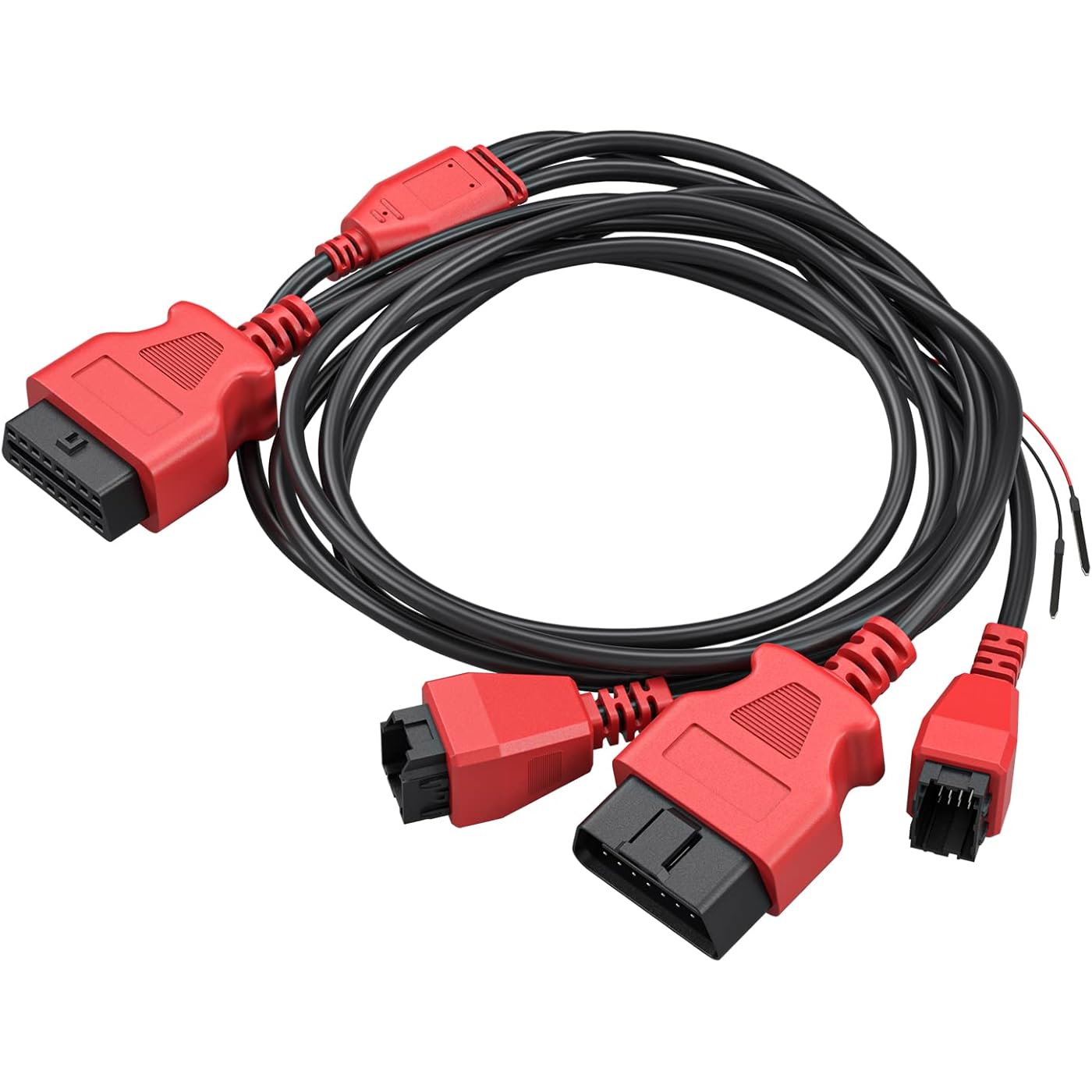
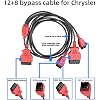
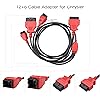
- XTOOL 12+8 OBD2 Cable Adapter for FCA Chrysler Vehicles (2018+): The XTOOL 12+8 adapter is designed to bypass the FCA Security Gateway (SGW), letting your XTOOL scanner communicate directly with vehicles. Supports for Chrysler, for Dodge, for Jeep, for Fiat, and for Alfa Romeo (2018+). Unlock advanced diagnostics, bidirectional controls, and coding functions for fast, reliable vehicle maintenance. Ideal for professional workshops and DIY enthusiasts.
- XTOOL Official Cable Adapter: Designed for Chrysler vehicles, this XTOOL 12+8 connector for Chrysler works seamlessly with all XTOOL OBD2 scanners, including the IP616, IP819, IP919, and D7/D8/D9 series. The XTOOL SGW bypass cable design ensures reliable performance and smooth integration with your XTOOL OBD2 scanner diagnostic tool. Note: This cable is made specifically for XTOOL car scanners and does not work with non-XTOOL devices.
- OBD Cable for Chrysler 12+8 Quick Connection in 4 Steps: 1. Find and unplug the 12-pin connector from the SGW (Security Gateway) module under the dashboard. 2. Find and unplug the 8-pin connector from the SGW module. 3. Connect the FCA 12+8 cable directly to the 12-pin and 8-pin SGW connectors. 4. Connect the other end of the cable to your XTOOL scanner or the 16-pin OBD2 test cable / OBD Bluetooth interface to establish communication.
- If you have any issues of the XTOOL 12+8 OBD Cable adapter for Chrysler during use, please contact us directly via email : xtoolofficial @ hotmail . com to get fast tech support.
Description
How to use the 12+8 Cable Adapter:Locate and unplug the 12pin and 8PIN connectors of the SGW module(SGW is installed below the dashboard.)Then connect the 12+8 directly to the 12pin and 8pin (two connectors connected to the SGW)connector on the car.Connect the other side to OBD adapter of diagnostic scanner.
Specs 12
| Brand | XTOOL |
|---|---|
| Power Source | Corded Electric |
| Operating System | Windows XP |
| Item Highlight | OBD2 12&8 Connector for FCA SGW Car SGM, for IP616/IP819/IK618/D7/D7S/D7W/D8/D8S/D8BT/D8W/D9S/D9SPRO/X100 PAD3/MAX Scanner |
| Brand Name | XTOOL |
| UPC | 763679429038 |
| Number of Items | 1 |
| Manufacturer | XTOOL |
| Item Type Name | XTOOL 12+8 Cable |
| Model Number | XTOOL 12+8 Cable |
| Manufacturer Part Number | XTOOL 12+8 Cable |
| Manufacturer Warranty Description | 1 Year Warranty |
No specs match.
Frequently asked questions
To initiate a return, please visit our Returns Center.
View our full returns policy here.
- Klarna Financing
- Affirm Pay in 4
- Affirm Financing
- Afterpay Financing
- Zip Pay in 4
- Financing through Apple Pay
- Financing through Google Pay
Learn more about financing & leasing here.