






Buy Now, Pay Later
- – 6-month term
- – No impact on credit to apply
- – Instant approval decision
- – Secure and straightforward checkout
Ready to go? Add this product to your cart and select a plan during checkout.
Payment plans are offered through our trusted finance partners Klarna, Affirm, Afterpay, Zip, Apple Pay, and Google Pay. No-credit-needed leasing options through Acima may also be available at checkout.
Learn more about financing & leasing here.
FREE 30-day refund/replacement
To qualify for a full refund, items must be returned in their original, unused condition. If an item is returned in a used, damaged, or materially different state, you may be granted a partial refund.
To initiate a return, please visit our Returns Center.
View our full returns policy here.
Recently Viewed


Features
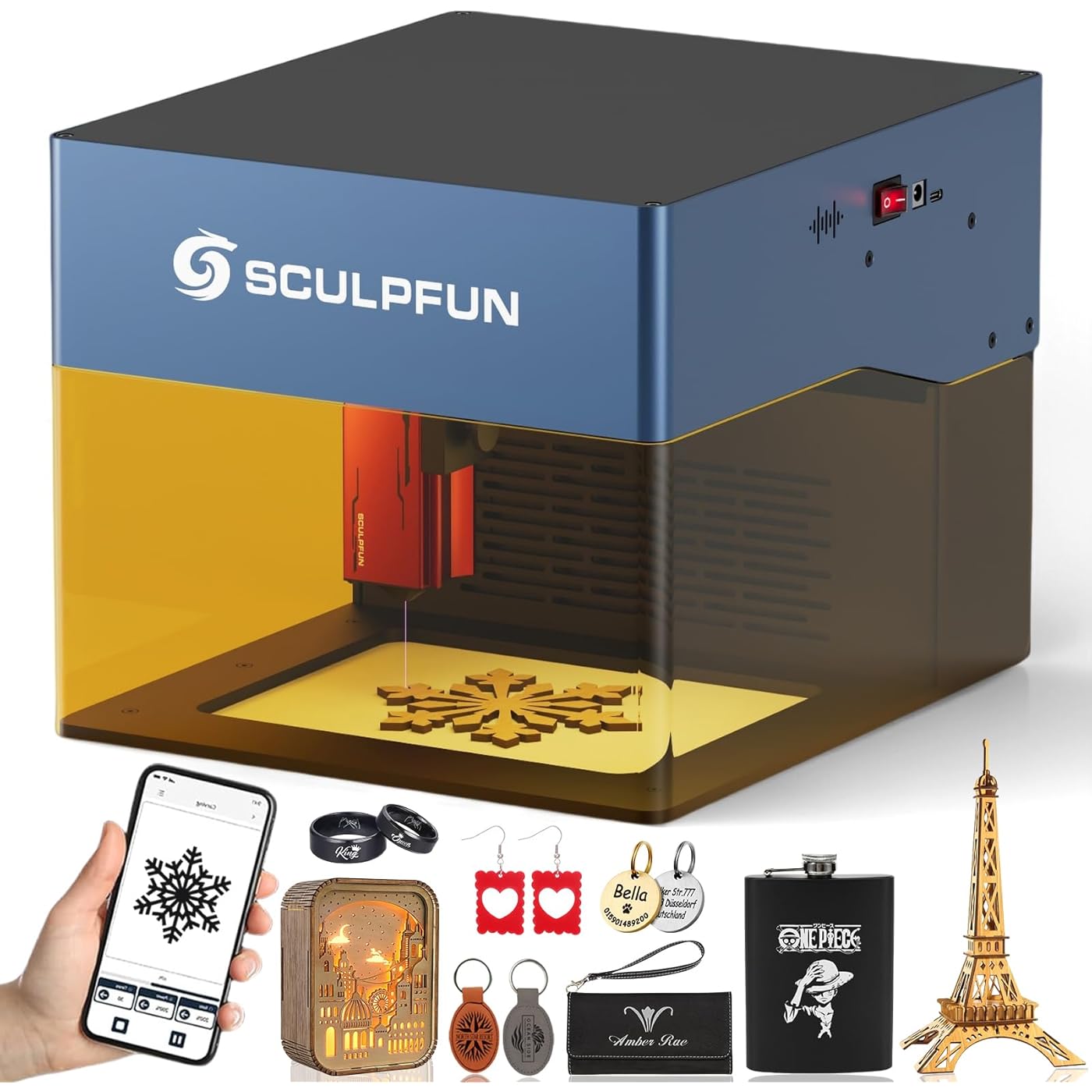
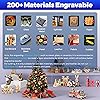
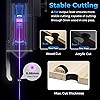
- All-in-One Engraving and CuttingThe iCube Pro laser engraver adopts a 5000mW diode laser, featuring an ultra-fine 0.06mm laser focus, which delivers exceptional cutting penetration and engraving precision. It can cut soft wood up to 10mm thick and black acrylic up to 6mm thick. Of course, in addition to engraving on wood, leather, and bamboo, it can also engrave on ceramics and stainless steel (it is recommended to blacken the surface for more remarkable engraving results).
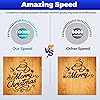
- Incredibly Fast Working SpeedThe iCube laser engraving machine features an all-new 32-bit high-speed engraving motherboard, enabling a maximum engraving speed of 10000 mm/min. It is faster than other frame-type engraving machines, which greatly enhances engraving efficiency. For instance, engraving a simple Christmas bell pattern on wood takes only 2 minutes, putting an end to the era of long waits beside traditional engraving machines for the engraving results.
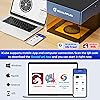
- Diversified Operation MethodsThe iCube Pro laser cutter supports both smartphone and computer connection. Undoubtedly, you can either control the machine using the SCULPFUN mobile App, or connect it to a computer via Bluetooth or Type-C data cable (Note: LightBurn and LaserGRBL software are available to control the machine). Surprisingly, our exclusive SCULPFUN App is fully functional and simplifies the operation process, allowing beginners to start their engraving journey more quickly!
- Built-in Smoke Filtration SystemThe iCube Pro laser cutting machine comes with a built-in smoke filtration system, meaning it can effectively filter the smoke generated during engraving and cutting without the need for a smoke exhaust enclosure. This allows you to freely engrave and cut in offices or homes, eliminating pungent smoke and letting you enjoy the fun of engraving!
- Reinforced Safety ProtectionFirstly, the detachable laser filter encoslure allows you and people around to directly observe the laser without wearing goggles. Secondly, when the temperature inside the laser engraver exceeds 45C, the temperature alarm device will sound an alarm and immediately stop the machine. In addition, the gyroscope detection, limit switches, and emergency stop button ensure safety in case of machine tilting, collision, or accidents.
- Optimized Desktop DesignThe iCube measures only 262300226mm, saving space when placed on a desk. Furthermore, it adopts a unique semi-open structure design, allowing you to place the object to be engraved either inside the machine or place the machine on the surface of large objects for engraving - there is no restriction on the volume of the object (Note: Although there is no limit to the size of the object to be engraved, its engraving area remains 125125mm).
Description
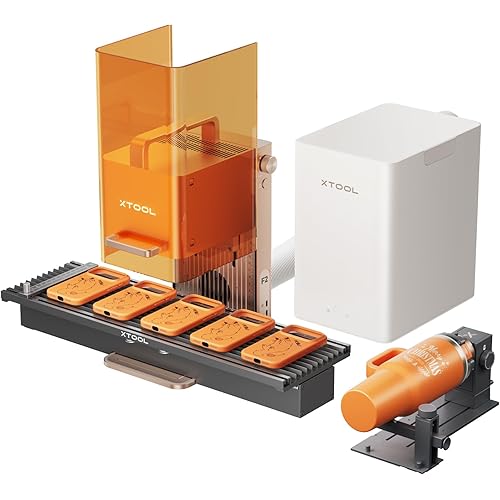
When choosing a laser engraver, how should I select the wattage? Is higher always better? Generally speaking, it all depends on your specific use case. Low-power laser provides a finer laser spot - suitable for detailed engraving, while high-power laser provides a larger laser spot - ideal for cutting thicker materials! What should I pay attention to when engraving reflective materials like metal, ceramic, and transparent acrylic? Before engraving, first blacken the surface with a marker or black acrylic paint. This black coating absorbs laser light really well, so the final engraving turns out super clear. Once you’re done, just wipe the coating off! Hi there, I’m a street vendor. Could you let me know the size of the iCube Pro, and can it work outdoors? The dimensions of the machine are 262×300×226 mm, and its working area is 125×125mm, which is very portable. Therefore outdoor engraving can be achieved with just a laptop/smartphone and a power station. Hello, besides a computer, can I control it with my smartphone? Yes, besides the PC software options like LightBurn and LaserGRBL, we also have a self-developed mobile app called SCULPFUN. Just connect your smartphone to the machine via Bluetooth, and then you can control everything right from this app! Can it engrave cylindrical stuff - like mugs or bottles? And can I swap out the laser module for a different one? Absolutely! You can swap out the current laser module with any SCULPFUN higher-wattage laser module. Plus, if you want to engrave cylindrical objects (like mugs or bottles), we recommend picking up an extra rotary roller or rotary chuck.
Product Dimensions: 10.31 x 11.81 x 8.89 inches
Item model number: iCube Pro
Item Weight: 7.05 pounds
Manufacturer: SCULPFUN Technology Co., Ltd.
Date First Available: July 24, 2025
Frequently asked questions
To initiate a return, please visit our Returns Center.
View our full returns policy here.
- Klarna Financing
- Affirm Pay in 4
- Affirm Financing
- Afterpay Financing
- Zip Pay in 4
- Financing through Apple Pay
- Financing through Google Pay
Learn more about financing & leasing here.


Top Amazon Reviews
