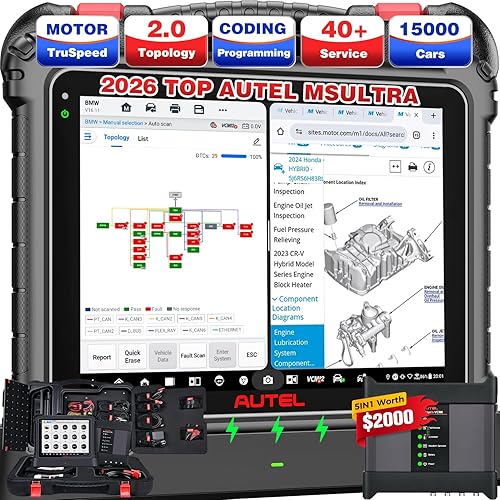
OBD2 Scanner Bluetooth Car Code Reader Diagnostic Tool Wireless OBD Car Code Reader Check Engine for Cars and Trucks for iOS and Android


Notify me when this product is back in stock
Buy Now, Pay Later
- – 4-month term
- – No impact on credit to apply
- – Instant approval decision
- – Secure and straightforward checkout
Payment plans are offered through our trusted finance partners Klarna, Affirm, Afterpay, Zip, Apple Pay, and Google Pay. No-credit-needed leasing options through Acima may also be available at checkout.
Learn more about financing & leasing here.
Selected Option
FREE 30-day refund/replacement
To qualify for a full refund, items must be returned in their original, unused condition. If an item is returned in a used, damaged, or materially different state, you may be granted a partial refund.
To initiate a return, please visit our Returns Center.
View our full returns policy here.

Color: Blue
Features
- Android and iOS Compatibility The OBD Car Scanner can be used by downloading a free app and is also compatible with various third-party OBD applications such as Faslink X, DashCommand, Torque, Infocar, Auto Doctor, Four Stroke, or OBD Fusion. The effectiveness of the scanner may vary based on the specific third-party software used. If you encounter issues, switching to a different app may help resolve them.
- With this Bluetooth OBD2 interface scanner, you can retrieve various sensors of your car wirelessly while driving. We recommend using the Car Scanner ELM OBD2 app to connect.
- Easy To Use: Super OBDII Bluetooth car diagnostic interface scanner, easy to take.Works with all OBD-II compliant vehicles.Readout device for all vehicles adapter compatible with Android / Windows.
- The OBD2 car code reader can read and clear over 3,000 different error codes. It interprets fault codes and displays pertinent sensor data, including engine speed, coolant temperature, vehicle speed, intake manifold pressure, intake air temperature, air flow, throttle position, oxygen sensor voltage, and fuel pressure, among others.
- Download the app back on the product outside package to use the code reader tool if you have any connection problem with the connection,you can cntact us and we can help you solve the problem
- How to Use the Car Scanner: Download the free app. Plug the OBD2 device into your car's OBD2 port (typically found under the dashboard). Start your vehicle. Enable Bluetooth on your smartphone or tablet and pair it with the OBD2 device. pin code:add 1234 and reconnect it,if you have any problem about the produc,you can cotact with us and we can help you solve the problem
Description
OBD2 Reader Car Diagnostic Tool Wireless OBD Car Code Reader
Brand: DoHome
Power Source: Corded Electric
Operating System: Android 11.0, iOS
Language: English
Manufacturer: obdel
Manufacturer: obdel
Brand: DoHome
Model: obdel1
Item Weight: 0.704 ounces
Package Dimensions: 3.86 x 2.52 x 1.14 inches
Item model number: obdel1
Manufacturer Part Number: obdel1
Date First Available: January 3, 2024
Frequently asked questions
To initiate a return, please visit our Returns Center.
View our full returns policy here.
- Klarna Financing
- Affirm Pay in 4
- Affirm Financing
- Afterpay Financing
- Zip Pay in 4
- Financing through Apple Pay
- Financing through Google Pay
Learn more about financing & leasing here.