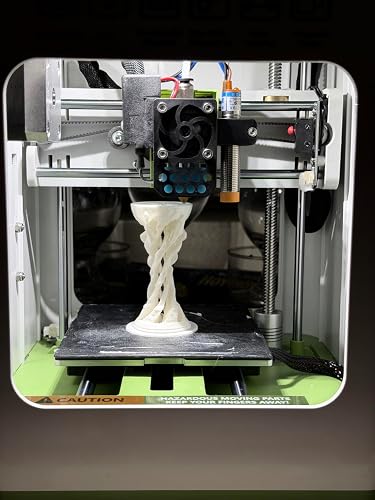
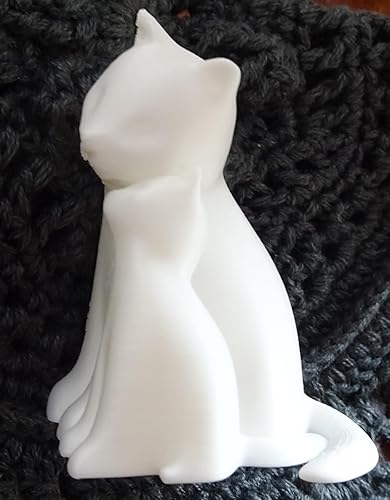
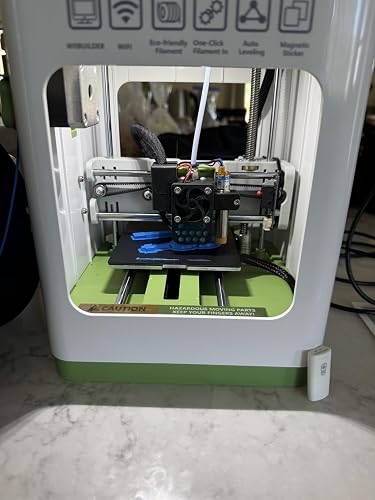
Fully Assembled Mini 3D Printer for Kids and Beginners - Complete Starter Kit with Auto Leveling 3D Printing Machine, 10M PLA Filament, and SD Card - WiFi 3D Home Printer for MAC Windows Linux (Green)




Buy Now, Pay Later
- – 6-month term
- – No impact on credit to apply
- – Instant approval decision
- – Secure and straightforward checkout
Ready to go? Add this product to your cart and select a plan during checkout.
Payment plans are offered through our trusted finance partners Klarna, Affirm, Afterpay, Zip, Apple Pay, and Google Pay. No-credit-needed leasing options through Acima may also be available at checkout.
Learn more about financing & leasing here.
Selected Option
FREE 30-day refund/replacement
To qualify for a full refund, items must be returned in their original, unused condition. If an item is returned in a used, damaged, or materially different state, you may be granted a partial refund.
To initiate a return, please visit our Returns Center.
View our full returns policy here.
Recently Viewed


Color: Green
Features
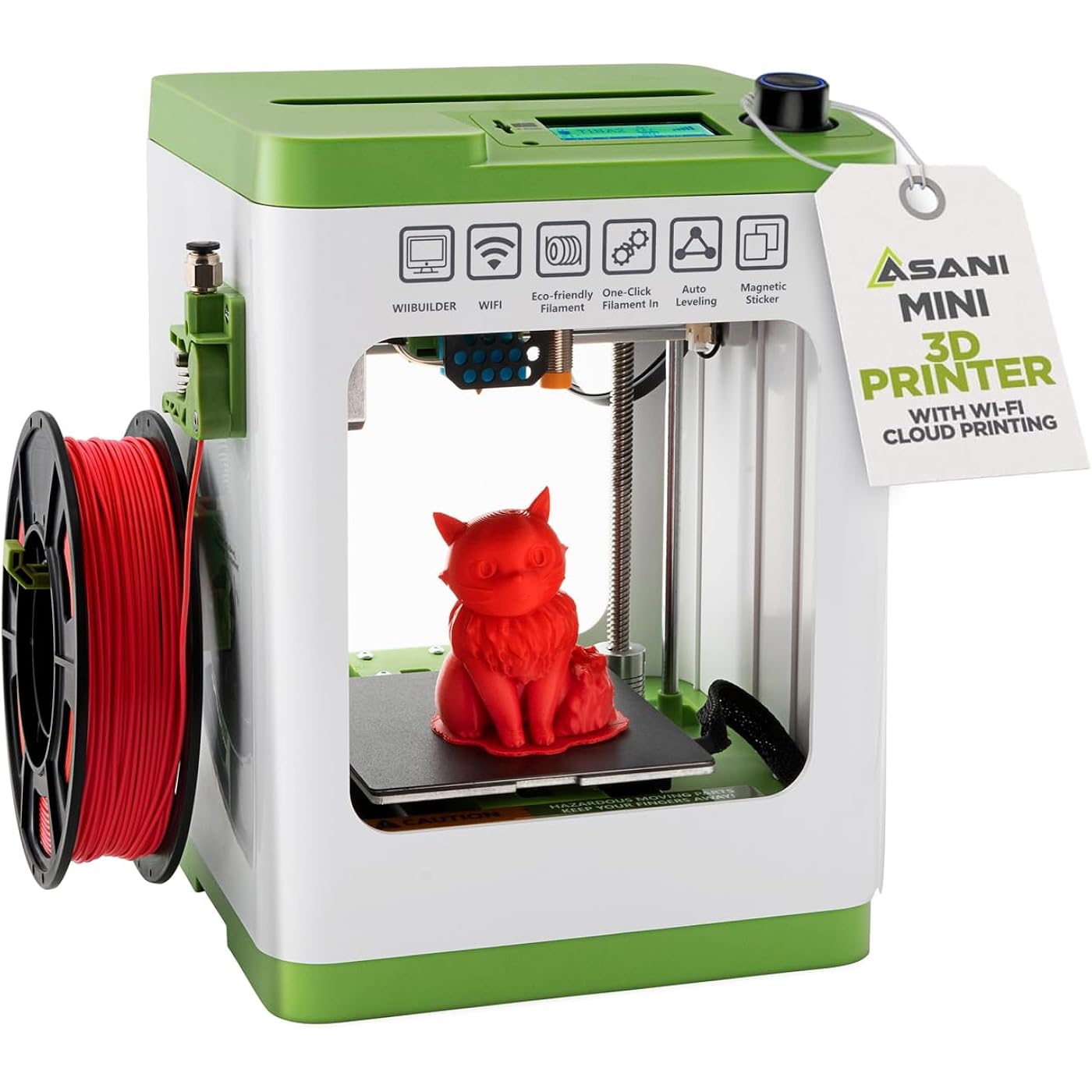
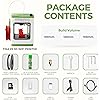
- COMPLETE STARTER KIT: Everything is included, just bring the imagination. This 3D printer starter kit comes with a mini printer, 10M of PLA filament, a microSD card pre-installed with model designs & splicing software, and more 3D printer accessories.
- FULLY ASSEMBLED PRINTER: Unlike other 3D printers that may malfunction if not meticulously assembled correctly, our printer is designed for reliable, long-term use right out of the box. With its compact, space-saving size of 8.3 x 8.3 x 11.4 and a lightweight build, it's perfect for home, classrooms, and dorms, delivering consistent, jaw-dropping prints every time.
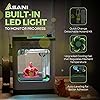
- EASY AUTO LEVELING: Made with kids and beginners in mind, our printer turns complexity into creativity-fueling simplicity. It features auto-leveling and a dual z-axis rail for high-precision prints, a 2.4 LCD screen, and a flexible magnetic build plate for easy removal.
- ONE-TOUCH FILAMENT LOADING: Load and retract filament at the touch of a button. The 3D printers for beginners and kids are compatible with 1.75mm PLA, PLA pro, & TPU filament. Youll also love the Active Pause & Resume Print functions that put more control in your hands.
- OPEN SOURCE PRINTING: Use MAC, Windows, or Linux and bring your imagination to life. The WiFI-capable printer is also compatible with a majority of slicing software including WiiBuilder, Cura, Simplify3d, and Slicr3d. Go ahead, dive into the world of 3D printing the easy way!
- NOTE TO ALL TINA2S USERS: Please only use the included TINA2S platform plate or comparable metal plate that can be magnetically attached. Using a non-metal/non-magnetic plate will cause the Proximity Sensor to not function properly and lead to malfunctions.
Description
Getting started with 3D printing doesn’t have to mean complex setup and mind-boggling controls. It doesn’t have to mean making constant micro adjustments and dealing with bulky hardware. Meet our mini 3D home printer - the easiest way to explore this exciting new frontier! - Fully Assembled: Ready to go out of the box. - Double Z-Axis Rail: Extra stability for high-precision printing. - Active Pausing: More control during the printing process. - Compact & Lightweight: Great for home use, classrooms, and dorm rooms. - One Key Filament Loading: Feed and retract filament at the press of a button. - Resume Print: Saves time and material in case of an unexpected power failure. - Fully Open Source: Works with major operating systems & splicing software. - 2.4” LCD Screen: Access settings & show machine status. - Auto Leveling: A proximity sensor ensures a uniform distance between the nozzle and print bed. - Removable & Magnetic Flexible Build Plate: Easily detach and can be bent for fuss-free print removal. FAQ / Troubleshooting: Is WiFI required for printing? - No. WiFi is only needed if you will be printing from the mobile app. The printer can also be connected via USB directly to your computer or laptop. You can also copy 3d print files to the MicroSD card and then insert the card into the printer for direct printing. Why is the printer creating a spaghetti-like mess at the BEGINNING of the print? - This is a telltale sign that the z-offset setting needs to be calibrated so that the gap between the nozzle and print bed is at the optimal distance for the first layer to adhere to the bed. Although this is adjusted at the factory, this setting may need to be adjusted occasionally due to shipping forces or temperature changes that causes parts to expand/contract. Here's how: What filament does this printer use? Where can i buy more? This printer uses standard-sized 1.75mm PLA, PLA pro, & TPU filament. The integrated spool holder can hold spool sizes up to 250grams. If using larger spools, you will need to use an external spool holder (not included). PLA filament spools are readily available on Amazon and in any store that sells 3D printers. Doing a search on Amazon for "250g PLA filament" will yield many results that will fit this printer. My project is stuck on the plate and I cant remove it. If your project has finished printing and you are having a hard time removing it, detach the magnetic bed plate from the printer and bend the bed plate back and forth until your print releases. Manually heating up the plate first will also make it easier to release and peel off. I'm getting a download error when printing from the app. Check that the MicroSD card is fully inserted into the printer. In most cases, the card is already installed in the printer slot. If you don't see it preinstalled, check for it in the accessories bag. The combination of the backlit 2.4" LCD screen and the shuttle knob control allows quick selection of menu items and actions. The home screen displays a wide array of information such as nozzle temperature, current, x/y/z position, estimated time left for completion, progress of the printout, as well as the network IP address and strength of WIFI signal. With a couple actions of the knob, you can also quickly pause and resume printing. The TINA2S is designed to work with PoloPrint Cloud, which offers direct control of the printer with your phone. Download 3D print files online and start the print job right from your phone. And if your printer is networked, you can even access the printer remotely outside of the house while you're at work or school to check the progress or to pause or resume. Don't be fooled by the TINA2S's small stature and price. This little 3D printer is fully capable of fast printing (~200m/sec ) with a high level of detail and accuracy (within 0.1mm margin of error). And it does it while being quiet enough to sleep in the same room with while it's printing. It's only limitation is the size of the prints. But this with this limitation also comes with the benefit of being easily transportable and being fully assembled and ready to go whenever you need it. Since 2017, Asani has provided our customers with useful products that combine the latest in home innovation and affordability. Our Company Since 2017, we've become one of the fastest growing home product & appliance companies on Amazon with several best-selling products and millions of customers. Inspired by the latest trends in home product innovations, we are committed to bringing them into the mass-market with a focus quality and affordability. We are inspired by the latest trends in home product innovations and bringing them into the mass-market. Since 2017, we've become one of the fastest growing home product & appliance companies on Amazon with several best-selling products and millions of customers. Although all our electrical products work at 120 voltage, only some of them work at both 120V & 240V. Please check the details in the listing to verify that it works with the voltage you need. Our company is based in Orange County, California.
Brand: Asani
Material: Pla
Color: Green
Product Dimensions: 8.3"D x 8.3"W x 11.4"H
Item Weight: 6.4 pounds
Product Dimensions: 8.3 x 8.3 x 11.4 inches
Item Weight: 6.4 pounds
Item model number: TINA2S
Date First Available: June 28, 2023
Manufacturer: Jiangsu Wiiboox Technology Co. Ltd
Frequently asked questions
To initiate a return, please visit our Returns Center.
View our full returns policy here.
- Klarna Financing
- Affirm Pay in 4
- Affirm Financing
- Afterpay Financing
- Zip Pay in 4
- Financing through Apple Pay
- Financing through Google Pay
Learn more about financing & leasing here.
Similar Products



Top Amazon Reviews