Search  for anything...

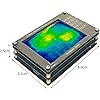
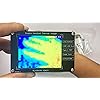
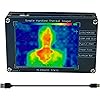
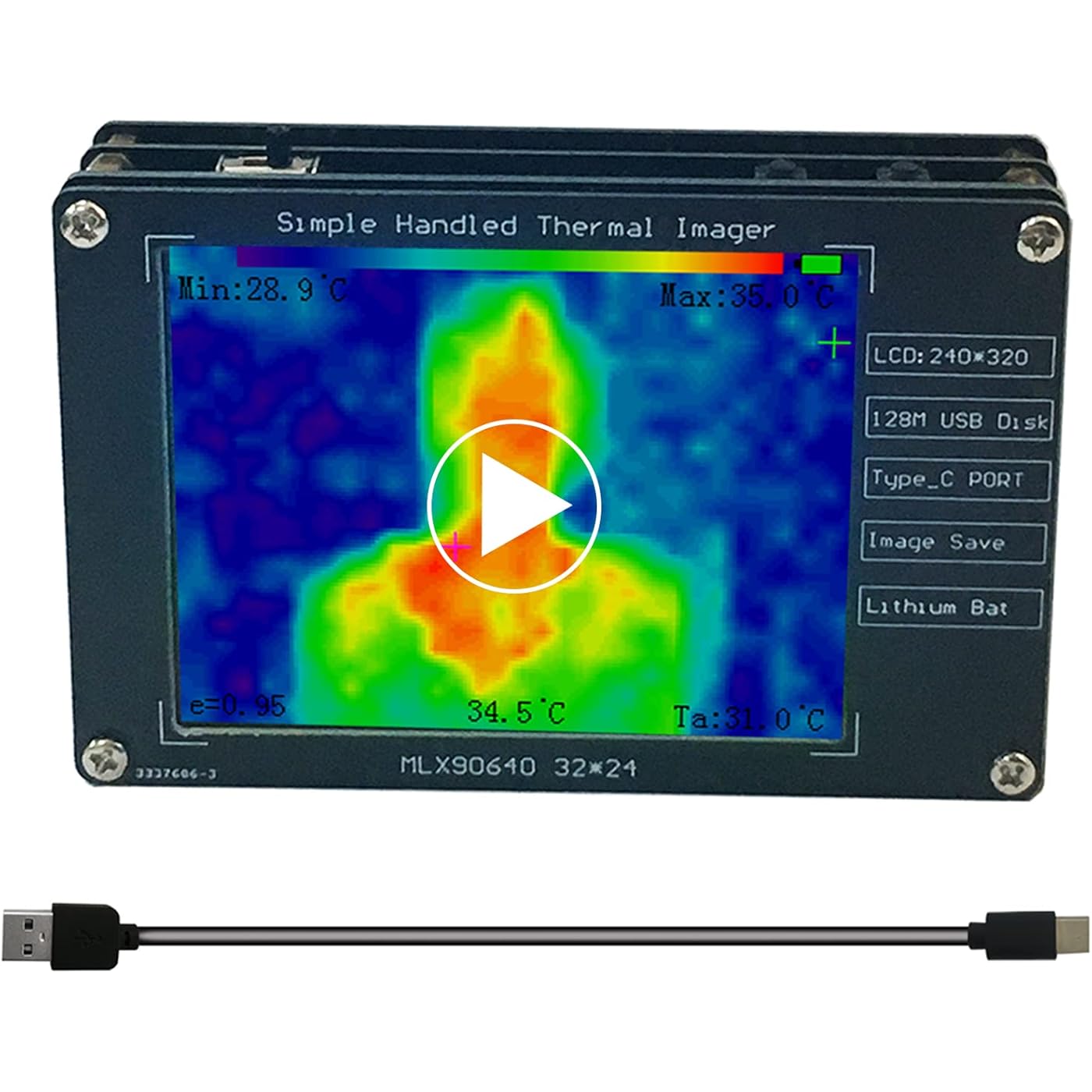
Upgraded MLX90640 Infrared Thermal Imager Portable Infrared Thermal Sensor High Accuracy Camera Temperature Tester Detection Non-Contact Measurement Buillt in Battery.
  • Based on 185 reviews
Condition: New
Checking for inventory...

Notify me when this product is back in stock

$74.00 Why this price?
Save $45.99 was $119.99

Buy Now, Pay Later


As low as $12.33 / mo
  • – 6-month term
  • – No impact on credit to apply
  • – Instant approval decision
  • – Secure and straightforward checkout

Payment plans are offered through our trusted finance partners Klarna, Affirm, Afterpay, Zip, Apple Pay, and Google Pay. No-credit-needed leasing options through Acima may also be available at checkout.

Learn more about financing & leasing here.

Free shipping on this product

FREE 30-day refund/replacement

To qualify for a full refund, items must be returned in their original, unused condition. If an item is returned in a used, damaged, or materially different state, you may be granted a partial refund.

To initiate a return, please visit our Returns Center.

View our full returns policy here.


Availability: Unavailable
Fulfilled by Amazon
Available payment plans shown during checkout

Features

  • Sensor model:MLX90640 resolving power:24*32, high performance and high output resolution.
  • Temperature Range: -30C~200C, it is widely used in testing electronic products.
  • Power:1000mah Bulit-in Rechargeable Baterry, Type-C Charging Port.
  • Storage: Can save 100 Pictures and Read by connecting to PC.

Description

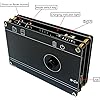
Basic parameters1> Sensor model: MLX90640, resolving power: 24322> LCD resolving power:2403203> Main control chip: GD32F103C8T64> USB Port: Type_C5> Power: Built in 1000Mah battery, Portable.6> 16mb storage space,Can store 100 picturesMode Switch Key: press the Mode key to enter the USB flash disk mode, and the screen will close. At this time, the device needs to be connected to the computer with a usb cable. Open the computer to see the pictures in the USB disk.Temperature Range: -30°C~200°C, it is widely used in testing electronic products,heat leakage,Automobile maintenance and outdoors.Package lists:1x MLX90640 Thermal Imager1x Usb Cable1x User Manual

Package Dimensions: ‎5.94 x 4.09 x 2.13 inches


Item Weight: ‎5.9 ounces


Manufacturer: ‎IWatson Electronics


Batteries: ‎1 Lithium Ion batteries required. (included)


Date First Available: ‎September 26, 2022


Frequently asked questions

This product is currently out of stock. Please check back later for shipping info.

Yes, absolutely! You may return this product for a full refund within 30 days of receiving it.

To initiate a return, please visit our Returns Center.

View our full returns policy here.

  • Klarna Financing
  • Affirm Pay in 4
  • Affirm Financing
  • Afterpay Financing
  • Zip Pay in 4
  • Financing through Apple Pay
  • Financing through Google Pay
Leasing options through Acima may also be available during checkout.

Learn more about financing & leasing here.

Top Amazon Reviews


  • Use Provided Charging Cable, not a Laptop Power Supply
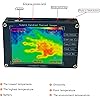
Works as expected, well worth the price if you need a simple thermal imager. Perfect for finding cold spots where insulation could be improved or hot spots on an engine or circuit board. The image helps you find problem areas, use the temperature reading for the center cursor to measure specific points. Construction is just 4 circuit boards bolted together, keeping costs low. Use the supplied USB-A to USB-C cable and any 5 volt USB wallwart, red LED is on when charging, a laptop USB-C charger will not work and instead actually discharges the battery. Charge time of about 3 hours taking maybe half an Amp from the charger, can then run the camera continuously for about 6 hours. State of charge is shown by the rectangle in the upper right of the display, all black is fully charged. Display freezes for 20 seconds when capturing an image. If you want a "Night Vision Game Camera" then search for that, those use a cheap cell phone camera element with the optical filter removed to allow through any near infrared light. This thermal imager is sensitive to the far infrared and has much lower resolution. The reference color bar is at the top of the display, the lowest currently displayed temperature is blue with a little bit of red added, the highest currently displayed temperature is bright red. The three cursors are at the center, at the coldest point, and at the hottest point (the cursor for the hottest point can be difficult to see against the red background). Text is displayed giving the temperature in degrees Celsius for each of the three cursors, plus the average temperature. The saved image file is exactly the same as what was on the display, and has a name between 00.BMP and 99.BMP. Technical Info: Frame rate is 2 frames per second and is updated as 2 interlaced fields in a checkerboard pattern, so half the image is updated at 4 fields per second. The thermal sensor provides the device with a 32x24 array of temperature readings, this is then interpolated into a 320x240 pixel image for the QVGA display. The cursors, annotation, and a reference colorbar are added on top of the image. Image from the display is saved as per Example-1 of the Wikipedia page for "BMP_file_format", except that the "Compression Method" is BI_BITFIELDS (not BI_RGB), and so there are three 16 bit bitmasks just before the start of the 320x240x2 bytes of pixel data at the end of the file (bottom raster first). Each 16 bit pixel data word has 5 bits of red in the MSB's, 6 bits of green, and 5 bits of blue. The emissivity of the object being measured is assumed to be 0.95, as shown by the constant "e=0.95" in the lower left of the screen. (Google "emissivity".) Given the extra information laid on top of the thermal image, it will be impossible to accurately recover the 32x24 temperature data from the sensor. The Adafruit MLX90640 breakout board would be a better choice for those interested in the raw 32x24 temperature data from the sensor, unless some future version of this device could save the 32x24 sensor data to a separate file. Manual should be revised to include the following: Red LED turns on while charging, off when fully charged. Use only a USB-A to USB-C cable such as supplied with the camera, do not use a USB-C to USB-C cable for charging or a USB-C laptop charger. State of charge is shown by the rectangle in the upper right of the display, all black is fully charged. ... show more
Reviewed in the United States on December 22, 2023 by LizE

  • This is an excellent image for the price!
When you receive this take care to plug it into a wall and not a USB to charge it. Leave it for at least 4 hours so it can get a proper charge on it. This thermal imager will not give you very clear images, but it will show you temperature differentials which is super important when you are trying to weatherproof your house. That is what we are using it for. It shows you the coldest area within the screen and the warmest area within the screen. Once you get used to it, even though you cannot see the images you know what you are looking at based on temperature differentials. If you are looking to get this to see where hot or cold are leaking, this is the perfect thermal imager. I highly recommend this for this use. The battery life is very good and the temperatures are very accurate. I tested it against my laser thermometer and it was very accurate. I would say the value for the money is excellent. It is super easy to use. All you have to do is turn it on on the upper right hand side and point it at where you want to see the temperature differences. It also has other features on it where you can save pictures of the thermal images to your laptop. I don't know anything about that because that's not something I'm interested in using it for. ... show more
Reviewed in the United States on December 15, 2024 by Megan Zamorano

  • Fun
Finicky & fragile, but lots of fun. Performance is very good for the price. Perfect for experimenting. If you need something rugged for daily work you’l need spend a lot more $ to get a similar result.
Reviewed in the United States on January 23, 2025 by Amazon Customer

  • Not worth buying (mostly a toy), look for better altternatives for slightly higher price
Electronic components and sensors are fairly cheap nowadays, so there is no reasons why an infrared thermal camera should cost hundreds of dollars. This camera is not worth buying, considering that there are much better alternatives for a slightly higher price (like $99). It has a very low resolution at 24x32 (768 pixels) with relatively large lcd screen, thus magnifying the poor resolution conundrum. Also, it has issues with auto-scaling along with color palette issues (detecting min. and max. temp in a current frame when the temps differ significantly). Not worth buying, it is mostly a toy; look for better alternatives. ... show more
Reviewed in the United States on May 13, 2026 by Lazarus Wald

  • Return as Junk
Temperature are not correct and image very poor.
Reviewed in the United States on May 28, 2026 by Kevin And Molly Roberts

  • Good product
Thought it would be bigger than it was and the charging ports hard to push in and pull it out when trying not to be hard on the product. Wish it had some kind of cloth case it came with but was just the cardboard box so risking scratching up the lens.
Reviewed in the United States on July 1, 2024 by Ashley

  • It's very good for the price but honestly I don't know if it's worth it
It's good for the price but honestly I don't know if it's worth it. There's such low resolution it can only give you results on like a 6x6 ft piece of wall. Although you could use on an entire side of a house for a VERY general sense of where heat is escaping.
Reviewed in the United States on April 17, 2026 by A. Smith

  • Basic, but effective.
This device works as designed. The resolution is very pixelated, Lets face it, you cant expect a high resolution thermal camera for sub $100.00 price. The picture is very usable, and the camera works as designed. depending on the industry or location you should be able to make it work. You can access/download all the pictures via the USB cable to your laptop or PC. If you require high resolution images, you may want to spend a bit more $$$ for the resolution you require. when you're looking for a thermal anomaly, this device should be able to help you. everything works out of the box and the manual is easy to understand. If I find anything further during my testing, I'll update this review. ... show more
Reviewed in the United States on January 16, 2025 by wetSANDBAG

Can't find a product?

Find it on Amazon first, then paste the link below.
Checking for inventory...