Search  for anything...

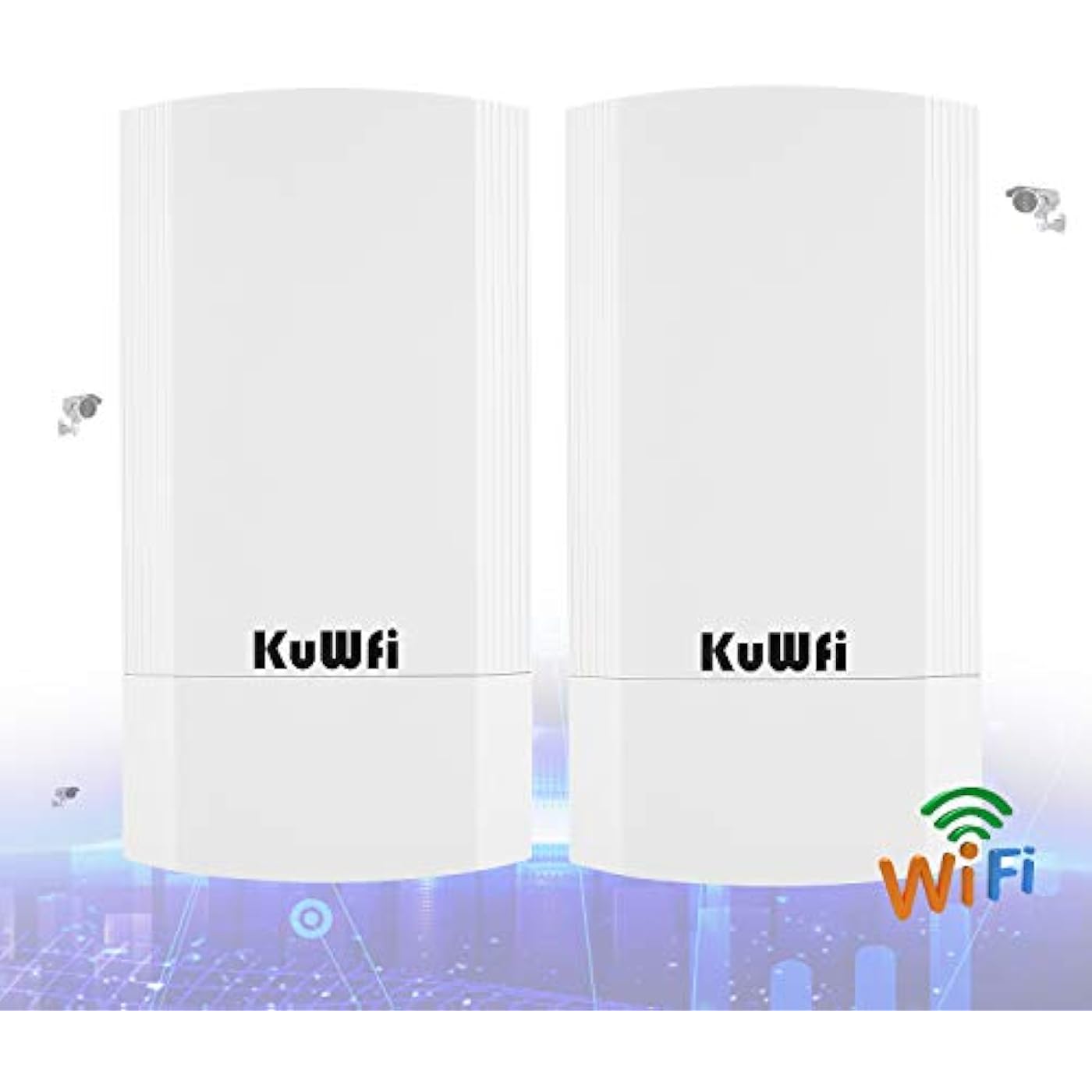
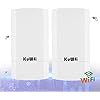
KuWFi 5.8G Point to Point Outdoor WiFi Bridge,900Mbps Network Wireless Ethernet Bridge,2KM/1.24 Miles P2P Wireless Bridge CPE Kit IP65 Waterproof for Extend starlink Router Signal
  • Based on 571 reviews
Condition: New
Checking for the best price...
$73.98 Why this price?
Save $76.01 was $149.99

Buy Now, Pay Later


As low as $12.33 / mo
  • – 6-month term
  • – No impact on credit to apply
  • – Instant approval decision
  • – Secure and straightforward checkout

Ready to go? Add this product to your cart and select a plan during checkout.

Payment plans are offered through our trusted finance partners Klarna, Affirm, Afterpay, Apple Pay, and PayTomorrow. No-credit-needed leasing options through Acima may also be available at checkout.

Learn more about financing & leasing here.

Selected Option

Free shipping on this product

FREE 30-day refund/replacement

To qualify for a full refund, items must be returned in their original, unused condition. If an item is returned in a used, damaged, or materially different state, you may be granted a partial refund.

To initiate a return, please visit our Returns Center.

View our full returns policy here.


Availability: Only 2 left in stock, order soon!
Fulfilled by Amazon

Arrives Saturday, May 2
Order within 17 hours and 12 minutes
Available payment plans shown during checkout

Protection Plan Protect Your Purchase
Checking for protection plans...

Color: CPE200 900Mbps 2KM


Features

  • What KuWFi CPE200 isan 11AC 5GHz 900Mbps wireless bridge point to point outdoor CPE Kit with ethernet port. The Wi-Fi range to up to 2KM and with LED display to configure the PT/PTMP connection, more stable Support AP and bridge operation mode, simple to built the PTP/PTMP connections, meet with multiple Wi-Fi transmission scheme demands. Outdoor Wireless CPE Bridge Waterproof, dust proof, lighting protection. Operating Temperature: -30C-55C Storage Temp: -40C-70C
  • Multiple operation mode,suit for different network & environment Connect an IP Surveillance Camera to CPE200s secondary port and utilize its long-range connectivity to send surveillance video back through the wireless network for extended surveillance coverage. Tethering a series of IP Cameras to the CPE200 gives you 'eyes on' places you might not otherwise see. Easy to set CPE with IP cameras and networks DVR
  • Point to Point Connection for Wireless Coverage Multi-Mode wireless wifi bridge with ethernet port and LED display: Support Wireless AP, Repeater operation mode; Support SSID broadcasting, Multi SSID up to 4; Support DHCP server; WiFi coverage before 2 houses with 2KM distance. It transmits via wireless WiFi, reducing the trouble of wiring cable
  • Tips on product how to use Its LED Display can show operation mode/channel/signal strength, its H/C switch ctrl the Master/Slave units, no need to access into GUI, press reset 1s will automatic paired; avoid the complex setup program. If it is passing the wrong gateway and DNS information. You can try to put a manual IP address with Gateway address from the original modem along with your choice of DNS
  • Reliable Warranty ServiceBacked by our 30-day money-back guarantee and month free replacement, 1-year manufacturer warranty and professional technical support. You can use the Wireless Ethernet Bridge with confidence. If you need any help, please contact us in time.

Brand: KuWFi


Model Name: KuWFi 5.8G 900Mbps Outdoor AP


Special Feature: PTP


Frequency Band Class: Single-Band


Wireless Communication Standard: 802.11ac


Compatible Devices: Personal Computer, Security Camera, Smart Television, Smartphone, Tablet


Recommended Uses For Product: Business, Home


Included Components: Network cable, Outdoor WiFi Bridge, POE power supply, User manual


Connectivity Technology: Wireless


Color: CPE200 900Mbps 2KM


Other Special Features of the Product: PTP


Frequency Band Class: Single-Band


Wireless Compability: 802.11ac


Compatible Devices: Personal Computer, Security Camera, Smart Television, Smartphone, Tablet


Antenna Location: Business, Home


Connectivity Technology: Wireless


Antenna Type: Fixed


Operating System: all


Security Protocol: WPA2-Enterprise


Number of Ports: 2


Control Method: App


Data Transfer Rate: 900 Megabits Per Second


LAN Port Bandwidth: 10/100 megabits_per_second


Voltage: 24 Volts


Maximum Upstream Data Transfer Rate: 900 Megabits Per Second


RAM Memory Installed: 64 MB


Number of Antennas: 1


Wi-Fi Generation: Wi-Fi 5


Is Modem Compatible: No


Connectivity Protocol: Ethernet


Coverage: up to 2 Kilometers


Controller Type: Switch


Frequency: 5 GHz


Brand: KuWFi


Model Name: KuWFi 5.8G 900Mbps Outdoor AP


Built-In Media: Network cable, Outdoor WiFi Bridge, POE power supply, User manual


Model Number: CPE200


Manufacturer: KuWFi


Mfr Part Number: CPE200


Warranty Description: 2 YEAR


Item Dimensions L x W x H: 3.94"L x 1.18"W x 9.06"H


Color: CPE200 900Mbps 2KM


Frequently asked questions

If you place your order now, the estimated arrival date for this product is: Saturday, May 2

Yes, absolutely! You may return this product for a full refund within 30 days of receiving it.

To initiate a return, please visit our Returns Center.

View our full returns policy here.

  • Klarna Financing
  • Affirm Pay in 4
  • Affirm Financing
  • Afterpay Financing
  • PayTomorrow Financing
  • Financing through Apple Pay
Leasing options through Acima may also be available during checkout.

Learn more about financing & leasing here.

Top Amazon Reviews


  • Great long distance bridge and it's ready to go
Color: CPE200 900Mbps 2KM
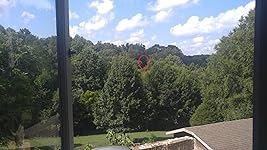
CPE 5.8 KuWFI Bridge I had Chinese instructions which I can’t read, so I jumped right in and hooked them up. I picked one for a Master AP and one for the slave and they worked with no fussing over instructions. There is a 4-digit readout inside the cover of each unit which show a letter and “149”. I guess I got lucky picking the slave or possibly it just doesn’t matter. If you don’t get a connection, swap them out. There was no indication on the device label as to which one was the Master AP. I have 100 x 10 service from Spectrum and I’ve seen 112 x 11 once today. Right now with my laptop connected via WIFI to the 5.8 radio I’m only getting 67 x 11. That’s in the house. I ran 40 ft of ethernet cable from a wall jack and tied the AP so that it was approx. 10 ft off the ground. This area on my back porch facies a space that included some trees, a pond and pastures. I made sure that I had a direct line back to the AP even with trees close by. The slave unit (mounted on a pole) would end up being about 7 ft high out of the sunroof of my car.. I would not consider either height is acceptable for a solid test of this bridge (15 to 25 ft would be better and without trees). My laptop was connected to the slave and I turned the unit towards the AP unit. I made several tests of throughput using Speedtest.net at 75 ft, 600 ft and 1100 ft as measured on Google maps. I made 4 speed test at each distance My first test, 75 ft away, was off to the side of the AP (in my yard) and I measured 56 x 11 mbps. The 2nd test was at 1100 ft and I was able to achieve 47 x 11 mbps. That’s pretty good!! The 3rd test was at 600 ft and I clocked the speed at 51 x 11 mbps.. I went further away and beyond the pasture area to 1700 ft where I didn’t have a clear view and it appeared there was a slight hill between the devices. I was able to get 19 x 11 mbps with trees and other obstructions. My major use for this bridge would be to connect IP cameras from 400 ft to 1800 ft. This KuWFi bridge also has WIFI available on the slave unit so that more cameras can be connected at the remote location. Long distance test:: I finally had time to make a large scale test today. I placed the units on opposite sides of a nearby resort lake. The distance as measured on Google Maps was 1.39 miles. I was skeptical but the results were 22.4 mbps x 11.8 mbps. As with the previous test, the master was tied up on a post near the lake at a height of 11 feet and the slave in my car was 6-7 feet. Optimal for both ends would be 25-30 feet. Unfortunately I will not be able to supply the in-house wifi number. This house has current Spectrum service (likely 100x10) but their very old Linksys router just wouldn’t spit out more than 17x10 on Wifi. I am pleased to see 22x12 over that distance because I got all of the upload and that’s what I need for security cameras. ... show more
Reviewed in the United States on August 1, 2018 by Ann Kinlaw

  • Quick easy set up - work fantastic
Color: CPE200 900Mbps 2KM
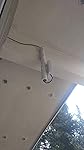
We have a "cabin in the woods" that we rent out through AirBnB. Everyone wants high speed internet/wifi. Cable company wanted close to 7 grand to run service to it...and the phone company said no high speed, just dial up.... and I've heard all the horror stories about the cost of satellite internet.... I figured for under 100 bucks, this was worth a try. The hardest part was clearing the trees for clear line of site. Our cabin is one side of our "valley" and our main home is on the other. Our main home has Spectrum high speed. These things were a snap to get up and running. My advice, ignore the instructions except for the part about plugging them in. They "found" each other in about 10 seconds and we had 80mpbs going into the sending side and about 3000 feet away (give or take a 100 feet) at the receiving side, PLUS 150 feet of Cat 6 wire, was reading 75mpbs (Ethernet)...less than 5% loss and I am willing to bet if I cut down one more tree that I could get that to zero loss (not worth the trouble). We have had everything up and running for about a month now with no issues at all. They only extra thing I did (because they just don't appear to be water tight to me...although I could be wrong, they may be) was that I made sure I put the sending unit up under the eave of our main house to keep it out of the rain...but the receiving unit I had to put on a pole in the yard and run Cat 6 another 150 feet from there (couldn't get line of site to actual cabin), so I built a small "roof" just above help keep it dry. Bottom-line, I spent about $150 total, including wire and a cheap wife router with no added monthly costs....well worth the effort. If you can manage to get a clear line of site, I highly recommend this...but if you have trees and leaves in the way, you will need to do some work first. ... show more
Reviewed in the United States on August 5, 2021 by PC Sales & Service

  • Good PTP but not good for use with access points in an enterprise environment.
Color: CPE200 900Mbps 2KM
I have installed two sets of these bridges. They are great if you are going to setup a single item on the other side. In my case it was a digital sign. They configure easily if you follow the video directions. Less than 5 minutes. The issue I have with them is that you cannot put an access point on them in an enterprise environment. The access point will connect and connect to the controller, but devices do not recieve a DHCP address like they should. You watch the SSID connect on the client device and then it never recieves an IP address. I replaced them with another brand bridge and the AP worked perfectly the first time. So if you are using them in a basic environment to a single device they are great, but not sure I could recommend them for use with an AP especially in a multi vlan environment. ... show more
Reviewed in the United States on October 19, 2023 by Tom

Can't find a product?

Find it on Amazon first, then paste the link below.
Checking for best price...