Search  for anything...

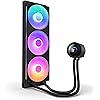
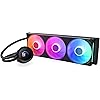
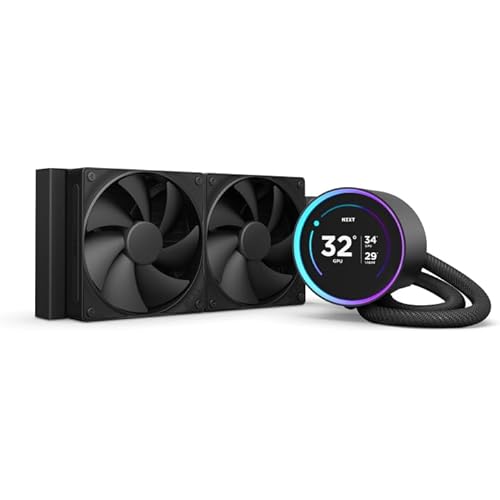
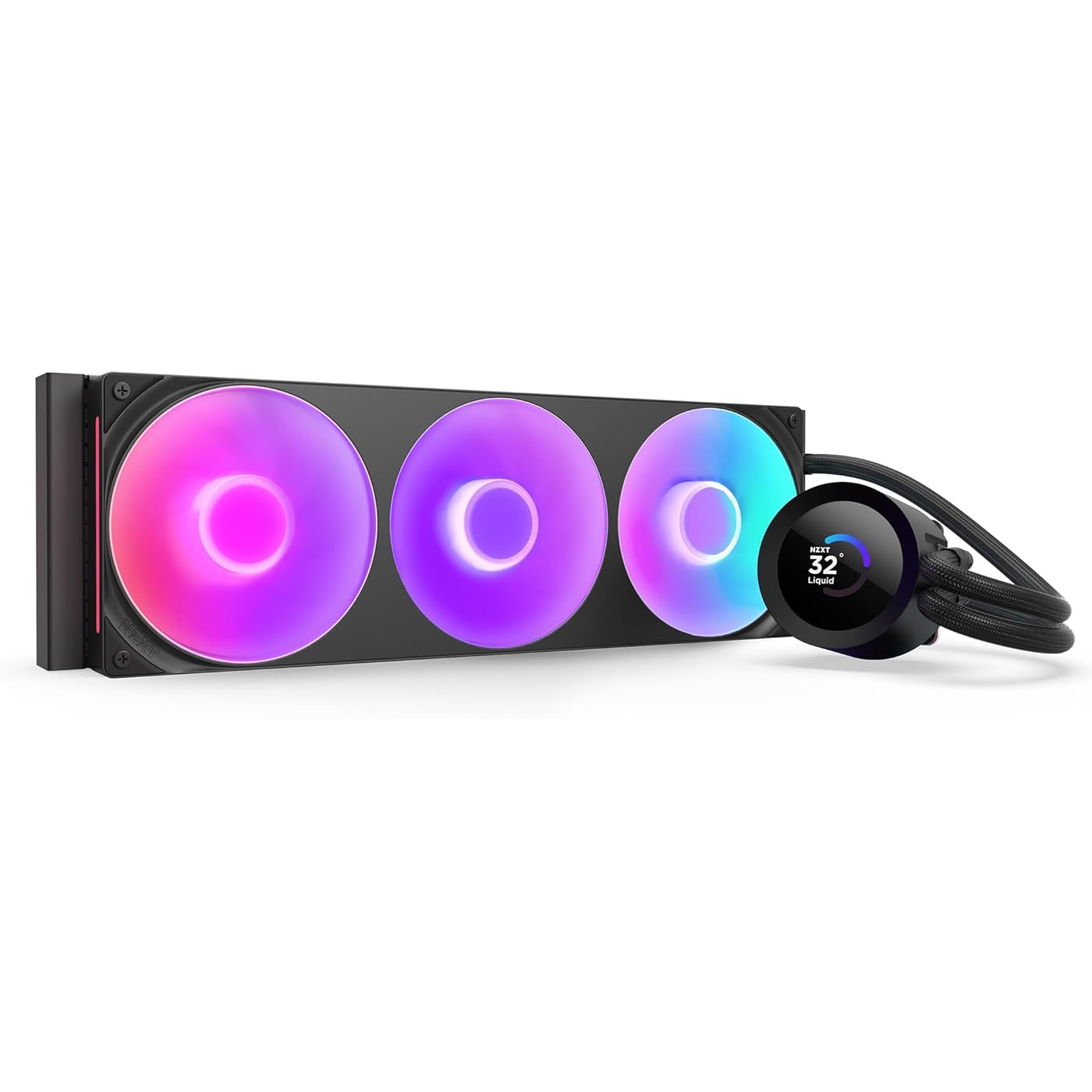
NZXT Kraken Plus 360 RGB – AIO CPU Liquid Cooler – 360mm Radiator – F360 RGB Core Single Frame Fan – Customizable 1.54" Square LCD – AMD® AM5, AM4 – Intel® LGA 1851/1700, 1200/115X – Black
  • Based on 3,136 reviews
Condition: New
Checking for the best price...
$169.99 Why this price?
Holiday Deal · 23% off was $219.99

Buy Now, Pay Later


As low as $28.33 / mo
  • – 6-month term
  • – No impact on credit
  • – Instant approval decision
  • – Secure and straightforward checkout

Ready to go? Add this product to your cart and select a plan during checkout.

Payment plans are offered through our trusted finance partners Klarna, Affirm, Afterpay, Apple Pay, and PayTomorrow. No-credit-needed leasing options through Acima may also be available at checkout.

Learn more about financing & leasing here.

Selected Option

Free shipping on this product
This item's return window has been extended for the holiday season: FREE refund/replacement until Jan 31, 2026

To qualify for a full refund, items must be returned in their original, unused condition. If an item is returned in a used, damaged, or materially different state, you may be granted a partial refund.

To initiate a return, please visit our Returns Center.

View our full returns policy here.


Availability: In Stock.
Fulfilled by Amazon

Arrives Sunday, Dec 7
Order within 13 hours and 29 minutes
Available payment plans shown during checkout

Protection Plan Protect Your Purchase
Checking for protection plans...

Color: Black


Size: 360mm Radiator


Style: Kraken Plus RGB v2


Features

  • HIGH-PERFORMANCE COOLING The NZXT Turbine pump is engineered for high flow and head pressure, delivering efficient, low-noise cooling to keep your CPU performing at its best under heavy workloads.
  • CUSTOM LCD SCREEN Display real-time system temps, animated GIFs, custom images, or web integrations like Spotify and YouTube on a bright 1.54" square LCD fully customizable through NZXT CAM software.
  • BRILLIANTLY SIMPLE RGB Core single-frame fan delivers vibrant lighting and strong airflow in one sleek unit with only four screws and one cable for a cleaner install and simplified cable management.
  • EASY INSTALLATION Pre-applied thermal paste and a single breakout cable from the pump cap speed up installation and reduce cable clutter.
  • WIDE COMPATIBILITY Includes tool-free mounting brackets that support the latest AMD and Intel CPU sockets, including AM5 and LGA 1851.

Description

Kraken Plus (RL-KR360-B2) delivers powerful cooling with the custom NZXT Turbine pump and high-performance fans. A vibrant 1.54" square LCD lets you personalize your build with real-time system stats, custom images, or animated GIFs. Installation is fast and clean with pre-applied thermal paste and a single breakout cable from the pump cap.

Brand: NZXT


Power Connector Type: 4-Pin


Voltage: 12 Volts (DC)


Wattage: 12 Milliwatts


Cooling Method: Water


Compatible Devices: supports the latest AMD and Intel CPU sockets, including AM5 and LGA 1851


UPC:


Global Trade Identification Number: 74


Manufacturer: NZXT


Number of Items: 1


Product Dimensions ‏ : ‎ 18.46 x 7.4 x 5.47 inches; 5.38 Pounds


Item model number ‏ : ‎ RL-KR360-B2


Date First Available ‏ : ‎ May 20, 2025


Manufacturer ‏ : ‎ NZXT


Best Sellers Rank: #4 in Water Cooling Systems


Customer Reviews: 4.4 4.4 out of 5 stars 3,136 ratings


Frequently asked questions

If you place your order now, the estimated arrival date for this product is: Sunday, Dec 7

Yes, absolutely! You may return this product for a full refund within 30 days of receiving it.

To initiate a return, please visit our Returns Center.

View our full returns policy here.

  • Klarna Financing
  • Affirm Pay in 4
  • Affirm Financing
  • Afterpay Financing
  • PayTomorrow Financing
  • Financing through Apple Pay
Leasing options through Acima may also be available during checkout.

Learn more about financing & leasing here.

Top Amazon Reviews


  • Not only works better than the original, has some amazing bells and whistles too!
Color: Black Size: 240mm Radiator Style: Kraken
The media could not be loaded. You really need to hear this story. Read it in a Morgan Freeman voice, I promise it will be enjoyable. After all, I wrote it in a Morgan Freeman voice. I had a computer which was actually pretty great, I just needed one with more power. Nothing wrong with it, it was only a couple years old, but it was time for an upgrade. Both computers had liquid cooling systems, because that's just me. After I got the new computer, I stored the prior computer hoping to gift it to a friend, any friend. I laid it in the box that the new computer came in, on its side. Now, this may be common knowledge to people other than me, but apparently you shouldn't store liquid-cooled computers on their side for over a year. This is how I found that out. I gifted the computer to a friend of mine. Well, they got it home and set up. Then they reached out to me: "Hey, Visa, looks great but after a few moments, an overheating warning comes up and the computer shuts down." Well, I just had to guess that the problem was the liquid cooler, which had been horizontal for over a year. Now, I know this was a free PC for my friend (my friend's daughter, actually, but the daughter of my friend is my friend and all), and maybe I could have told them they were on their own, but I felt a bit bad about that. Well, I insisted (and believe me, I had to insist) on getting a replacement cooler. Their price? They'd have to install it. And I found this one. And, welllll, because I like to over-do things, I got them some pretty nice thermal paste (unnecessary for this item, I must say). Well, from what I understand, this new pump allows the same amount of cooling as the old pump. Yes, it's pretty. But it's also powerful enough to keep the CPU cool. Cable length wasn't a problem. Well, this little gadget by default shows you the temperature of your CPU. And apparently, there's a way to make it display things from YouTube like Jellyfish, I'm told. I was hoping for a picture of that, but, well, the way the PC is set up (digital face of the pump facing a wall) won't allow that. That's all right. Well, it's been 8 months now child, and this pump is still going strong. It is definitely a durable replacement. They're happy they have an amazing PC. I'm happy that amazing PC found a great home. In the end, everybody wins, and it's especially nice that all it took was a reasonably priced pump with some optional extras (that I admittedly can't tell you how to do). ... show more
Reviewed in the United States on November 7, 2025 by visacrum visacrum

  • Great cooler, looks outstanding.
Color: Black Size: 280mm Radiator Style: Kraken
I've only had mine up for a short time now, installed on a B650 Gigabyte Aorus Elite AX motherboard with a 7800x3D in an NZXT H6 Flow case, but it's been perfect for what I wanted. The AIO itself is probably overkill for a 7800x3D, so if you're strictly looking to cool your fancy shmancy new processor you don't have to spend this much to do it. Go for a Thermalright Phantom Spirit or something inexpensive; this is only really necessary if you want the aesthetic that it provides. Since I live in an old house with no AC, an AIO can be a nice help in the hot summer months and the ease of airflow in and out of the case makes keeping the entire system relatively cool a lot easier, but still... it's a premium price for the look you want more than the functionality. This AIO does include brackets for AM4, AM5, and for Intel LGA1700 installs, and it's deceptively easy to install; the instructions aren't particularly clear, and I've normally just stuck with air cooling in the past so this was a new one for me. Since I installed it on AM5, it was just a matter of removing the plastic CPU brackets on the motherboard and then screwing in the dual-post screws (long side toward motherboard, instructions are unclear on this) with the AIO's included plastic brackets for each facing in the indicated way for AM5. The metal bracket on the CPU cooler twists off easily, and you can then just replace it with the version you need if the pre-installed bracket wasn't what you wanted. Thermal paste is pre-applied to the cooler, and the pipes from the cooler to the radiator are flexible enough to be adjusted to however you need them to be. And that's pretty much it, just screw it on with the provided thumb screws and you're done. Watching an install video can help if you're a first timer or uncomfortable with the process, but it's much easier than it appears at first glance and was much more simple than dealing with some of the annoying backplate support designs that some air coolers have. The NZXT CAM software has been easy to use and has plenty of useful information on it, you can rotate and customize the display of the CPU cooler to show what you want (I use GPU/CPU temp information on mine, looks nice and functionally useful). No complaints about the software at all, sometimes that sort of thing can be futzy to deal with but this was very simple to set up and understand how to use. Overall, it's outstanding. The install was easy, the fans aren't silent but aren't any louder than my case fans, it keeps everything very cool even on a warm day.... couldn't ask for much more. If something like this looks cool to you for the build you're doing and you can afford the price difference over air cooling, I can't imagine anyone being unhappy with this one. ... show more
Reviewed in the United States on May 23, 2024 by T. A. Clark

Can't find a product?

Find it on Amazon first, then paste the link below.
Checking for best price...