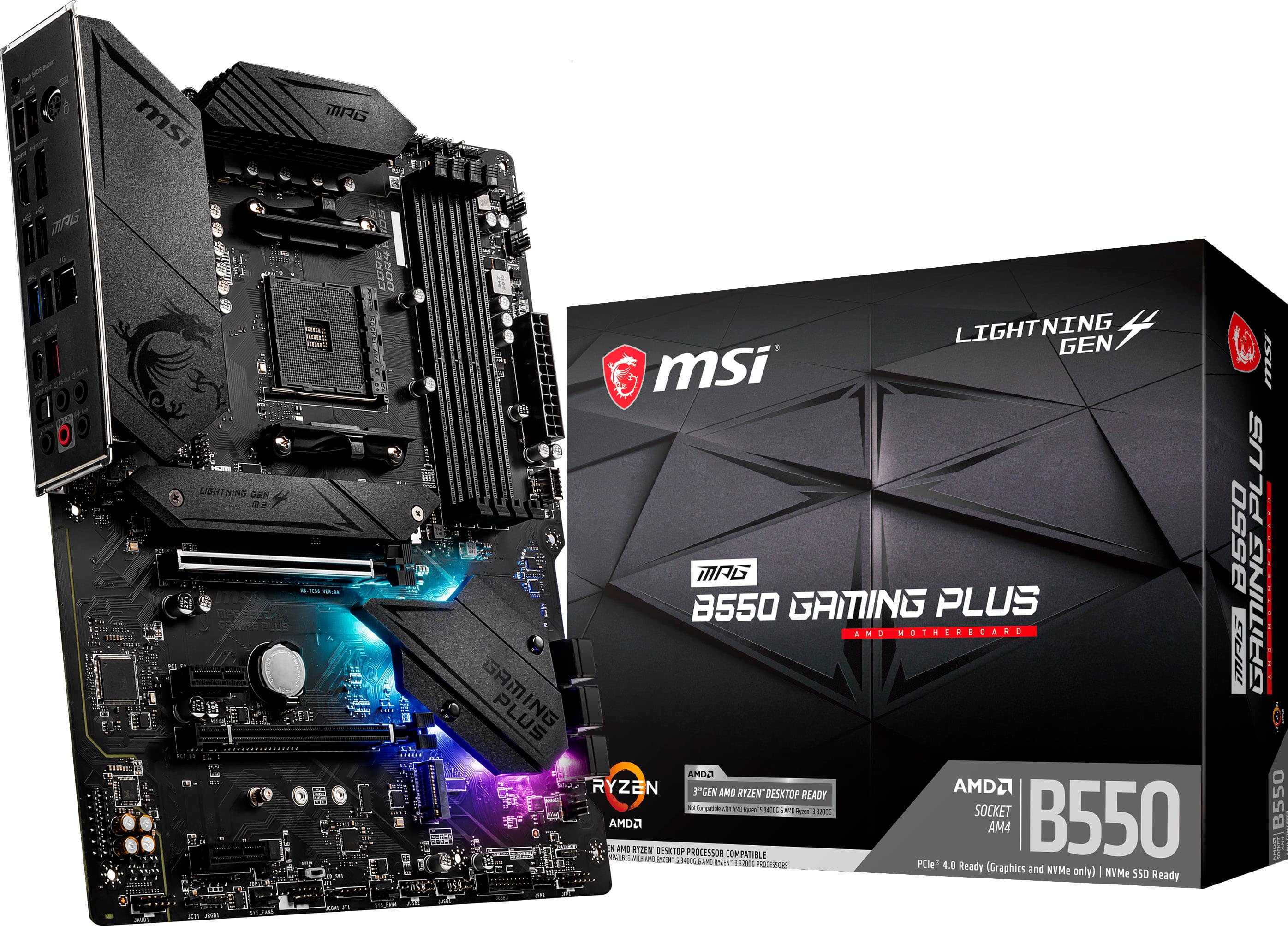
Great motherboard for gaming
Size: mATX
Style: PRO B760M-A WIFI
I bought this for a gaming pc. It works very well. It is perfect for a beginner gamer. Easy to install.
Reviewed in the United States on April 15, 2024 by Jennifer itter
Works well for this price point, had to tinker with USB for Win11 install
Size: mATX
Style: PRO B760M-A WIFI DDR4
Pros: - This works out of the box for Raptor Lake 13th gen Intel. That, in itself, gives it 5 stars compared to other boards that I tried to get Raptor Lake on which failed. What I really wanted to work was the B660M-A MAG Mortar Max with Raptor Lake but alas that failed the test whereas this board (
Pro series B770M-A) works. - Small form factor (micro ATX) - Easy to install for M.2 drives - Picked up all of the peripheral items (SATA, M.2, RAM) successfully Cons - The quality of materials for heatsinking isn't quite as good as the MAG MORTAR MAX series. However, this board works with Raptor Lake whereas the other board does not so unless you are building Alder Lake this PRO series is the one to use for micro ATX. The MAG MORTAR series is a heavier motherboard because more materials are involved whereas the PRO series is mostly plastic (lighter weight and it works but not as high quality of material). - When installing Windows 11 by USB stick I received error code: 0x8007025D and Error code: 0xC0000005. The workaround for that was to use the rufus tool and the "WindowsToGo" feature to flash a Windows image onto the SSD itself. I put that on to the D drive SSD, then booted from the D drive SSD (rather than booting from USB stick), and had the D drive image the C drive SSD with Windows 11. In that way, there was no need for a USB stick but I did need to use an external SSD reader to put the Windows 11 ISO file onto drive D and then boot from drive D in order to get drive C working. Thereafter, everything worked fine. - If you plan on using SATA drives the one drawback with this board is that the SATA ports are so close to the edge of the board that in some cases it is hard to plug in the SATA cable into. In my setup the M.2 drives were easy to install but I also had 2 SATA devices and the cables for SATA took a while to plugin because in my case there was little room between the case edge and the port that you put the SATA cable into. I made it work but took some time. Overall I am happy with this board because it works. Some work involved with the rufus Windows2Go step above but I am happy with this purchase. I am still bummed that I couldn't get the same to work on the MAG MORTAR series because that had higher quality components on the motherboard but hey... it finally worked and that is 5 stars in my book for this PRO series motherboard.
...
show more
Reviewed in the United States on February 19, 2023 by Amazon Doug Amazon Doug
Very Good!
Size: ATX
Style: PRO B760-P WIFI DDR4
Replaced my old Mobo for this one, Install was simple and everything installed on its own once I booted up, I'd say go for the DDR5 Board if you plan on getting this since they're the same price, mistake on my part.
Reviewed in the United States on March 28, 2024 by Techno
Works good
Size: ATX
Style: PRO B760-P WIFI DDR4
Good board, had initial issue with setup but that was my fault rather than the board.
Reviewed in the United States on February 25, 2024 by MCole
Very high quality board. Works with Linux and i5-13600K
Size: mATX
Style: PRO B760M-A WIFI DDR4
This board is very nice. Linux (Ubuntu Jammy) installed just fine. I did not try Bluetooth or WiFi, but the audio, ethernet, video, and hardware monitoring (CPU and NVME drive temperatures, etc) all worked. The i5-13600K runs great on it, though it is recommended to tweak the CPU Lite Load values dow
n a bit to get cooler temperatures without sacrificing performance. One major issue I had. The M-Flash BIOS update over USB just did not work. I tried EVERYTHING. 9 different USB sticks of varying size. Tried in all 8 ports (the 8 in the rear and the two in the front panel). FAT32 vs NTFS. Putting the BIOS file in the root directory. Putting the BIOS extracted folder in the root directory. The motherboard just refused to recognize it. Finally, I got it to work by putting another M.2 NVME drive into the motherboard, formatting it to FAT32, sticking the BIOS file in there, and running M-Flash. This finally worked as M-Flash found the drive with the BIOS file. So crazy that the only way I got it work was not even a documented method. I may keep a FAT32 partition on one of my drives to do BIOS updates in the future, since I doubt I will ever get the USB sticks to work. If it wasn’t for the BIOS issue, I would have given this 5 stars, but I had to knock a star down for wasting me hours.
...
show more
Reviewed in the United States on February 10, 2023 by meltbanana
Great Board
Size: ATX
Style: PRO B760-P WIFI DDR4
Great motherboard for the price. It’s got exactly what I wanted and more. MSI support is superb and the software to manage the board is wonderful and straightforward. I’d buy it again.
Reviewed in the United States on March 23, 2024 by Josh
Top Notch .. This is even better than I thought. Works like a charm
Size: mATX
Style: PRO B660M-A WIFI DDR4
As I was installing the parts and mounting it on the case, I realized this motherboard is very good and easy to configure from A to Z .. I bought it at a reduced percentage of the price and I am glad I chose this one because I was undecided at first. It's really good for everything including gaming a
nd for personal purposes. If you are looking for a real badass motherboard this is your right hardware. It actually comes with RGB, PMW, WI-FI 6: Intel Wi-Fi 6 module & Bluetooth 5.2, the whole shebang systems in case you are interested in getting those fancy fans and / or cooling pumps for the system. All in it plus much more. Yes guys, I recommend it, worth every penny...
...
show more
Reviewed in the United States on September 21, 2023 by George Colon
Works great, has EZ Debug LED, great feature, some issues though.
Size: ATX
Style: PRO B760-P WIFI DDR4
Some issues I have with this Mobo is that it has like 5 PCIE slots like anyone would even need that for a budget motherboard, and secondly because of those 5 PCIE slots it only has 2 NVME slots available so you have to choose your storage devices carefully so you don't end up with not enough and with
the prices of those right now, this is going to pose future problems. And my last problem I have with this motherboard is the HORRIBLE BIOS. The Bios is extremely hard to navigate compared to ASUS and GIGABYTE's easy navigation system and it is extremely laggy. Most of the options are in places they shouldn't be and it doesn't match with alternative BIOS' like a lot of other ones are. Another issue is that the Motherboard only came with 6 Mobo screws but there are 9 screw holes on the Motherboard itself so I had to use some from another build even though ive used 2 before and my build held up (not recommended) but other than that this motherboard has EXTREMELY fast WIFI and Bluetooth speeds, it delivers good results for overclocking and again, the EZ Debug LED is a great feature for a motherboard at this price of $159.99. Heavily recommend for those of you with 2 or 4TB NVME SSD's and if you have a 1TB or less then hopefully thats enough for you and still get this MOBO.
...
show more
Reviewed in the United States on January 19, 2024 by Bruce H.