Search  for anything...

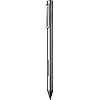
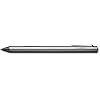
Bamboo Ink Smart Stylus for Windows Ink Second Generation CS323AG0A
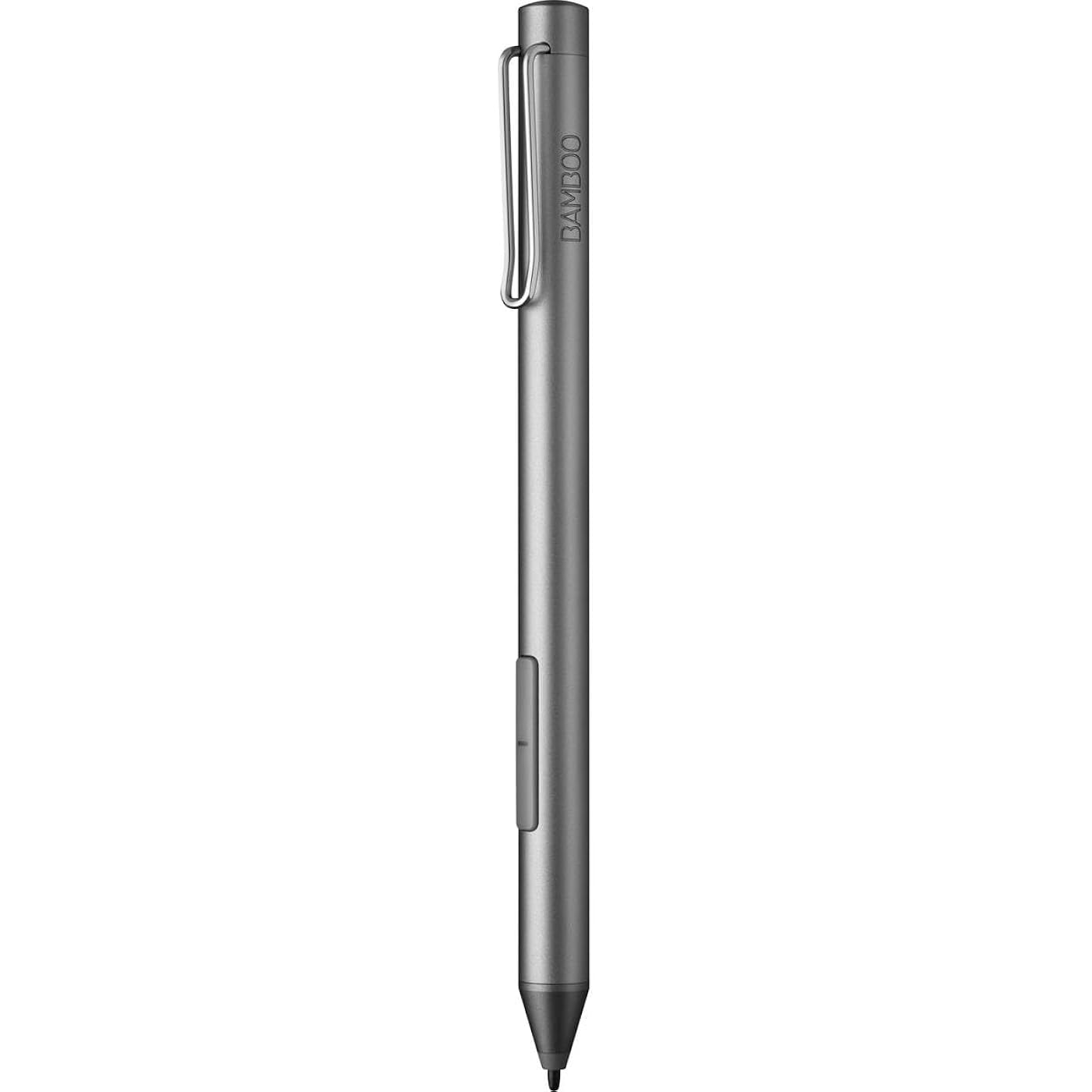
  • Based on 1,365 reviews
Condition: Used - Very Good
Checking for the best price...
$42.80 Why this price?
Save $7.15 was $49.95

Buy Now, Pay Later


As low as $10 / mo
  • – 4-month term
  • – No impact on credit
  • – Instant approval decision
  • – Secure and straightforward checkout

Ready to go? Add this product to your cart and select a plan during checkout.

Payment plans are offered through our trusted finance partners Klarna, Affirm, Afterpay, Apple Pay, and PayTomorrow. No-credit-needed leasing options through Acima may also be available at checkout.

Learn more about financing & leasing here.

Free shipping on this product

This item is eligible for return within 30 days of receipt

To qualify for a full refund, items must be returned in their original, unused condition. If an item is returned in a used, damaged, or materially different state, you may be granted a partial refund.

To initiate a return, please visit our Returns Center.

View our full returns policy here.


Availability: Only 1 left in stock, order soon!
Fulfilled by Amazon

Arrives Mar 22 – Mar 25
Order within 15 hours and 39 minutes
Available payment plans shown during checkout

Protection Plan Protect Your Purchase
Checking for protection plans...

Features

  • Write naturally: Bamboo Ink features a sensitive fine tip with up to 4,096 pressure levels
  • Compatibility with majority of Windows 10 devices with touch screen
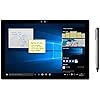
  • Tap to launch Windows Ink Workspace no pairing needed
  • Works with both Wacom Active ES protocol and Microsoft Pen Protocol (MPP)
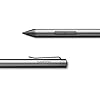
  • Sturdy aluminum design to withstand everyday use

Description

Bamboo Ink smart stylus is the easy, natural and intuitive way to take notes and mark up documents. The digital pen feels as natural as putting pen to paper and its sensitive fine tip means everything you write is precise. Bamboo Ink is one pen for many devices. It is optimized for Windows Ink and is compatible with both the Wacom Active ES protocol and Microsoft Pen Protocol (MPP) giving you the flexibility to work across devices seamlessly. Tap on the Windows Ink Workspace icon to start writing or use your stylus in the Bamboo Paper app, which gives the feeling of a paper notebook.

Color: Gray


Brand: Wacom


Material: Aluminum


Number of Batteries: 1 AAAA batteries required. (included)


Item Weight: 0.7 Ounces


Battery Average Life Standby: 15 months


Compatible Devices: PC (Windows OS) 10 touch devices


Item dimensions L x W x H: 6.8 x 2.8 x 0.7 inches


Are Batteries Included: Yes


Batteries Required?: Yes


Average Battery Life (in hours): ‎15 months


Brand: ‎Wacom


Series: ‎Bamboo Ink


Item model number: ‎CS323AG0A


Item Weight: ‎0.7 ounces


Product Dimensions: ‎6.8 x 2.8 x 0.7 inches


Item Dimensions LxWxH: ‎6.8 x 2.8 x 0.7 inches


Color: ‎Gray


Battery Type: ‎Alkaline


Batteries: ‎1 AAAA batteries required. (included)


Manufacturer: ‎Wacom Technology Corporation


Date First Available: ‎October 30, 2019


Frequently asked questions

If you place your order now, the estimated arrival date for this product is: Mar 22 – Mar 25

Yes, absolutely! You may return this product for a full refund within 30 days of receiving it.

To initiate a return, please visit our Returns Center.

View our full returns policy here.

  • Klarna Financing
  • Affirm Pay in 4
  • Affirm Financing
  • Afterpay Financing
  • PayTomorrow Financing
  • Financing through Apple Pay
Leasing options through Acima may also be available during checkout.

Learn more about financing & leasing here.

Top Amazon Reviews


  • Works with Dell Inspiron 7445 and Microsoft Surface Laptop 6
Style: Stylus
Works with Dell Inspiron 7445 and Microsoft Surface Laptop 6 I got tired of having constant problems with the Dell active pen. Someone in a forum mentioned that they gave up and tried the Wacom pen instead. Based on my experience, they were right. I can confidently say Dell's problem is their pen which is a shame. This pen is also compatible with my Microsoft Surface Laptop - you just have to hold both buttons to switch mode. The Dell pen and Microsoft pens are not cross-compatible, so that's a nice feature if you use both types of devices. The Wacom pen is far more responsive than the Dell pen. There's less lag time between bringing the pen to the screen and the laptop recognizing it and starting to ink. The tip has a bit less friction which I don't love, but that's a personal preference. The Pen doesn't come with any replacement or alternative nibs, but you can buy them separately. I don't see a lot of variance in pressure sensitivity, but it's there. Could be a configuration adjustment on my end. Generally speaking, I'm very satisfied. I have a couple nitpicks, although nothing that's worth lowering my rating: First, no bluetooth connectivity. That makes sense when you realize there's no shortcut button ("eraser" button). I feel that's basic functionality for an active pen these days, but alas, apparently not. Likewise, one thing that I liked about my Microsoft pen is that the top of the pen actually acts as an eraser. I have strong muscle memory of flipping a pencil, so it has taken me a little time to get used to the eraser button on the side, and not accidentally hitting that button while I'm writing. Last - The pen came with a recommendation to install software from Wacom. I installed that software and it broke my driver for my touch screen. I ended up having to remove the software and delete the device in device manager so that it would revert back to the correct driver after a reboot. Everything's back to normal now, but it's annoying that I can't install their software without them trying to install their own driver. ... show more
Reviewed in the United States on September 29, 2025 by Jonathan G

  • Great pen
Style: Stylus
It works great and I had no issues connecting the pen to my Omnibook, overall very happy with my purchase.
Reviewed in the United States on January 5, 2026 by Kendra

  • Good digital pen for the price/ quality
Style: Stylus
Not really an avid product reviewer, but this digital pen came in at great timing. I have the Lenovo Yoga 6 13ALC6 and my old pen, the Lenovo Lazarite M pen, stopped working yesterday out of nowhere. I rushed to buy this Bamboo Ink stylus because I found out it was compatible, and to my surprise, I liked it more than I expected. I bought it Used, like new and I think it was definitely worth it! It was MUCH cheaper, lighter, and even came with a AAAA Energizer battery compared to my old pen! Also, it connected to my laptop almost immediately. The only downfall I would say is that when using the stylus, the pen is a little laggy and because the pen is very light, it also feels a little tacky/ cheap. Nonetheless, it’s definitely worth the buy if you ask me. ... show more
Reviewed in the United States on July 22, 2023 by Julia D. Julia D.

  • Perfect for Lenovo Yoga
Style: Stylus
It’s perfect and worked right away with my Lenovo Yoga 2-in-1 laptop. Glides real smooth on the screen and the quality of the pen itself just feels great to work/write with. 10/10 recommend for Lenovo touchscreen laptops
Reviewed in the United States on December 10, 2025 by mellow

  • Defective on arrival, ruined Xmas gift.
Style: Stylus
Avoid, other reviews mentioned the same issues, all the positive reviews made me try anyway. The pen draws very choppy lines, even when it manages to draw a complete unbroken line, it’s VERY wobbly. Unusable. My unit is at best defective, but the fact that it left to factory this broken, would be just as bad. Will never buy from Wacom again. ... show more
Reviewed in the United States on December 15, 2025 by cole planert cole planert

  • Awesome pen
Style: Stylus
Works great!
Reviewed in the United States on January 7, 2026 by Andrea

  • Great when it works
Style: Stylus
I bought one of these stylists about 2.5 months ago to use while taking notes for dental school. While this product worked very well originally. A couple of weeks ago, it started to consistently stop working during use. I thought this might be a battery issue so I changed that, but no change in effectiveness. Sad that it stopped working so quickly. ... show more
Reviewed in the United States on November 26, 2024 by Denise Reiser

  • LG GRAM
Style: Stylus
I have been searching for a stylus that works with my LG GRAM 2-in-1 since I lost the pen it comes with. The Lenovo digital precision and Broonel that was recommended by LG don't workthis bamboo ink pen worked right away, has flawless consistent writing without skipping, and honestly better than the original LG pen that came with the laptop. If you are looking for a replacement for your LG Gram, this is it! ... show more
Reviewed in the United States on August 9, 2025 by Ava Sanchez

Can't find a product?

Find it on Amazon first, then paste the link below.
Checking for best price...