Search  for anything...

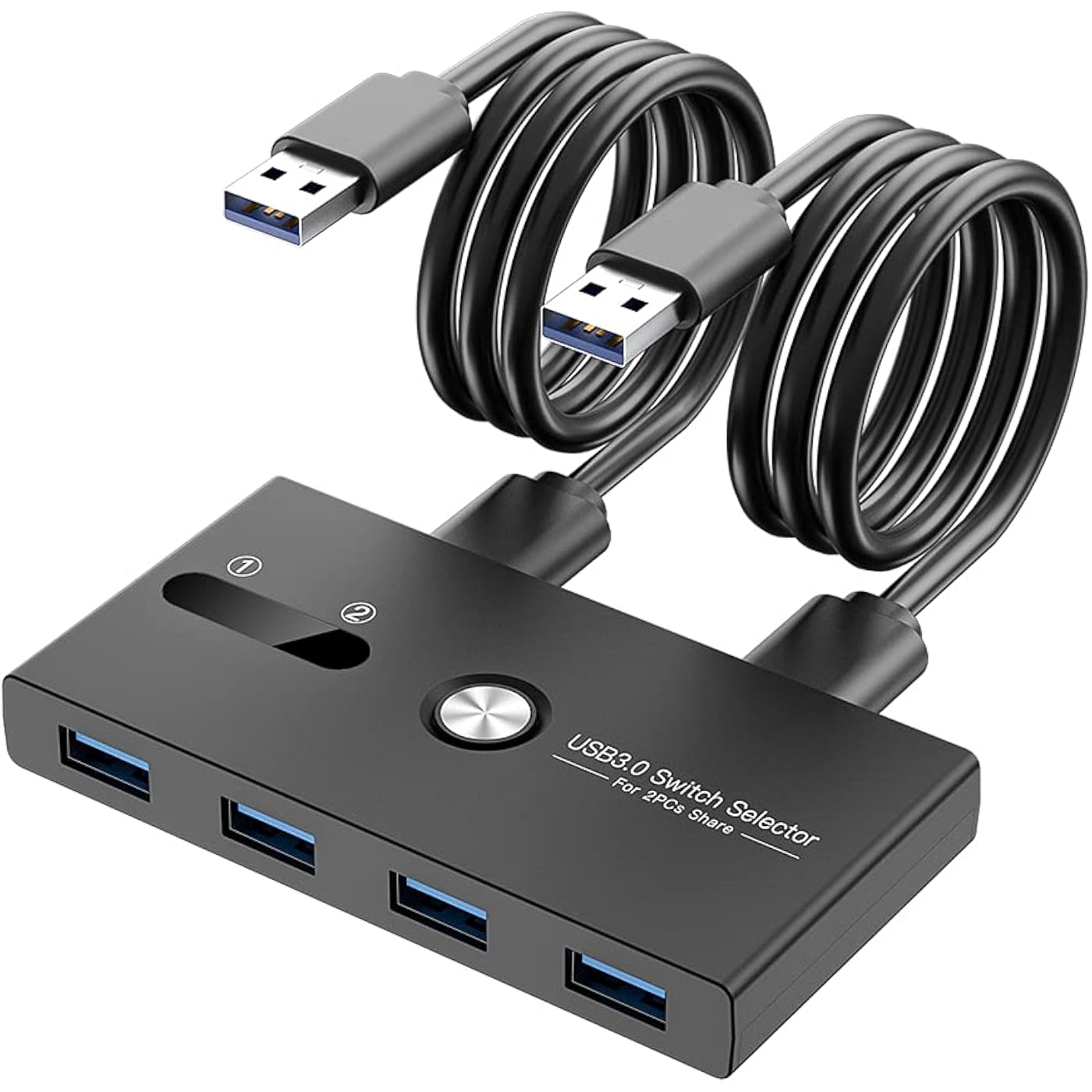
USB Switch, USB 3.0 Switcher 2 Computers Share 4 USB for PC Mouse Keyboard Printer Scanner, USB KVM Switch Selector Compatible with Windows, Mac, Linux
  • Based on 460 reviews
Condition: New
Checking for the best price...
$18.98 Why this price?
Holiday Deal · 5% off was $19.98

Buy Now, Pay Later


As low as $4 / mo
  • – 4-month term
  • – No impact on credit
  • – Instant approval decision
  • – Secure and straightforward checkout

Ready to go? Add this product to your cart and select a plan during checkout.

Payment plans are offered through our trusted finance partners Klarna, Affirm, Afterpay, Apple Pay, and PayTomorrow. No-credit-needed leasing options through Acima may also be available at checkout.

Learn more about financing & leasing here.

Selected Option

Free shipping on this product

FREE 30-day refund/replacement

To qualify for a full refund, items must be returned in their original, unused condition. If an item is returned in a used, damaged, or materially different state, you may be granted a partial refund.

To initiate a return, please visit our Returns Center.

View our full returns policy here.


Availability: In Stock.
Fulfilled by Amazon

Arrives Thursday, Dec 18
Order within 18 hours and 33 minutes
Available payment plans shown during checkout

Protection Plan Protect Your Purchase
Checking for protection plans...

Size: USB 3.0 SWITCH


Features

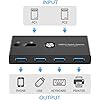
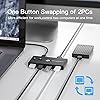
  • What is it: With the help of two independent USB 3.0 transmission circuits, The USB kvm switch can switch multiple devices between two computers at the same time with one button and without plugging or unplugging any cables. If you need to work or play on two computers but don't want to prepare two sets of input and output devices, then this KVM switch is a good choice for you.
  • What can it do: This USB 3.0 Sharing Swither can Share your input and output devices between two computers, not only mouse and keyboard, but also printers, mobile hard drives, USB flash drives, game controllers, bluetooth adapter and wireless adapter or other devices that require USB connection.
  • How it works: Simple, you only need to connect the devices that need to be shared to the 4 front USB ports, and then connect the supplied USB cables from your computers to the two USB ports on the back of the switch, and the setting is complete. After the switch works, there will be an indicator light showing the currently connected channel. default output is channel 2. When you need to switch, press the button, and the switch will be completed within 1 to 2 seconds.
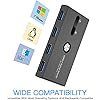
  • Other details: It fully supports USB3.0 protocol, the transfer speed can reach up to 500MB/S (theoretical full speed, generally at least 100~200MB/S, depending on your device), the switch itself does not need to install a driver, plug and play (Whether the device on the switch needs to be install driven depends on the device itself), it can support windows, OSX, linux and other devices.
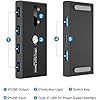
  • Warranty and Package: Note: If the connected device has a device with high power requirements such as a large-capacity mobile hard disks, Digital Video Cameras, SSD etc, external 5V adapter is required. Otherwise no need to connect to external power. We provide 6 months warranty and lifetime technical support for this USB switch.Package include:1*usb 3.0 switcher,2* 59 inch long USB 3.0 Cable.1*User Manual.Any problem,pls contact us to solve.

Operation Mode: ON-OFF-ON


Current Rating: 1 Amps


Operating Voltage: 5 Volts


Contact Type: Normally Closed


Connector Type: Plug In, USB 3.0


Brand: ZIYUETEK


Terminal: Usb


Item dimensions L x W x H: 1.9 x 4.8 x 0.8 inches


Circuit Type: 4-way


Actuator Type: Push Button


Product Dimensions ‏ : ‎ 1.9 x 4.8 x 0.8 inches; 3.53 ounces


Item model number ‏ : ‎ ZY-USBS202A


Date First Available ‏ : ‎ May 17, 2021


Manufacturer ‏ : ‎ ZIYUETEK


Best Sellers Rank: #75 in KVM Switches


Customer Reviews: 4.3 4.3 out of 5 stars 460 ratings


Frequently asked questions

If you place your order now, the estimated arrival date for this product is: Thursday, Dec 18

Yes, absolutely! You may return this product for a full refund within 30 days of receiving it.

To initiate a return, please visit our Returns Center.

View our full returns policy here.

  • Klarna Financing
  • Affirm Pay in 4
  • Affirm Financing
  • Afterpay Financing
  • PayTomorrow Financing
  • Financing through Apple Pay
Leasing options through Acima may also be available during checkout.

Learn more about financing & leasing here.
Top Amazon Reviews


  • Best option for switching between two PCs
Size: USB 3.0 SWITCH
I use this KMV switch to share one wireless mouse's USB receiver, one keyboard, one camera card reader, and one printer connected to its four USB 3 ports between two PCs. I press the button on top of the switch, wait one second for the Windows confirming "Bing!," and off I go with all four devices operating on the other adjacent PC and display. Just no issues at all. I can go right back to the other PC by hitting the KMV switch button again. I do not need to use the optional (and not included) AC adapter for this switch. I previously tried two software solutions for mouse and keyboard: "Logi Options" (for supported Logitech mice and keyboards using Bluetooth on both PCs), as well as Windows app "Input Director" (using a wifi network). Problems occurred with both those software apps when the mouse inadvertently got close to the edge of the display along the shared monitor edges; it would switch to the other PC even when I didn't want it to. And shutting down one PC would cause a problem with the connection to the other one. Software solutions do allow the ability to copy-and-paste or move files from one PC to another, which this switch cannot do by itself, but the software solutions created more trouble than they were worth to me. I like this switch much better than software for switching devices between two PCs. If you also want to send sound to speakers from one of two adjacent computers, you have to decide how you'll do that as well. You could have two pairs of PC speakers (one for each PC), or use one pair of USB speakers with this switch. Or if like me you connect your PC speakers with audio cable, you can use an audio switch; I use an old AV receiver I no longer otherwise need for this purpose. I run audio cable from each PC to the AV receiver and from the AV receiver to the speakers, and change the input switch on the receiver to select which PC is sending sound to the speakers. I'd rather have one very good pair of speakers shared, no extra clutter on the desk, so this works very well for me. ... show more
Reviewed in the United States on September 6, 2022 by Hal Lancer

  • Excellent USB switch for preamp! Easy, fast, and reliable! 🙌
Size: USB 3.0 SWITCH
I bought this USB 3.0 Switch Selector to connect my Focusrite preamp to two computers. It works great and saves me a lot of time. 🙌 It was very easy to set up and use. I just plugged in the preamp and the cables to the computers, and pressed the button to switch between them. No software or drivers needed. It supports USB 3.0 speed and has LED indicators to show which computer is active. 🎤🎧 It is very compact and sturdy. It doesn’t take up much space on my desk and it doesn’t get hot or make any noise. It comes with two USB cables and a user manual. 👍 I highly recommend this product to anyone who needs to share a USB preamp between two computers. It is very convenient and reliable. 💯👏 ... show more
Reviewed in the United States on July 15, 2023 by FolkLore

  • Works as intended, wish auto-switch wasn't a feature
Size: USB C+USB 3.0 A SWITCH
Works very well, love the addition of a power source capability. It keeps my mouse and keyboard charged without having to run multiple cables. I dislike the auto-change feature for the input, but certainly not a dealbreaker
Reviewed in the United States on August 21, 2024 by ashton bell

  • Good
Size: USB 3.0 SWITCH
The thing is very good, there is still a little delay in switching, but it is acceptable.
Reviewed in the United States on September 3, 2025 by jay

  • Great price but may require USB-C cable for certain devices!
Size: USB 3.0 SWITCH
The KVM Switch did not come with connector to a power supply but does have a port for it. Normally I don't think you will need it. I at first only connected my older keyboard and mouse - which worked great but when I replaced the keyboard with one that had lights - it just would not work properly. In addition, the device would switch to the other computer port on its own. It just acted flaky!! Things settled down when I noticed that it does have a port for being plugged in to a USB-C to outlet. After plugging my kindle cable in and to the wall - all the flakiness stopped. I guess if you keep the things you plug in simple it works like a charm! But, you may want to get a cable to support the switch with power if you are inserting devices that draw a lot of power. ... show more
Reviewed in the United States on October 15, 2022 by L. Figueroa

  • Works with Docking Station!!
Size: USB 3.0 SWITCH
The media could not be loaded. Bought this kvm switch wondering if it would work with my docking station that I already have my peripherals plugged into. It works!! I just plugged in my personal laptop and my work laptop into the 2 input ports. Then I plugged in my docking station plug into only 1 of the 4 output ports. The kvm switch works like a charm with the docking station. This way all my peripherals (2 monitors, wireless keyboard and mouse combo, speakers, and external camera, all connect to the laptop that the kvm switch is connected to. I absolutely love the simple ease of use. So much better than the hassle of swapping out the laptops to connect to the docking station. Now all I have to do is press a button, without the hassle of shifting stuff around. Saves me so much time and less hassle this way, especially for the price compared to other kvm switches. Money well spent with this. Works like a charm! ... show more
Reviewed in the United States on April 23, 2023 by Amazon Customer

  • Works well, but inconsistently
Size: USB 3.0 SWITCH
This worked fine for a few weeks and then intermittently the 2nd port does not work. It's not too bad but I have to stop and unplug and replug everything in to make it work again. The powering situation is weird, it uses two USB A to A cables (the unsafe kind) and it seems to draw power from the dedicated power USB cable as well as the two computer cables. This isn't great either and probably some weird reverse-powering situation is what's making it act flaky. I'd say use at your own risk. It's OK for my use but acts weird enough that I can't recommend it. ... show more
Reviewed in the United States on March 17, 2024 by Xbox Gamertag

  • Lasted 3 months
Size: USB 3.0 SWITCH
Functionally this USB switcher was actually perfect -- very fast switching and everything worked as should. Last month I started noticing a high pitched whine in my speakers, which is what happened after my previous USB switcher started failing. Now today my mouse and keyboard are locking up and my USB Audio card is glitching out every few seconds. I removed it and plugged everything straight in and its fine. Claims to have a 6 month warranty, but no information anywhere about how to contact the vendor. ... show more
Reviewed in the United States on November 18, 2024 by Kevin C. Dixon

Can't find a product?

Find it on Amazon first, then paste the link below.
Checking for best price...