




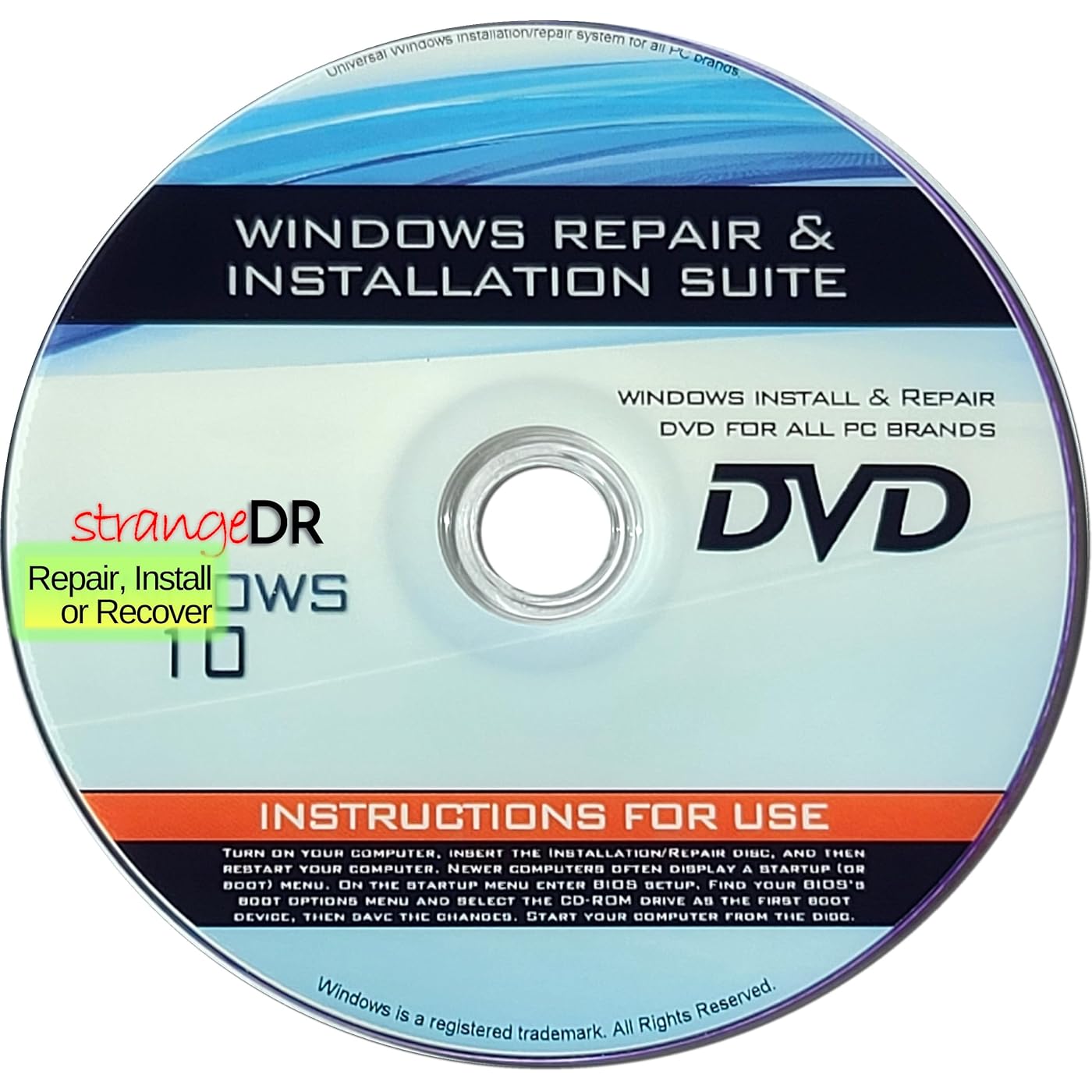
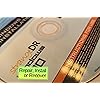
strangeDR's Reinstall DVD Compatible with all Versions of Win 10 for 32/64 bit systems, Recover- Restore- Repair Boot Disc. Install to Factory Defaults and Fix PC Instantly, so Easy!




Buy Now, Pay Later
- – 4-month term
- – No impact on credit to apply
- – Instant approval decision
- – Secure and straightforward checkout
Ready to go? Add this product to your cart and select a plan during checkout.
Payment plans are offered through our trusted finance partners Klarna, Affirm, Afterpay, Zip, Apple Pay, and Google Pay. No-credit-needed leasing options through Acima may also be available at checkout.
Learn more about financing & leasing here.
FREE 30-day refund/replacement
To qualify for a full refund, items must be returned in their original, unused condition. If an item is returned in a used, damaged, or materially different state, you may be granted a partial refund.
To initiate a return, please visit our Returns Center.
View our full returns policy here.
Recently Viewed


Features
- Windows 10, installation works best with a drive using the GUID Partition Table (GPT) and UEFI boot mode, but it can also install on Master Boot Record (MBR) drives using Legacy BIOS.
- can be installed on HDDs, SATA SSDs, and NVMe SSDs; while HDDs work, theyre slow, SATA SSDs are much faster, and NVMe SSDs provide the best performance.
Description
Windows 10 Emergency Repair & Reinstallation DVD When Windows 10 fails to load or your system becomes unstable, this bootable recovery DVD from StrangeDR puts powerful repair tools back in your hands. Designed to work with all Windows 10 editions, both 32-bit and 64-bit, it delivers a reliable solution for serious system problems. What This Disc Helps You DoRepair boot and startup failuresFix damaged or corrupted Windows system filesRestore system performance after crashes or errorsReinstall Windows 10 to a clean, factory- default stateIdeal For PCs that won’t start, systems slowed by software issues, or computers affected by failed updates or crashes. Suitable for everyday users as well as technicians and IT professionals. Why Keep This Disc This DVD provides direct access to Windows recovery tools without relying on an existing installation. It’s a smart, affordable alternative to repair shops and a valuable emergency tool for any Windows 10 system. An essential addition to your troubleshooting toolkit for fast, dependable Windows recovery.
Product Dimensions : 5 x 5 x 0.1 inches; 1.76 ounces
Date First Available : March 15, 2015
Manufacturer : strangeDR
Best Sellers Rank: #242 in Software (See Top 100 in Software) #17 in PC Maintenance
#17 in PC Maintenance:
Customer Reviews: 3.1 3.1 out of 5 stars (13)
Frequently asked questions
To initiate a return, please visit our Returns Center.
View our full returns policy here.
- Klarna Financing
- Affirm Pay in 4
- Affirm Financing
- Afterpay Financing
- Zip Pay in 4
- Financing through Apple Pay
- Financing through Google Pay
Learn more about financing & leasing here.


