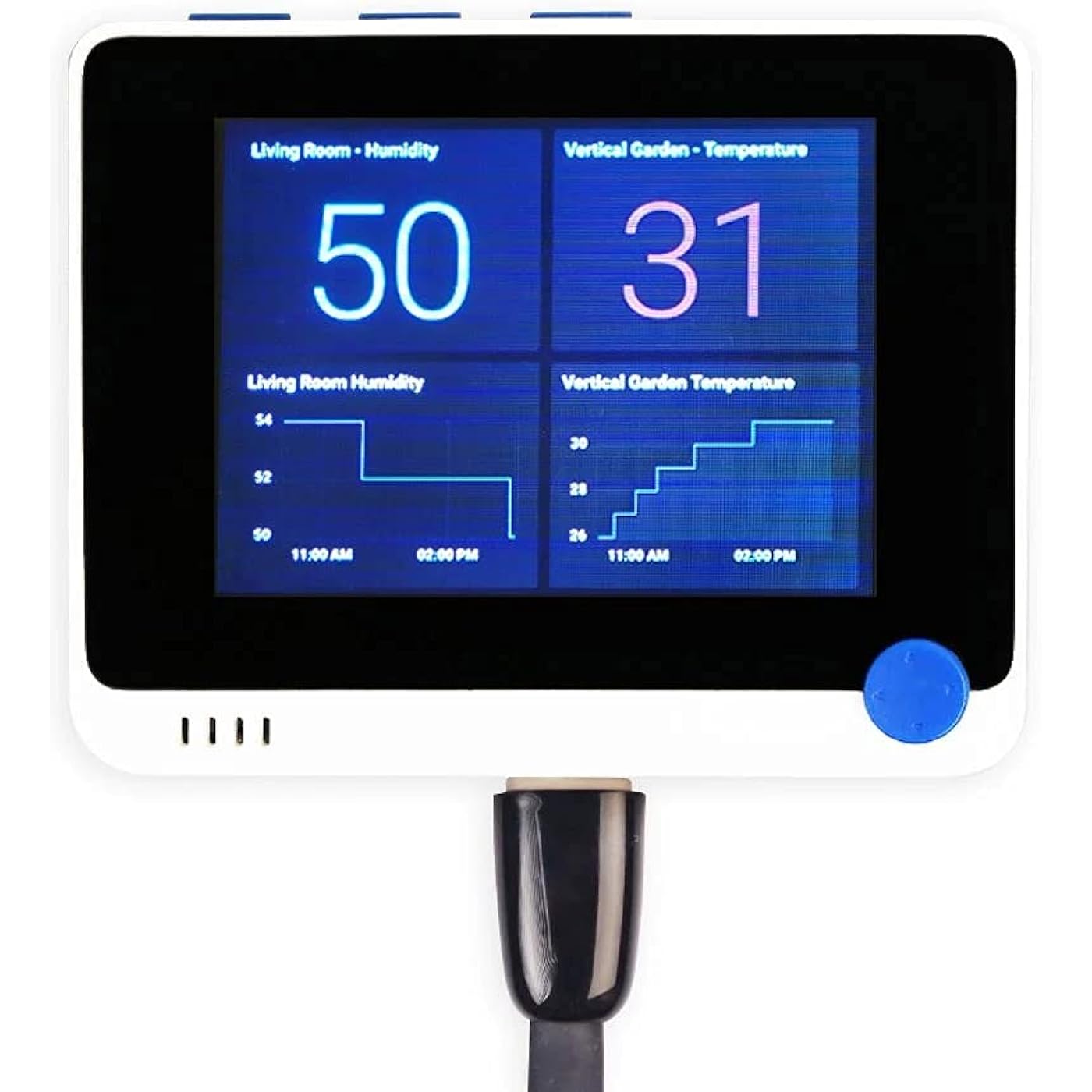
Seeed Studio Wio Terminal ATSAMD51 Core with Realtek RTL8720DN BLE5.0 Dev Board, Wireless Microcontroller Python Terminal Device Compatible with Raspberry Pi for Arduino, Micropython, and TinyML.





Buy Now, Pay Later
- – 4-month term
- – No impact on credit to apply
- – Instant approval decision
- – Secure and straightforward checkout
Ready to go? Add this product to your cart and select a plan during checkout.
Payment plans are offered through our trusted finance partners Klarna, Affirm, Afterpay, Zip, Apple Pay, and Google Pay. No-credit-needed leasing options through Acima may also be available at checkout.
Learn more about financing & leasing here.
Selected Option
FREE refund/replacement until Jan 31, 2027 Learn more
To qualify for a full refund, items must be returned in their original, unused condition. If an item is returned in a used, damaged, or materially different state, you may be granted a partial refund.
To initiate a return, please visit our Returns Center.
View our full returns policy here.


At a glance
- Condition
- New
- Size
- Wio terminal
- Storage
- 4 MB
- Dimensions
- 2.83"L x 2.24"W x 0.47"H
- Weight
- 3.2 oz
- CPU Speed
- 120 MHz
- Processor Brand
- Microchip
- Works with
- Raspberry Pi, other single-board computers
Features 5
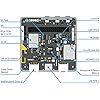
- Highly Integrated Design The Wio Terminal is equipped with a 2.4'' LCD Screen, onboard IMU(LIS3DHTR), microphone, buzzer, microSD card slot, light sensor, and infrared emitter(IR 940nm), packed multiple functions in a 72 x 57 x 12mm tiny but stylish enclosure.
- Powerful Processor and Reliable Wireless Connectivity Wio Terminal is an ATSAMD51-based microcontroller with wireless connectivity supported by Realtek RTL8720DN. It runs at 120MHz (Boost up to 200MHz) and supports both Bluetooth (BLE4/5.0) and Wi-Fi (2.4G/5G), providing a more powerful IOT capability than ESP32.
- Compatible with Raspberry Pi and 300+ Grove Modules Wio Terminal is equipped with various peripherals, including two multifunctional Grove ports for Grove Ecosystem and 40 Raspberry Pi compatible GPIO pins for more add-ons. By connecting Wio Terminal to Raspberry Pi, you can start programming and collect environmental data directly, with no need for soldering or breadboards. Over 300 Grove modules are available on Seeed and waiting for you to explore!
- Various Application Wio Terminal have various application like: You can easily build your TinyML applications with Edge Impulse; Sense and tag the Real-World data with over 300 Groves created by Seeed; Use 100% open-source Hardware in a pythonic way; Build your program interpreter starting from 90% with an LCD screen and compact enclosure.
- Rich Software Support Lots of software supported by Wio Terminal, such as Arduino, MicroPython, ArduPy, AT Firmware, Visual Studio Code, CircuitPython (coming soon).
Description
The AI Hardware Partner Seeed Studio has been a leading Open Hardware company since 2008, empowering half a million direct users to create real-world digital solutions. Through relentless efforts and earned trust, our ever-growing product lines now form around emerging AI scenarios: Seeed Studio provide industrial-ready modules and devices, and open up the capability of prototype, produce, and promote as Fusion service. We have an excellent R&D team that constantly upgrades and improves our products, and an after-sales service team that provides quick support. Seeed's solutions excel in their rapid deployment capabilities within the real-world AIoT sector, including Asset Tracking, Smart Building, Smart City, and Agriculture Many of you might have a quick question: what does the “Wio” of Wio Terminal ever mean? It is an abbreviation of “Wireless input and output”, a platform including hardware and software created by Seeed, aiming to simplify IoT development for makers. With the help of the Wio Family, even beginners can build his/her own IoT application within 5 minutes, no hardware programming, no breadboard, no jumper wires, no soldering. Wio Terminal is the newest member of the Wio family. You must have noticed that it is quite different from its elder brothers, not a single embedded functional module but a simple and tiny device with highly-integrated design, packing multiple functions in a 72 x 57 x 12mm tiny but stylish enclosure. Together with its reliable wireless connectivity, setting up an IoT project is simpler than ever. Highly Integrated Design Powerful MCU - Microchip ATSAMD51P19 Reliable Wireless Connectivity Wio Terminal can be connected to Raspberry Pi through the 40 pins GPIO header or its USB Type-C connector. It is integrated with onboard IMU(LIS3DHTR), microphone, light sensor, infrared emitter(IR 940nm) and two multi-functional Grove ports, which allows Wio Terminal to collect and send environmental data to Raspberry Pi for further process and analysis (i.e, machine learning) without hassle setting of hardware or software. We will introduce a demo showing how to use Wio Terminal to read and display the system status of Raspberry Pi via USB serial. Please visit (seeedstudio.com/blog) for the demo. In this demo, the 40 pin GPIO of Raspberry Pi is not taken and is available for use, which will be more convenient if there are any other Pi hats essential in your Raspberry Pi projects. Accessible Devices(as USB-Host): Mouse, Keyboard, MIDI Devices, Xbox/PS Gaming Controllers, 3D Printers Simulated Devices(as USB-Client): Mouse, Keyboard, MIDI Devices We prepared two mounting holes on the back of the Wio Terminal, so it can be fixed into any place you like, simply using a screwdriver! Built-in Magnet and Mounting Hole for Easy Project Setup Four magnets are put into the enclosure. They are tiny but strong enough to attract metals. With the help of the built-in Magnets, you can easily attract your Wio Terminal to a blackboard or an iron door as a monitor or dashboard for your IoT project. Imagine that you use Wio Terminal to make a smart home automation system: Decorate at your doorway, it displays the current temperature and humidity of your house, and open the air conditioners and lights automatically once you come back home. Your friends will consider it as some fancy new product you bought, not a DIY project! With Wio Terminal: Part List
Specs 22
| Brand | seeed studio |
|---|---|
| Model Name | ATSAMD51 Core with Realtek RTL8720DN |
| Memory Storage Capacity | 4 MB |
| CPU Speed | 120 MHz |
| Connectivity Technology | Wi-Fi |
| Processor Speed | 120 MHz |
| Operating System | Arduino, MicroPython, ArduPy (user-defined) |
| Processor Brand | Microchip |
| Wireless Compability | Bluetooth |
| RAM Memory Technology | DDR2 |
| Processor Count | 1 |
| Total Usb Ports | 1 |
| Item Dimensions L x W x H | 2.83"L x 2.24"W x 0.47"H |
| Built-In Media | / |
| Number of Items | 1 |
| UPC | 886268725806 |
| Unit Count | 1 Count |
| Item Weight | 3.2 ounces |
| Manufacturer | seeed studio |
| Model Number | 102991299 |
| Mfr Part Number | 102991299 |
| Warranty Description | / |
No specs match.
Frequently asked questions
To initiate a return, please visit our Returns Center.
View our full returns policy here.
- Klarna Financing
- Affirm Pay in 4
- Affirm Financing
- Afterpay Financing
- Zip Pay in 4
- Financing through Apple Pay
- Financing through Google Pay
Learn more about financing & leasing here.
Similar Products





Top Amazon Reviews