




Microsoft Surface Pro 7 12.3" (Latest Model) 10th Gen Core i7-1065G7 IRIS 512GB SSD 16GB RAM 2736X1834 12.3" Touch Win 10 Pro PVU-00015
Condition: New


$1,490.99
Buy Now, Pay Later
As low as
/ mo
Learn more
- – Up to 36-month term if approved
- – No impact on credit to apply
- – Instant approval decision
- – Secure and straightforward checkout
Ready to go? Add this product to your cart and select a plan during checkout.
Payment plans are offered through our trusted finance partners Klarna, Affirm, Afterpay, Zip, Apple Pay, and Google Pay. No-credit-needed leasing options through Acima may also be available at checkout.
Learn more about financing & leasing here.
Selected Option
Free shipping on this product
30-day returns
Learn more
30-day refund/replacement
To qualify for a full refund, items must be returned in their original, unused condition. If an item is returned in a used, damaged, or materially different state, you may be granted a partial refund.
To initiate a return, please visit our Returns Center.
View our full returns policy here.
Availability:
In Stock.
Arrives
Nov 25 – Nov 26
Recently Viewed


At a glance
- Condition
- New
- Color
- Black
- Size
- 16 GB Ram, 512 GB, Win 10 Pro
- Configuration
- Intel Core i7
- Model
- Surface Pro 7 PVU-00015
- Storage
- 16 GB
- Screen size
- 12.3 in
- Works with
- Type Cover (Keyboard), Pen (Stylus), Other Accessories, Laptop
Features 5
- Microsoft Surface Pro 7 (Latest 2019 Commercial Model) with Factory Warranty | Part Number : PVU-00015
- Intel Core i7-1065G7 Processor (4 Core, 8 Thread, 1.30-3.90Ghz) | 16GB RAM | 512GB SSD
- 12.3" Touchscreen (10 Point Multi-Touch) 2736 x 1824 Resolution with Active Pen Support | Matte Black Color
- WiFi AX + Bluetooth | Windows 10 Professional 64-Bit Operating System | Iris Plus Graphics
- 12.3" Tablet ONLY, Microsoft Type Cover, Pen, and other accessories sold Separately
Specs 57
| Brand | Microsoft |
|---|---|
| Model Name | IRIS |
| Memory Storage Capacity | 16 GB |
| Screen Size | 12.3 inches |
| Display Resolution Maximum | 2736x1824 pixels |
| Generation | 10th Generation |
| Model Year | 2019 |
| Age Range Description | Adult |
| Model Number | Surface Pro 7 PVU-00015 |
| Specific Uses For Product | Multimedia |
| UPC | 720524854933 |
| Number of Items | 1 |
| Manufacturer | Microsoft |
| Configuration | Intel Core i7 |
| Unit Count | 1 Count |
| Size | 16 GB Ram, 512 GB, Win 10 Pro |
| Model Series | Surface Pro 7 |
| Mfr Part Number | Surface Pro 7 PVU-00 |
| Battery Cell Type | Lithium Ion |
| Lithium-Battery Energy Content | 42 watt-hours |
| Hardware Interface | Bluetooth |
| Wireless Technology | Bluetooth, Wi-Fi |
| Cellular Technology | 4G |
| Total Usb Ports | 1 |
| Connectivity Technology | Bluetooth, Wi-Fi |
| Wireless Compability | Bluetooth |
| Video Capture Resolution | FHD 1080p |
| Camera Description | Front, Rear |
| Rear Facing Camera Photo Sensor Resolution | 8 mp |
| Photo Sensor Resolution | 8 mp |
| Operating System | Windows 10 Pro |
| Color | Black |
| Video Processor | Allwinner |
| Item Weight | 1.7 pounds |
| Graphics Coprocessor | Intel IRIS |
| Human-Interface Input | Touchscreen |
| Graphics Description | Integrated |
| Warranty Type | Manufacturer's Warranty |
| Operating System Family | Windows |
| Software Update Supported to Date | unknown |
| Display Type | AMOLED |
| Native Resolution | 2736x1824 pixels |
| Frame Rate | 30 FPS or higher |
| Aspect Ratio | 32 |
| RAM Memory Installed | 16 GB |
| Memory Slots Available | 1 |
| RAM Size | 16 GB |
| Hard-Drive Size | 16, 512 GB |
| Processor Speed | 1.3 GHz |
| Processor Description | Intel Core |
| Processor Brand | Intel |
| CPU Model Number | PVU-00015 |
| CPU Model Speed Maximum | 3.9 GHz |
| Other Special Features of the Product | Pen |
| Speaker Description | 1.6W stereo speakers with Dolby Audio Premium |
| Supported Audio Format | MP3, WAV, AAC, FLAC |
| Headphones Jack | 3.5 mm |
No specs match.
Frequently asked questions
If you place your order now, the estimated arrival date for this product is:
Nov 25 – Nov 26
Yes, absolutely! You may return this product for a full refund within 30 days of receiving it.
To initiate a return, please visit our Returns Center.
View our full returns policy here.
To initiate a return, please visit our Returns Center.
View our full returns policy here.
- Klarna Financing
- Affirm Pay in 4
- Affirm Financing
- Afterpay Financing
- Zip Pay in 4
- Financing through Apple Pay
- Financing through Google Pay
Learn more about financing & leasing here.
Similar Products


$13/mo*
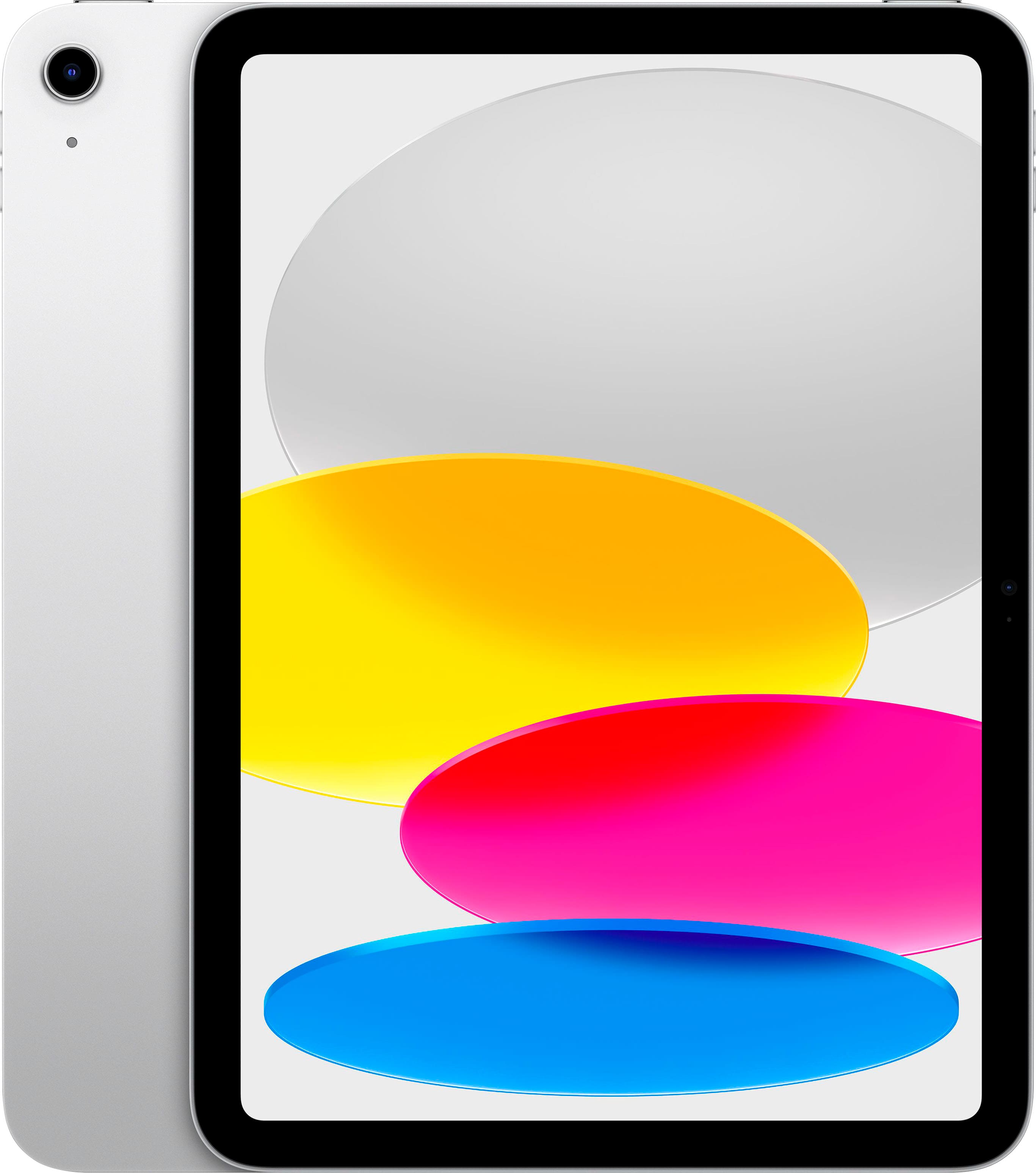
Apple - 11-inch iPad A16 chip with Wi-Fi - 128GB - Silver
$22/mo*

reMarkable Paper Pro with Marker Plus and Basalt Book Folio
$22/mo*

reMarkable Paper Pro Digital Notebook with Marker Plus





Top Amazon Reviews
Outstanding. It's that simple
Suits my needs perfectly. Needs to travel light, have a keyboard for doing real work (a tablet without a keyboard is nearly pointless.) As for some of the most common criticisms I read before buying. "Bezel too large." No, the bezel is perfect. You need a bezel of decent size to actually use a tablet like a tablet. Otherwise you will accidentally activate the touchscreen. This love affair with screens going to the edge is like the popular open floor plan in houses - looks great on a tour, but in real life is mostly terrible when you suddenly hear pots, pans, and dishes clanging in the kitchen echoing through the entire level of the house. You need a bezel for a tablet. Period. Without one, or having one that is too small, you cannot use a tablet properly. "Battery life." How long do you really need a battery to last? I can use the tablet on and off throughout the day without worrying about a charge. Charge it once a day (overnight) unless you plan to use it all day for streaming video conferences. You can't expect to not have to charge a device for 2-3 days. The touchscreen works tremendously well. The keyboard attachment is just perfect (backlit buttons are an essential item to have on any keyboard on a notebook). Only complaint is that I wish the power cord had a slightly stronger magnet. It seems a little bit too easy to accidentally knock out. If your needs are similar to mine, this will be a great device for you. If they are not, it may not be as good of a fit for you, but it is hard to fault the design of the product.
...
show more
Reviewed in the United States on November 18, 2020 by Jonathan Ross
Great product with no issues so far after a month of consistent use
Came quickly and works very well. Came with windows pro 10 which I upgraded to windows pro 11 and I have had no issues at all. Very happy with my purchase and paid much less than what most other sellers had. I would recommend this seller and product
Reviewed in the United States on December 31, 2022 by Timothy Williams
I had to be ready to go from 16:9 to 3:2 for a better grade of computer
I migrated all my files smoothly with my Microsoft Account. I like the faster downloading speed; that was my goal. Having i7 in Surface Pro 7 is quite a hoot. This device is quite a boost to my morale. I was surprised at how slim the device is. It does seem lighter than my SP2. I get all my electronics from Amazon now. It is so easy to fine tune just what I want this way.
...
show more
Reviewed in the United States on November 14, 2020 by Bruce Winning
Solid device - excellent as a business machine
This is my second Surface Pro. Jumped from the 4 to the 7 and very happy with it. The i7 eats work for fun :-)
Reviewed in the United States on June 1, 2021 by Roscoedude
Impressive Tablet
First a big Thumbs-up to ProPrime and FedEx who shipped my Surface Pro 7 to the other side of the globe within 4 days of ordering - very impressed! As for the Pro 7, so far very happy. Build quality is good and I havee been able to use my HP Pen on it without issue, negating the need to spend more money on something I already have. The onscreen keyboard is not great though - during the setup there were a couple of times where I could not type in details and had to push all around the screen to try and get the keyboard to appear. Even after updating to the latest version of Windows, this did not improve. Talking of setup, this was very easy and after logging in with my Microsoft details, I was up and running within an hour. Very handy tool when meeting with clients!
...
show more
Reviewed in the United States on October 29, 2020 by Pieter Venter
The Screen Flickers!
The screen flickers so much it is unusable! There is a fix that works sometimes, but the flicker always comes back. Unfortunately for me, I purchased several of these and the issue started after the warranty had expired.
Reviewed in the United States on October 19, 2022 by Kory
Screen Freeze Up! Very Annoying!!
My first Surface Pro 7. Very nice design and I like it because you could install any apps like a regular computer. It works out of the box at first, but after I installed the Windows updates I start having screen freezing up issue. No matter you are browsing the web or typing in MS words it would freeze up. Very annoying. I could return it to exchange for another one. But, I ending up calling MS tech for the issue. I spent hours with Microsoft tech. It was the Intel Graphics refreshing issue! If you having the same problem that I had. You need to download the Intel Graphics Command Center app and install it. After installed. Open up the Intel Graphics Command Center app. Under "Power", select "On Battery" turn off Panel Self Refresh to "OFF" and do the same to "Plugged In" to "OFF", then exit it out. I hope this would help others that having the same problem.
...
show more
Reviewed in the United States on April 18, 2020 by ST
Not a Windows 10 PRO device.
The description lists this as windows 10 Professional. I received Windows 10 Home devices.
Reviewed in the United States on October 18, 2022 by IT Department