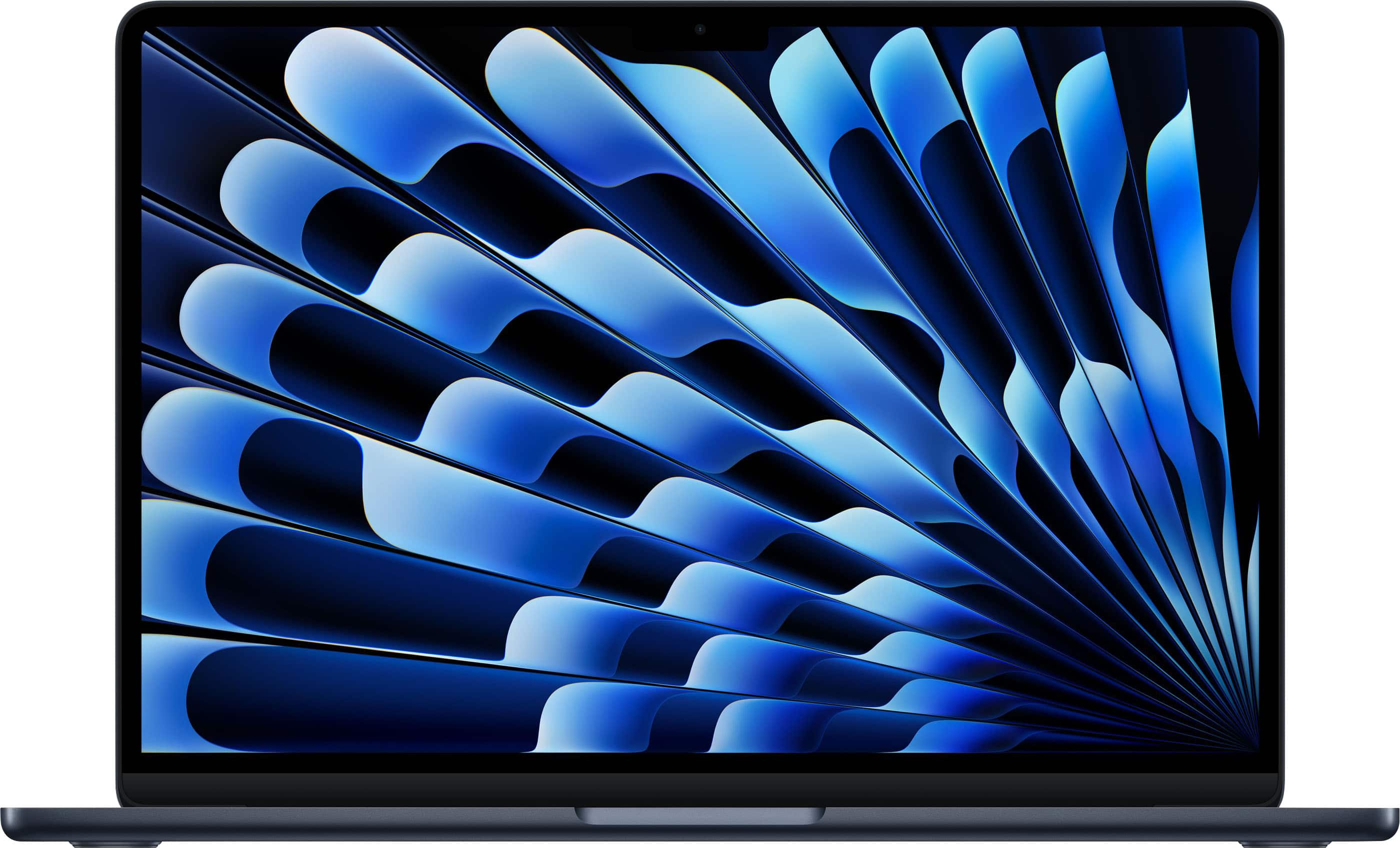
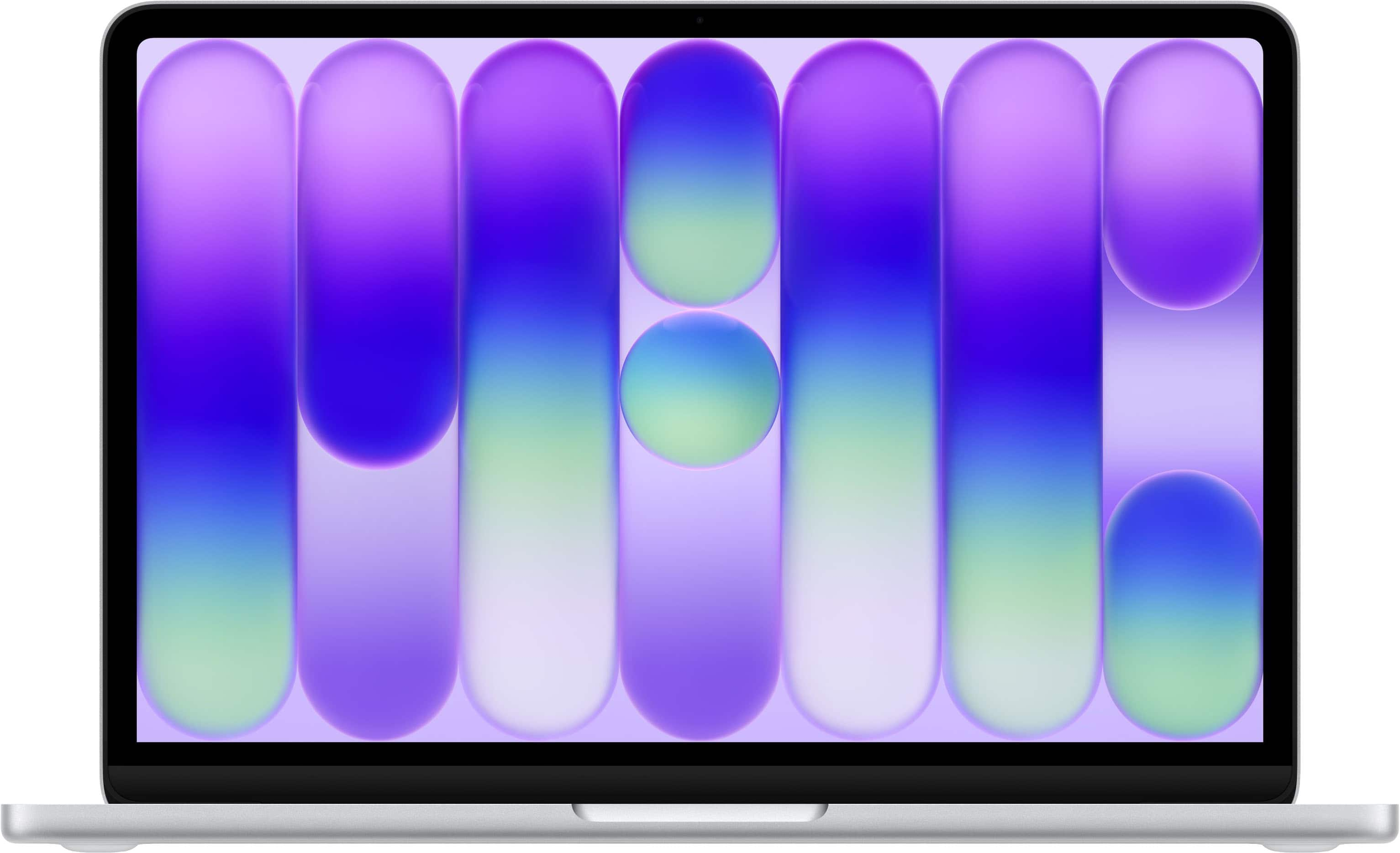
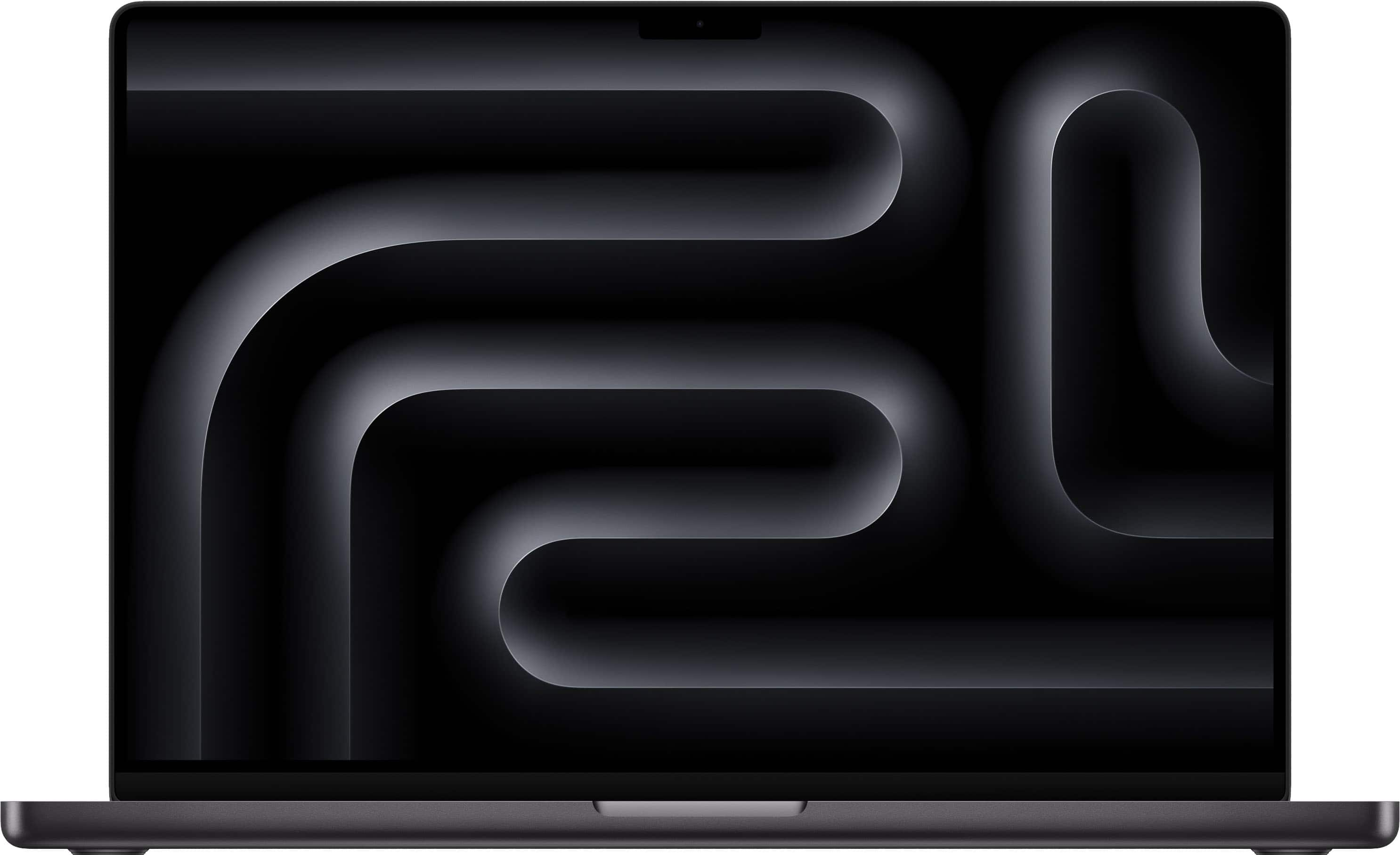
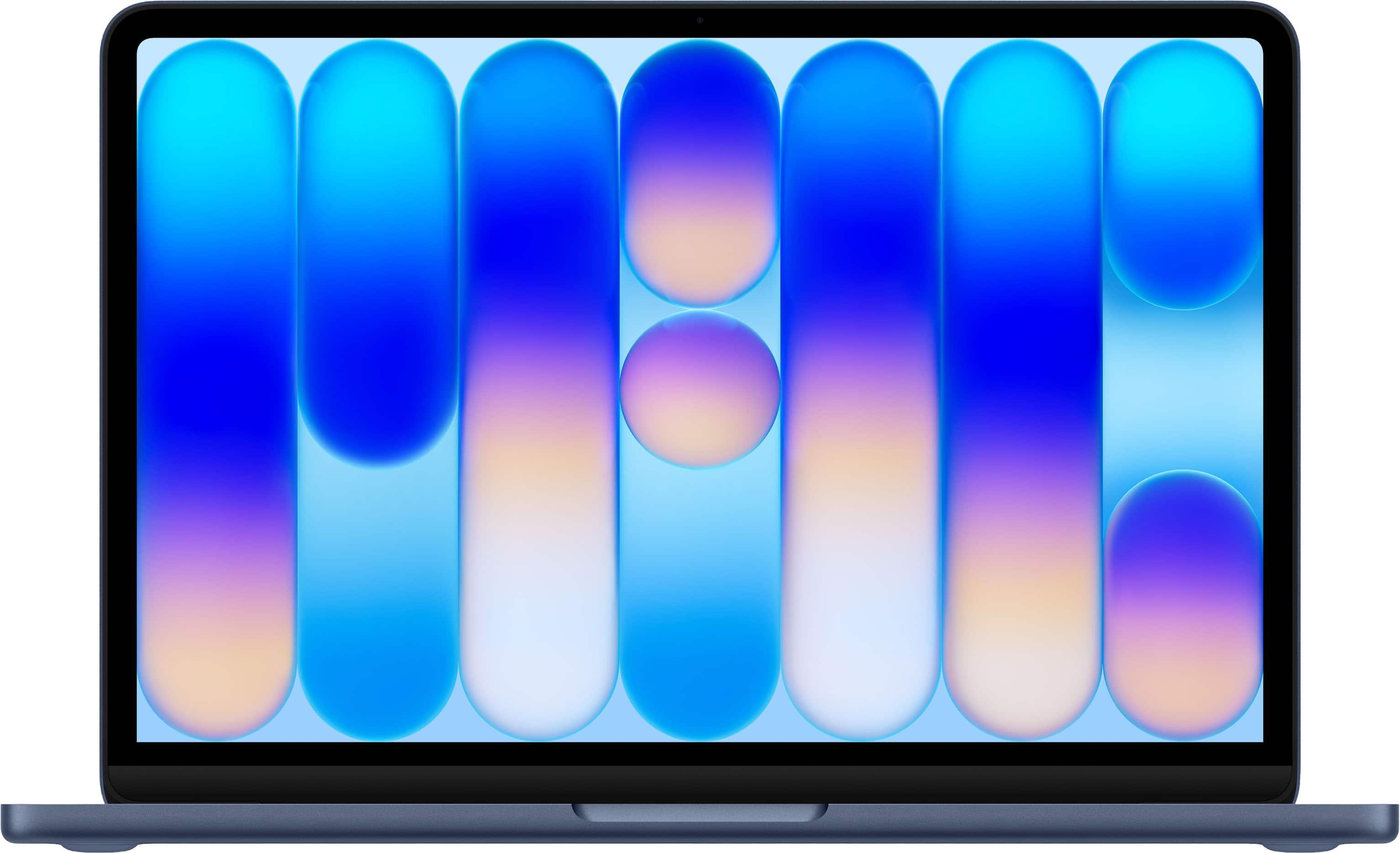
HP 14" Laptop, Intel Processor N150 (Beat i3) 4GB RAM 128GB UFS 1-Year Office 365 Copilot AI Win11 WiFi6 Computer for Creator Business Gaming Student College





Buy Now, Pay Later
- – 6-month term
- – No impact on credit to apply
- – Instant approval decision
- – Secure and straightforward checkout
Ready to go? Add this product to your cart and select a plan during checkout.
Payment plans are offered through our trusted finance partners Klarna, Affirm, Afterpay, Zip, Apple Pay, and Google Pay. No-credit-needed leasing options through Acima may also be available at checkout.
Learn more about financing & leasing here.
Selected Option
FREE refund/replacement until Jan 31, 2027 Learn more
To qualify for a full refund, items must be returned in their original, unused condition. If an item is returned in a used, damaged, or materially different state, you may be granted a partial refund.
To initiate a return, please visit our Returns Center.
View our full returns policy here.
Recently Viewed


At a glance
- Condition
- New
- Color
- Honey Lavender
- Set
- 4GB RAM | 128GB
- Storage
- 128 GB
- Memory
- 4 GB
- Screen size
- 14 in
- Weight
- 3.2 lb
- Warranty
- 1 Year Warranty
- Works with
- External displays, mice, keyboards, storage devices, printers, headphones, smartphones, tablets, and other Bluetooth or Wi-Fi enabled devices
Features 10
- Intel Processor N150 for Professional Tasks Elevate your workflow with the Intel Processor N150. Reaching up to 3.6GHz with 4 cores, this HP 14" Laptop is a reliable computer notebook for business professionals handling data analysis and intensive research without compromise.
- Included 1-Year Microsoft 365 Subscription Stay productive with a complimentary one year subscription of Microsoft 365. This Business Laptop ensures professionals and college students have immediate access to Word, Excel, and PowerPoint for every important project.
- 128GB UFS Storage for Business Data Saving Keep your projects and files organized. The secure 128GB UFS Storage of this compact computer provides reliable space for presentations and media, making it an excellent choice for a mobile Business Laptop.
- 4GB RAM for Efficient Multitasking The 4GB memory provides a stable environment for running essential business applications. This HP Laptop allows professionals to toggle between video calls and document editing smoothly, making it a dependable computer notebook.
- Secure Windows 11 Home Operating System Navigate with confidence using the latest Operating System in S mode. This HP 14" Laptop provides the security features business users need and the user-friendly interface required by college students for daily study.
- Stable WiFi6 Connectivity for Casual Gaming Experience seamless browsing and stable downloads with advanced WiFi6 and Bluetooth. Perfect for virtual corporate meetings or light gaming, this modern computer ensures a stutter-free connection for every user.
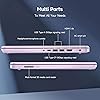
- Full Port Connectivity for Professionals Equipped with USB-C and HDMI 1.4, this HP 14" Laptop links easily to external monitors. It is the ideal Business Laptop for professionals giving presentations or students expanding their workspace in a dorm.
- Portable 3.24 LB Frame for Travel Weighing only 3.24 LB, this 14 inch FHD Laptop is built for mobility. Professionals can easily carry this computer notebook on business trips or between college lectures without any extra bulk in their backpack.
- HD 720p Camera for Video Calls Enhance your virtual presence with clear 720p video resolution. Perfect for business consultations or student study groups, this HP 14" Laptop ensures you look professional during every online meeting or lecture.
- 11-Hour Battery for All-Day Work Power through your schedule with up to 11 hours of battery life. This HP Laptop supports professionals on long business flights and college students in back-to-back classes without needing to find a power outlet.
Description
Microprocessor: Intel Processor N150 (4-Core, up to 3.6 GHz) Memory:4GB DDR4 RAM Display: 14" HD (1366 x 768), micro-edge Wireless connectivity: Wi-Fi 6 and Bluetooth 5.4 combo External ports: 1 x SuperSpeed USB Type-C 3.0 2 x SuperSpeed USB Type-A 3.0 Minimum dimensions (W x D x H): 12.76 x 8.86 x 0.71 inches Weight: 3.24 LB Battery life mixed usage: Up to 11 hours Webcam: HP Wide Vision 720p HD camera with camera shutter and integrated dual array digital microphones Operating system: Windows 11 Home in S mode Activate pre- installed Office 365: 1.Launch any Office app > 2.Start your activation by signing in with your Microsoft account(Create a account if you don't have one yet) > 3.Click "Activative Office" > 4.Sign in your account and follow the next prompts. > 5.Complete Step 1,2 and 3 > 6.Click on Refresh once Office is ready > 7.Open a document and accept the license agreement. Switching out of S mode in Windows 11 Windows 11 in S mode is designed for security and performance, exclusively running apps from the Microsoft Store. If you want to install an app that isn't available in the Microsoft Store, you'll need to switch out of S mode 1. On your PC running Windows 11 in S mode, open Settings > System > Activation. 2. In the Switch to Windows 11 Pro section, select Go to the Store. (If you also see an "Upgrade your edition of Windows" section, be careful not to click the "Go to the Store" link that appears there.) 3. On the Switch out of S mode (or similar) page that appears in the Microsoft Store, select the Get button. After you see a confirmation message on the page, you'll be able to install apps from outside of the Microsoft Store.
Specs 79
| Brand | HP |
|---|---|
| Model Name | HP Laptop |
| Screen Size | 14 inches |
| Color | Honey Lavender |
| Hard Disk Size | 128 GB |
| CPU Model | Celeron N |
| Ram Memory Installed Size | 4 GB |
| Operating System | Windows 11 |
| Special Feature | 1-Year Office 365, 720p Wecam, Bluetooth 5.4 wireless, Microsoft Copilot, Wi-Fi 6 |
| Graphics Card Description | Integrated |
| Hard-Drive Size | 128 GB |
| Other Special Features of the Product | 1-Year Office 365, 720p Wecam, Bluetooth 5.4 wireless, Microsoft Copilot, Wi-Fi 6 |
| Graphics Description | Integrated |
| Graphics Coprocessor | Integrated Graphics |
| Hard Disk Description | UFS |
| Item Weight | 3.2 pounds |
| Video Processor | Intel |
| Specific Uses For Product | Business, Multimedia, Personal |
| Automatic Backup Software Included | Webcam |
| Form Factor | Laptop |
| Hard Disk Interface | Solid State |
| Voltage | 11.4 volts |
| Camera Description | Front |
| Graphics Ram Type | Shared |
| Item Dimensions L x W x Thickness | 12.76"L x 8.86"W x 0.71"Th |
| Chipset Type | Intel Processor N150 |
| Hard Disk Rotational Speed | 3200 rpm |
| Optical Storage Device | No Optical Drive |
| Video Output | HDMI |
| Operating System Family | Windows |
| Front Photo Sensor Resolution | 720 mp |
| RAM Memory Installed | 4 GB |
| RAM Memory Technology | DDR4 |
| Memory Clock Speed | 3200 MHz |
| Ram Memory Maximum Size | 4 GB |
| Memory Speed | 3200 MHz |
| RAM Type | DDR4 SDRAM |
| RAM Size | 4 GB |
| Memory Storage Capacity | 128 GB |
| Memory Slots Available | 1 |
| Battery Cell Type | Lithium Polymer |
| Battery Life | 7.5 hours |
| Battery Average Life Standby | 11 hours |
| Number Of Cells | 1 |
| Lithium-Battery Energy Content | 45 watt-hours |
| Human-Interface Input | Keyboard, Keypad, Microphone |
| Keyboard Description | Ergonomic |
| Notebook Pointing Device Description | laptop |
| Control Method | App |
| Processor Series | Celeron N |
| Processor Speed | 3.6 GHz |
| Processor Count | 4 |
| Processor Brand | Intel |
| CPU Model Number | Intel Processor N150 |
| CPU Model Speed Maximum | 3.6 GHz |
| Model Year | 2025 |
| Model Number | HP |
| Built-In Media | 1 x HP Laptop, 1 x Type-C 45W PD Fast Charger, 1 x User Manual, Windows 11 |
| Manufacturer | HP |
| Unit Count | 1 Count |
| UPC | 198990990514 |
| Number of Items | 1 |
| Number of Packs | 1 |
| Item Type Name | laptop |
| Resolution | 720p |
| Native Resolution | 1366 x 768 pixels |
| Display Type | LED |
| Display Resolution Maximum | 1366x768 pixels |
| Display Technology | LED |
| Display Maximum Resolution | 1366 x 768 |
| Connectivity Technology | Wi-Fi |
| Wireless Technology | Wi-Fi |
| Wireless Compability | 802.11a/b/g/n/ac |
| Cellular Technology | WiFi |
| Total Usb Ports | 3 |
| Hardware Interface | Bluetooth 5, Express Card, HDMI, Media Card, USB 3.0, USB 3.0 Type A, USB 3.1 Type C |
| Number of Ports | 4 |
| Total Number of HDMI Ports | 1 |
| Audio Output Type | Speakers |
No specs match.
Frequently asked questions
To initiate a return, please visit our Returns Center.
View our full returns policy here.
- Klarna Financing
- Affirm Pay in 4
- Affirm Financing
- Afterpay Financing
- Zip Pay in 4
- Financing through Apple Pay
- Financing through Google Pay
Learn more about financing & leasing here.