




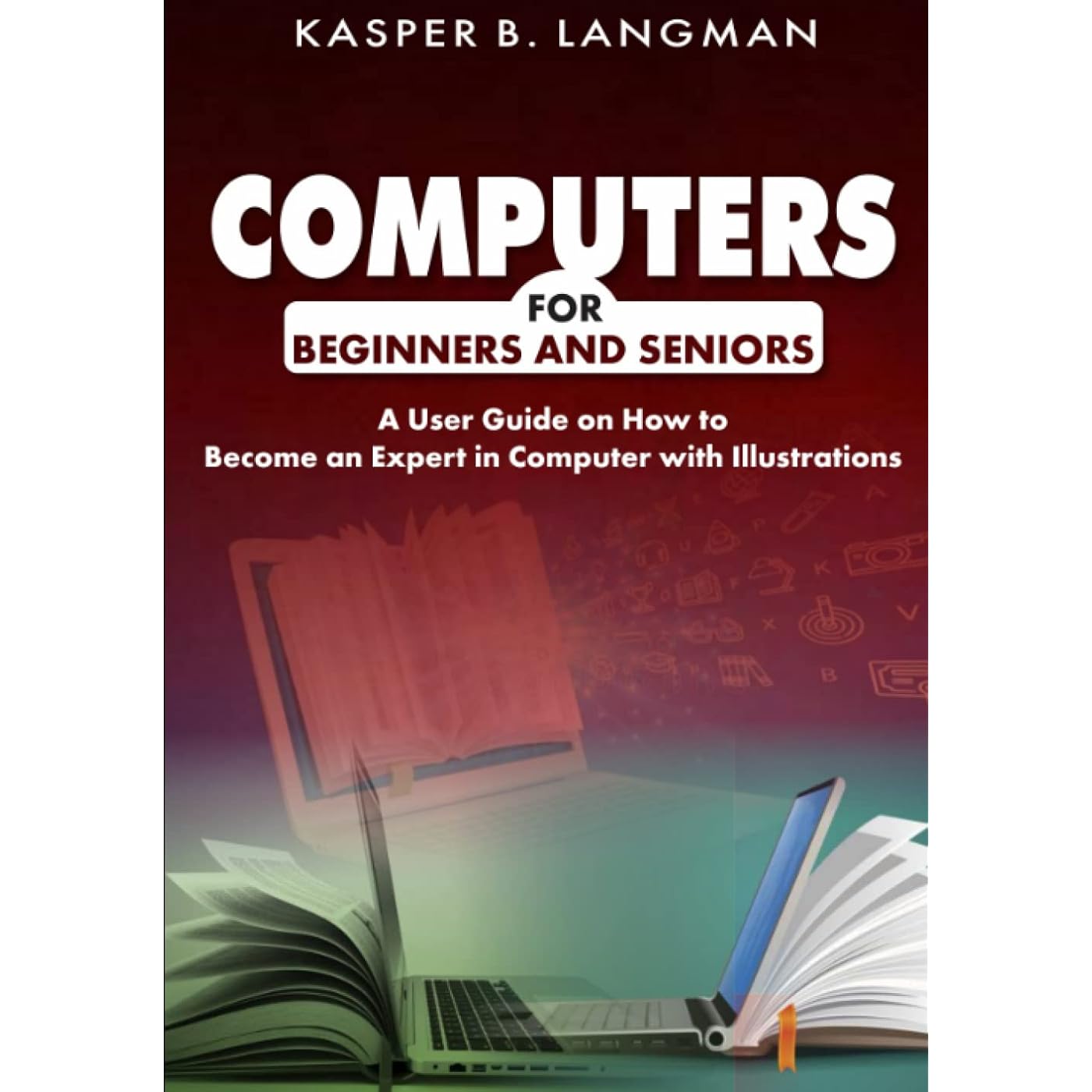
COMPUTERS FOR BEGINNERS AND SENIORS: A User Guide on How to Become an Expert in Computer with Illustrations
Notify me when this product is back in stock
Buy Now, Pay Later
- – 4-month term
- – No impact on credit to apply
- – Instant approval decision
- – Secure and straightforward checkout
Payment plans are offered through our trusted finance partners Klarna, Affirm, Afterpay, Zip, Apple Pay, and Google Pay. No-credit-needed leasing options through Acima may also be available at checkout.
Learn more about financing & leasing here.
30-day refund/replacement
To qualify for a full refund, items must be returned in their original, unused condition. If an item is returned in a used, damaged, or materially different state, you may be granted a partial refund.
To initiate a return, please visit our Returns Center.
View our full returns policy here.
Recently Viewed


At a glance
- Condition
- New
- Dimensions
- 7 x 0.36 x 10 in
- Weight
- 10.8 oz
- Publisher
- Independently published (March 1, 2022)
- Language
- English
- Paperback
- 158 pages
Description
Computer as a great machine has many applications in our world. This book starts from ground zero to teach you on how you can use a computer. It is written in a way that you can learn the use of computer easily. As a beginner or senior who is not tech savvy, you will learn all you need to increase productivity. If you got a new job or hoping to get a job where the use of computer applies, this book will help you to be up and running. The book is written with illustrations from a computer running the latest Windows Operating System, Windows 11. So, if you are looking for a book that will help you learn how to complete some tasks in Windows 11 OS, it can still help. It goes further to explain how to use the major Office apps, Microsoft Word and Excel. Some of the areas covered in this book are:How to setup a new computerUnderstanding the desktop of a computerFolders and how to create new onesAccessing of your file foldersHow to pin some apps to taskbar and Start menu for easy accessSaving your filesKeyboard keys and how to use themHow to compose documentsHow to use the internetUsing web browsersEmails and usageWorking with Microsoft WordWorking with ExcelHow to access saved files on the go, and more.Gently scroll up this page and hit the Buy Now button to purchase and read this great material. Read more
Specs 6
| Publisher | Independently published (March 1, 2022) |
|---|---|
| Language | English |
| Paperback | 158 pages |
| ISBN-13 | 34 |
| Item Weight | 10.8 ounces |
| Dimensions | 7 x 0.36 x 10 inches |
No specs match.
Frequently asked questions
To initiate a return, please visit our Returns Center.
View our full returns policy here.
- Klarna Financing
- Affirm Pay in 4
- Affirm Financing
- Afterpay Financing
- Zip Pay in 4
- Financing through Apple Pay
- Financing through Google Pay
Learn more about financing & leasing here.


