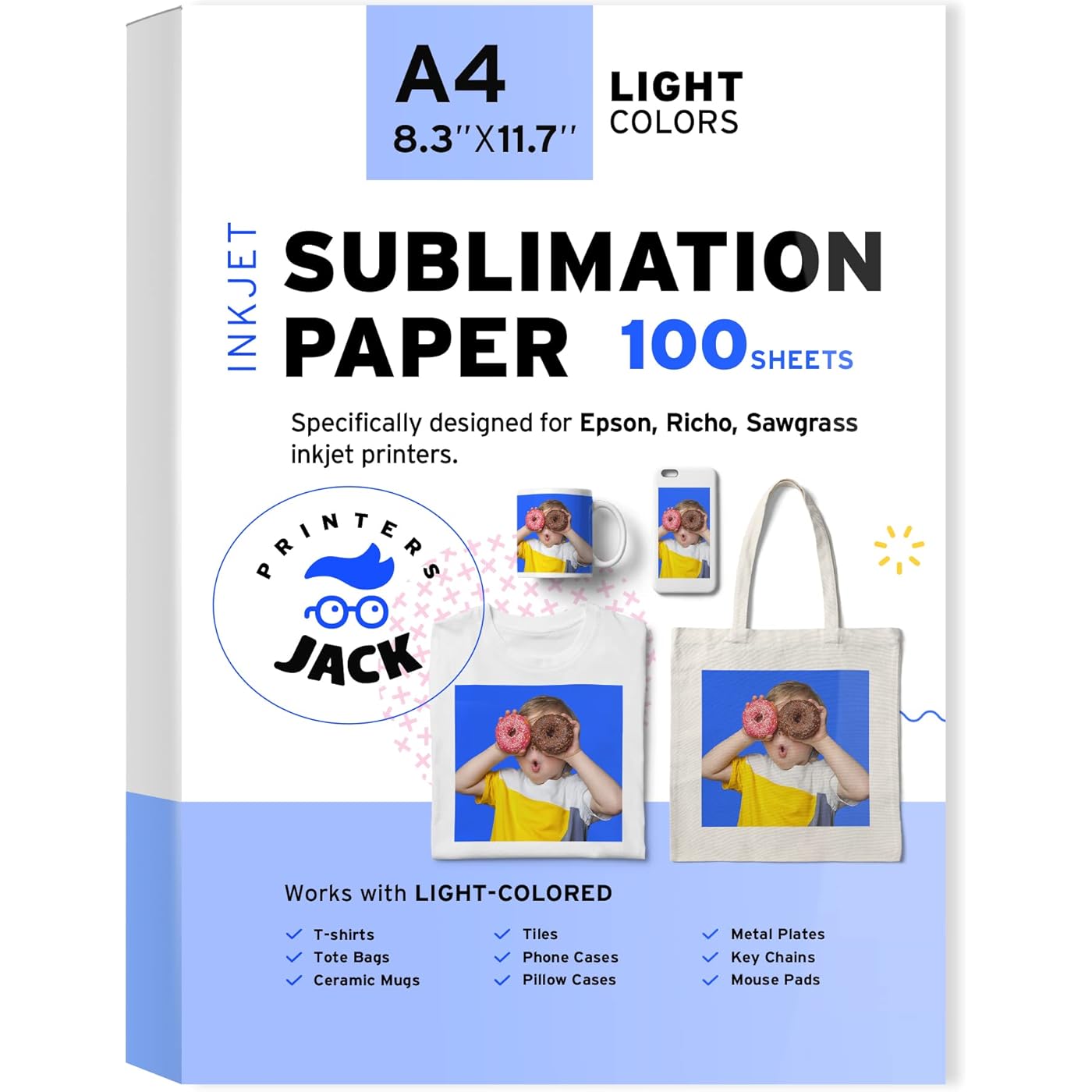
Printers Jack Sublimation Paper - Heat Transfer Paper 100 Sheets 8.3" x 11.7" for Any Epson HP Canon Sawgrass Inkjet Printer with Sublimation Ink for T shirt Mugs DIY


Buy Now, Pay Later
- – 4-month term
- – No impact on credit to apply
- – Instant approval decision
- – Secure and straightforward checkout
Ready to go? Add this product to your cart and select a plan during checkout.
Payment plans are offered through our trusted finance partners Klarna, Affirm, Afterpay, Zip, Apple Pay, and Google Pay. No-credit-needed leasing options through Acima may also be available at checkout.
Learn more about financing & leasing here.
Selected Option
FREE 30-day refund/replacement
To qualify for a full refund, items must be returned in their original, unused condition. If an item is returned in a used, damaged, or materially different state, you may be granted a partial refund.
To initiate a return, please visit our Returns Center.
View our full returns policy here.
Recently Viewed


Size: 8.3" x 11.7" - 105 gsm (100 Sheets)
Features
- WARM TIPS: Please use sublimation ink and sublimation paper, regular ink will never work. The substrate must be of a light color, with a polyester content of at least 70%. Ensure hard substrates like mugs and plates are coated. Flatten paper if it bends and use a heat press machine exclusively, avoiding the use of an iron.
- SHEET SIZE: Printers Jack Sublimation Paper 8.3" x 11.7", 100 sheets. Print on the white side of the dye sublimation paper. Works with LIGHT COLORED 100% POLYESTER fabric and POLYESTER coated items. You could also get the sublimation ink and different size 8.5"x11", 11"x17", 13"x19" from our store.
- COMPATIBLE: Our inkjet sublimation paper is compatible with Epson, Ricoh and Sawgrass Inkjet Printer. For the HP and Canon, please kindly make sure the printer has the piezoelectric printhead. Make sure you have the Sublimation Ink and the Heat press machine. NO iron.
- HIGH QUALITY: Over 98% transfer rate, NO fracturing, NO fade, fast dry. The finished products are beautifully decorated with bright, vivid colors. Reduce production cost by less ink consumption, save you tons of money!
- EASY TO USE: The sublimation paper heat transfer is easy to use, easy to apply any design from your computer to printer to fabric, please read instruction carefully before use. Only for the LIGHT polyester and cotton fabric 30%.
- UNIQUE GIFT: Our sublimation transfer paper can be used for T-shirts, ceramic mugs, pillow cases, phone cases, canvas bag, mouse pads, you are able to create personalized and specialized to give as a gift designed and created on your own, it's also a good way to increase your sublimation business.
Description
The colors came out very crisp and clear, can keep a long time after printing, bright color, ensure high-quality printing of sublimation! Yes, it really is that easy, and it’s fun too. All you need is an inkjet printer with sublimation ink to design, heat sublimation paper on which to print your transfers, polymer coated blanks or polyester garments to which you can transfer your designs, heat press to facilitate the transfer of the ink to the substrate, sublimation really can be that easy! With a sublimation printer paper, you can design and create a special gift that couldn’t be purchased off the shelf, your gifts will turn out just beautiful and be treasured forever! There are people out there who are looking for something unique to give as a gift, you can sell sublimated items for holiday, birthday, anniversary, valentine gifts, and you can also start your own business and make money from your sublimated items! ! No Regular Ink ! !NO HP, Canon printers unless you know it has piezoelectric printhead ! Use inkjet printer with sublimation ink. Choose "Mirror Printing" setting, print on the white side. !No iron! Choose the temperature, time and pressure setting, preheat the machine. When the Temp raised to the one we set, press the handle down 2-3 sec to smooth the T-shirt, then let the printed image face to the T-shirt, press down the handle, machine starts to count down. After the pressing process finished, peel the transfer paper, Finished A Full list of applicable materials: 1. Fabric with Cotton ≤30%: backpack, beanies, boxer, dog shirt, face mask, fannypack, fiberglass, gaiter, jacket, sequin, textile application, underwear, bag, canvas, cap, mouse pads, non-cotton pillow, pillow, sock 2. Ceramic & Tile: glass,tumbler, flower vase, ceramic mugs, ceramic plate, ceramic tiles, cup, mug 3. Metal Plate(Chromaluxe): clock, licence plate, Metal plates, key chain, phone case, tile 4. Boards (Wood): hard boards, cutting board, photo panel, plaques, wall panel Things you should notice before use 1. Colors after printing may look dull. But the colors after sublimation will look much more vivid. Please finish sublimation and see the color result before change any setting. 2. Please Avoid storing in high temperature, heavy wet and direct sunlight. 3. They are only for light colored or white polyester fabrics and polyester coated items. Hard objects must be coated. 4. Its' a good idea to use an absorbent cloth or a non textured paper towel behind your transfer to absorb excess moisture. 5. Each heat press, batch of ink and substrate will react a little differently. Printer setting, paper, ink, transfer time and temperature, substrate all play a role in the color output. Trial and error is KEY. 6. Blowouts are generally caused by uneven heating, excessive pressure or overheating. To avoid this issue, use a Teflon pad to cover your transfer and lessen the variations in temperature. 7. No ICC setting, Paper: high quality plain paper. Quality: high quality. Then click on "more options" tab. Select CUSTOM for color correction then click ADVANCED and choose ADOBE RGB for color management. 2.2 Gamma. 8. If you haven't used these sheets before, we would suggest a practice on some scrap fabric before committing to your best t-shirt. Printers Jack selects the best material the market and tests each raw material before putting it into production. We’re committed to helping everyone bring happiness and better life. Our team with highly motivated individuals works to provide high-quality products and services to our growing customers around the world. The core team members are from international well-known brands equipped with outstanding professional ability and global vision.
Specs & Other Info
| Specification | Details |
|---|---|
| Manufacturer | Printers Jack |
| Shade | Classic White |
| Package Weight | Approximately 1.4 Pounds |
| Paper Texture | Gloss Coated |
| Paper size | Standard 8.5 x 11 inches |
| Item Dimensions | 8.3 x 11.7 x 0.5 inches |
| Package Quantity | 100 Sheets |
| Paper Weight | 20 GSM |
| Manufacturer's Part Number | PJSP01 |
| Launch Date | June 27, 2019 |
Frequently asked questions
Similar Products


Top Amazon Reviews
🚀 Abunda's Overview
This is our summary and key points to consider based on customer reviews.
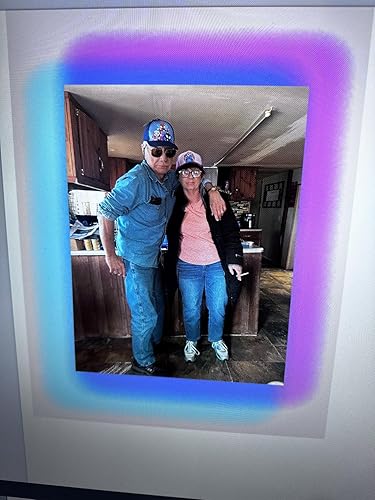
The product under review is a sublimation paper whose performance largely turned out satisfactory for most users. The paper's ink release is excellent, providing vibrant colours and perfect prints, especially for those who used the pink package. The paper works best when the right printer settings are used, but some users pointed out issues with thickness and color visibility on the back. Some reviewers also mentioned printer jamming and trouble with transfer after heating.
Pros
- 👌 Excellent quality of print and vibrant colors.
- 💖 The pink package delivers the best results.
- 💡 Works well when correct printer settings are used.
- 💰 Good value for the price.
Cons
- 📉 Paper thickness could be improved.
- 🔍 Visibility of the image on the back is obscured due to color.
- 🖨️ Can cause printer jamming, according to some users.
- 🔥 Some users had problems with transfer after heating.
Should I Buy It?
If you are consistently using the correct printer settings and are ready to tweak for optimal results, this sublimation paper provides excellent print quality, especially with the pink package. However, consider potential drawbacks like paper thickness, image visibility on the colored back, and possible printer jamming. Given the pros and cons, it may be worth trying if you're seeking vibrant prints and are willing to maneuver around the mentioned issues.