Prime Day deals end soon! View Deals
Search  for anything...

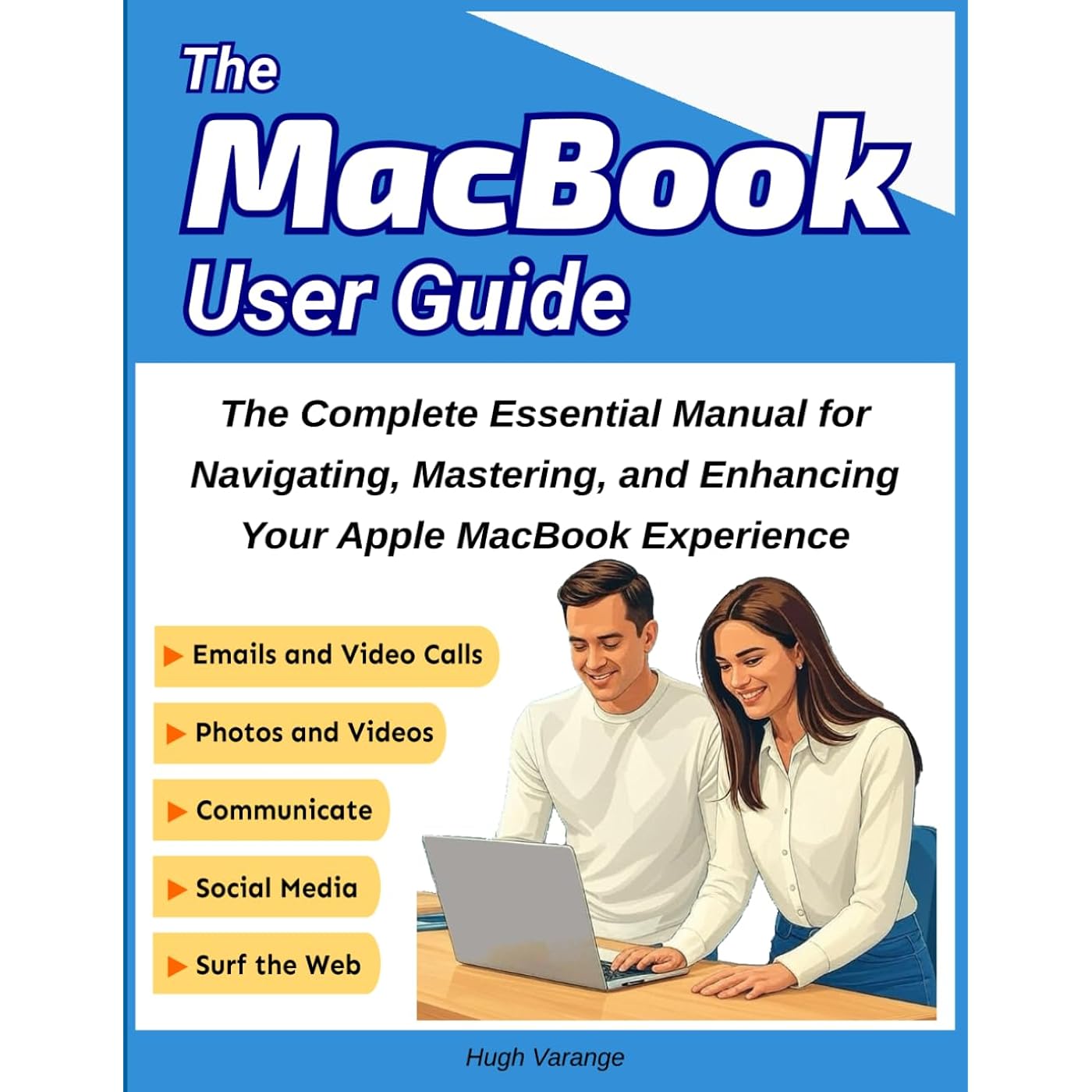
MacBook User Guide: The Complete Essential Manual for Navigating, Mastering, and Enhancing Your Apple MacBook Experience: An In-Depth, ... Your MacBook (Tech Help for all Skill Levels)
  • Based on 13 reviews
Condition: New
Checking for the best price...
$16.95 Why this price?
Prime Day Deal · 45% off was $30.97

Buy Now, Pay Later


As low as $4 / mo
  • – 4-month term
  • – No impact on credit to apply
  • – Instant approval decision
  • – Secure and straightforward checkout

Ready to go? Add this product to your cart and select a plan during checkout.

Payment plans are offered through our trusted finance partners Klarna, Affirm, Afterpay, Apple Pay, and PayTomorrow. No-credit-needed leasing options through Acima may also be available at checkout.

Learn more about financing & leasing here.

Free shipping on this product

30-day refund / replacement

To qualify for a full refund, items must be returned in their original, unused condition. If an item is returned in a used, damaged, or materially different state, you may be granted a partial refund.

To initiate a return, please visit our Returns Center.

View our full returns policy here.


Availability: In Stock.
Fulfilled by Amazon

Arrives Saturday, Jun 27
Order within 16 hours and 56 minutes
Available payment plans shown during checkout

Protection Plan Protect Your Purchase
Checking for protection plans...

Description

⭐ Unlock your Macbook’s Full Potential ⭐Take charge of your MacBook experience with the MacBook User Guide, your ultimate companion to mastering Apple’s powerful and versatile laptop. Whether you’re a first-time Mac user or upgrading to the latest model, this guide will help you unlock its full potential and elevate your productivity.With this book, you’ll:✅ Navigate the macOS interface with confidence, from the Dock to Mission Control.✅ Personalize your MacBook with settings, widgets, and shortcuts tailored to your needs.✅ Discover powerful built-in apps like Safari, Pages, and Photos, and learn how to use them effectively.✅ Master multitasking with features like Split View, Stage Manager, and Spaces.✅ Enhance your workflow with advanced tools like Spotlight, Automator, and Quick Actions.✅ Keep your MacBook secure, updated, and running at peak performance with expert tips.Inside this book, you’ll find:⭐ Step-by-step instructions for setting up and customizing your MacBook.⭐ Time-saving tips and tricks to boost productivity and efficiency.⭐ Troubleshooting advice and solutions for common issues.⭐ A complete guide to managing files, syncing devices, and using iCloud.Whether you’re using your MacBook for work, creativity, or staying connected, this guide will make it easier than ever to achieve your goals.Don’t just use your MacBook—master it.➡️👍Order your copy today and unlock everything your MacBook has to offer! Read more

Publisher ‏ : ‎ Independently published


Publication date ‏ : ‎ December 14, 2024


Language ‏ : ‎ English


Print length ‏ : ‎ 174 pages


ISBN-13 ‏ : ‎ 00


Item Weight ‏ : ‎ 1.15 pounds


Dimensions ‏ : ‎ 8.5 x 0.4 x 11 inches


Part of series ‏ : ‎ Tech Help for all Skill Levels


Best Sellers Rank: #1,251,774 in Books (See Top 100 in Books) #138 in Macintosh Operating System #14,253 in Education Workbooks (Books)


Frequently asked questions

If you place your order now, the estimated arrival date for this product is: Saturday, Jun 27

Yes, absolutely! You may return this product for a full refund within 30 days of receiving it.

To initiate a return, please visit our Returns Center.

View our full returns policy here.

  • Klarna Financing
  • Affirm Pay in 4
  • Affirm Financing
  • Afterpay Financing
  • PayTomorrow Financing
  • Financing through Apple Pay
Leasing options through Acima may also be available during checkout.

Learn more about financing & leasing here.

Top Amazon Reviews


  • For more advanced users, this book will help you optimize your focus on your mac
Format: Kindle
I picked up this Macbook User Guide to challenge myself to see if there's any missing features or capabilities in my own workflows that I could improve. The answer is yes! This book is truly beginner friendly, walking you through initial setup, basic functions, maintenance and common uses. As the book progresses it introduces more complex features that help you optimize your focus, like using Spaces or device handoffs. It also incudes a number of sections on using the terminal and applescript to automate tasks. The formatting on Kindle is a tad rough, but it is still a functional book and packed with good information. ... show more
Reviewed in the United States on December 20, 2024 by Robert Murphy

  • A Plethora of Good Information
Format: Paperback
I have a MacBook Pro. Over the years I’ve tried to familiarize myself with how this computer works and how I can use it to my best advantage. I like to experiment and see if I can figure it out myself, but sometimes you need to consult a guide and see what the experts say. MacBook User Guide has an extensive table of contents and literally covers every subject imaginable—how to secure your Mac, how to use the built-in apps, how to do a backup, how to launch a recovery of data, how to use SIRI . . . the list goes on and on. It is written in a no-nonsense style and includes graphics and photos to help explain a concept or procedure. It not only covers the basics but also includes how to integrate and use outside programs and back-up resources. The author recommends this guide for beginners, intermediate and expert users. This is a key to how this guide is best used. You can use this guide as a basic introduction to your MacBook but it is also a handy reference guide to consult when you need to learn a new skill or solve a problem. Of course, you can always call someone for help, but even if the guide can’t help you solve the problem, it can leave you better informed so that when you do reach out for help, you will be able to understand what the experts are advising. There is truly a wealth of information here that can show you the power and depth of your computer. I recommend this guide if you own a MacBook Air or Pro. 5 stars ... show more
Reviewed in the United States on June 19, 2025 by Kate Lutter

  • Macbook
Format: Paperback
not informative enough hared to follow
Reviewed in the United States on January 17, 2026 by Barbara

  • Pact with tips and info
Format: Paperback
When I first got my mac I felt like I was in a foreign land. As a life long windows users was very intimidated but made the purchase anyways as people raved about it being the best and I figured I would learn. 3 years in and I still was stumbling around no knowing stuff but much better. This little guide has helped a lot. It is densely packed with information from start up through use and lots of tips that I still did not know. Knowing some of the lesser known shortcuts and functionality is very helpful. Like swiping up with three fingers on the track pad, I never knew this was a thing. And connecting the ipad as a second monitor. I am glad to have this, wish it was included with every mac at purchase time lol. This has been very helpful and would be good for new or seasoned mac users who want more from the experience. ... show more
Reviewed in the United States on May 20, 2025 by ahudson

  • Great Piece
Format: Kindle
The MacBook User Guide is an invaluable resource for anyone looking to get the most out of their Apple MacBook, whether you're a first-time user or someone seeking to deepen your understanding of macOS. This guide stands out for its clear, step-by-step approach, making even complex features accessible to beginners while offering enough depth for experienced users. The book covers a broad range of topics, from basic navigation and setup to advanced tips and tricks that enhance productivity. It also explores MacBook-exclusive features such as Trackpad gestures, Siri integration, and iCloud synchronization, helping users take full advantage of the seamless Apple ecosystem. One of the guide’s strongest aspects is its well-organized layout, which makes it easy to find specific topics quickly. Each section is accompanied by clear explanations and practical examples, ensuring that readers not only understand how to use their MacBook but also how to solve common issues independently. The author also includes helpful troubleshooting tips and best practices for maintaining MacBook performance over time. The addition of shortcuts, lesser-known features, and customization options adds great value for those looking to personalize their MacBook experience. ... show more
Reviewed in the United States on January 15, 2025 by NG Sweets

  • Good guide for advanced Mac users
Format: Kindle
This book is a good guide for advanced Mac users. It details the many great features of the MacBook. I particularly liked the chapter on Creative tools on the MacBook. The formatting of this book could have been better.
Reviewed in the United States on January 4, 2025 by Shakti

Can't find a product?

Find it on Amazon first, then paste the link below.
Checking for best price...