







Buy Now, Pay Later
- – 6-month term
- – No impact on credit to apply
- – Instant approval decision
- – Secure and straightforward checkout
Ready to go? Add this product to your cart and select a plan during checkout.
Payment plans are offered through our trusted finance partners Klarna, Affirm, Afterpay, Zip, Apple Pay, and Google Pay. No-credit-needed leasing options through Acima may also be available at checkout.
Learn more about financing & leasing here.
FREE 30-day refund/replacement
To qualify for a full refund, items must be returned in their original, unused condition. If an item is returned in a used, damaged, or materially different state, you may be granted a partial refund.
To initiate a return, please visit our Returns Center.
View our full returns policy here.
Features
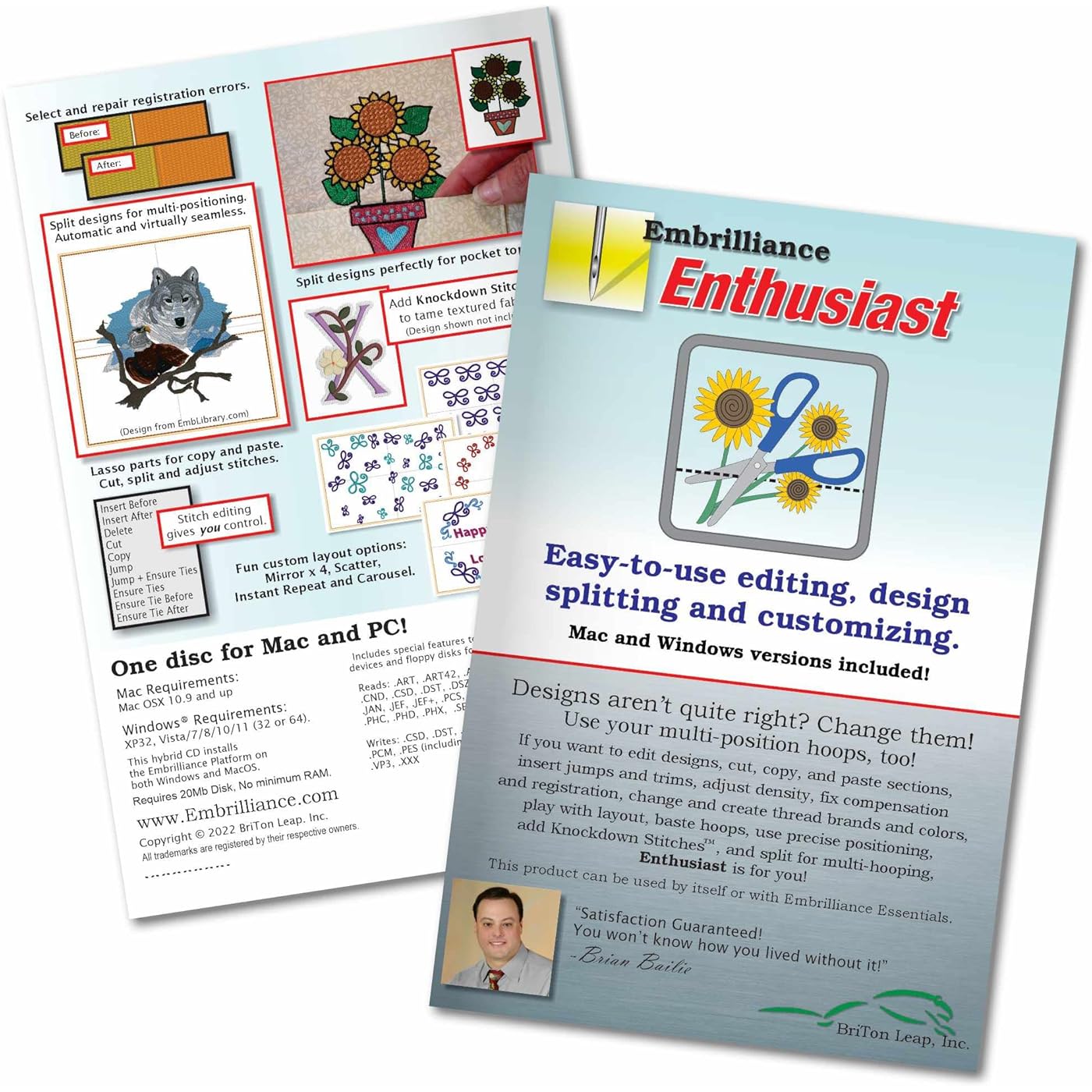
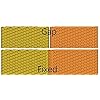
- Automatic Knockdown Stitches let any embroidery design run on toweling, faux fur, fleece, sherpa, and heavy knits.
- Gives you the tools for stitch editing, design splitting for multiple hooping and multiple position hoops, hoop basting stitches, and precise positioning tools
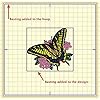
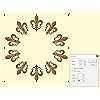
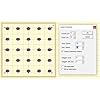
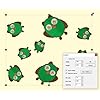
- Repeat designs in a row, mirrored and flipped, in multiples around a cirle or oval, or in a random set of resized positions with instant repeats, carousel, and scatter tools.
- Advanced Stitch properties, Advanced Thread editor (when combined with Embrilliance Essentials), Advanced Sizing controls (when combined with other titles)
- Embrilliance's Platform disc installs any of our titles on both Windows and Mac, consistently updated and compatible with the latest OS versions. All programs have available, freely downloadable updates and diskless installation files available online. You can install on as many computers as you own with your single license. Your software will arrive as a disk, but updated digital installers can be freely downloaded and registered using the serial number in your package.
Description
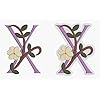
Once you have mastered the Essentials, you might be ready to play a little bit more, explore more advanced functions, and take on a little challenge. If this is you, you might be an Enthusiast. We named this program after you! Check out these features: Like all our products running in the Embrilliance Platform, you get OSX and Windows versions. Your license lets you run it on as many computers as you own — even mix and match Mac and Windows. No dongle required. No limits to the number of installs. And as you add products, just add the serial number to the program, and all the features are there in one program, easy to use. Embrilliance Enthusiast puts powerful tools for manipulating designs at your fingertips! When you want a design too big for your machine, we've got your back. Embrilliance Enthusiast automatically splits embroidery designs into multiple designs which tile together. Our splitting drastically reduces visible ‘seams’ that occur from manually splitting files. In most cases, the final product is indistinguishable from one created on a larger-field machine. Multi-position hoops allow you to hoop the fabric once and generate the design by sewing it in multiple sections. However, you can achieve the same by re-hooping multiple times. We call this a “Virtual Hoop" & Enthusiast comes with many hoops and virtual hoops defined. Aligning multiple sections is accomplished automatically with multi-position hoops, but to make it easier for regular hoops, Enthusiast adds basting stitches! The Mega Hoop, Plus Hoop, Jumbo Hoop, Dream Hoop, Hoop-It-All, and others are pre-loaded. You can even use regular hoops in a side-by-side arrangement so your sewing field is now wide as it is tall. With Essentials, individually selected embroidery designs can have a basting stitch added automatically. This is useful when you want to add a layer of stabilizer or some other material before the sewing of a design. With Enthusiast, a basting stitch can be added to the hoop, which allows for a layer of topping stabilizer to be basted in place before any designs are sewn. A typical use of this is to add a layer of water-soluble topping to a towel, which will prevent the terry cloth loops from coming up through the embroidery. It can be hard to hoop a towel, and the topping stabilizer will want to slide around before the stitching happens, so basting it first can make the process easier. Beyond the Essentials palette creator, the Embrilliance Enthusiast editor lets you make your own embroidery thread brand charts and even pick colors directly from web pages or PDFs. The color grabber tool will let you click in any window and pick up whatever color is under the cursor. This is very useful when you are building a thread palette from a document such as a .pdf or a thread manufacturer’s webpage. If you want to adjust the color visually, use the HSV (Hue, Saturation, Value) sliders until you get a color that you like. The incredibly useful knockdown stitch tool has been included as an exclusive tool in Enthusiast! When sewing on terry or any fabric with loops and nap, generally a topping stabilizer is used. These can be helpful, but have a limitation: They do not hold down the nap after the design is stitched and the item is watched, which means outlines can be lost in the surrounding fabric. Using Knockdown Stitches you can create a global underlay for the entire design. The underlay extends a few millimeters past the edge of the design, which helps the overall effect. Set up corner designs to repeat automatically and place them in the extreme corners of your embroidery hoop instantly, or set up a design to repeat with perfect spacing in rows and columns. Scatter reproduces, rotates, and scales your design for a whimsical arrangement! Arrange designs in a circle with set spacing repeats and oval shaping! Create design arrangements in the round easily!
Product Dimensions : 7.5 x 5.3 x 0.6 inches; 1.76 ounces
Item model number : ABCD
Date First Available : December 22, 2013
Manufacturer : Briton Leap
Best Sellers Rank: #126,953 in Arts, Crafts & Sewing (See Top 100 in Arts, Crafts & Sewing) #522 in Embroidery Kits
#522 in Embroidery Kits:
Customer Reviews: 4.4 4.4 out of 5 stars (222)
Frequently asked questions
To initiate a return, please visit our Returns Center.
View our full returns policy here.
- Klarna Financing
- Affirm Pay in 4
- Affirm Financing
- Afterpay Financing
- Zip Pay in 4
- Financing through Apple Pay
- Financing through Google Pay
Learn more about financing & leasing here.
Similar Products


Top Amazon Reviews
🚀 Abunda's Overview
This is our summary and key points to consider based on customer reviews.
The reviews of the Embroidery Software generally highlight it as simple and user-friendly, making it ideal for beginners and intermediates in embroidery. A significant number of users appreciate its easy-to-use features and the abundance of supportive tutorials available online. However, some users were dissatisfied with the outdated interface, lack of advanced editing features, and apparent lack of future updates.
Pros
- 🌺 User-friendly, especially for beginners
- 🌼 Offers easy stitch removal
- 🌸 Abundant supportive tutorials available online
- 🌷 Notably compatible with Mac devices
Cons
- 🥀 Lacks advanced editing features
- 🍂 Outdated Windows-95-like interface
- 🍁 No future updates as stated by the developer
Should I Buy It?
If you're a beginner or intermediate in embroidery seeking user-friendly software, this product would be beneficial for you. However, if you need advanced editing features or prefer a modern interface, the product might fall short of your expectations. It's also worth keeping in mind that the software might not support newer operating systems in the future.