




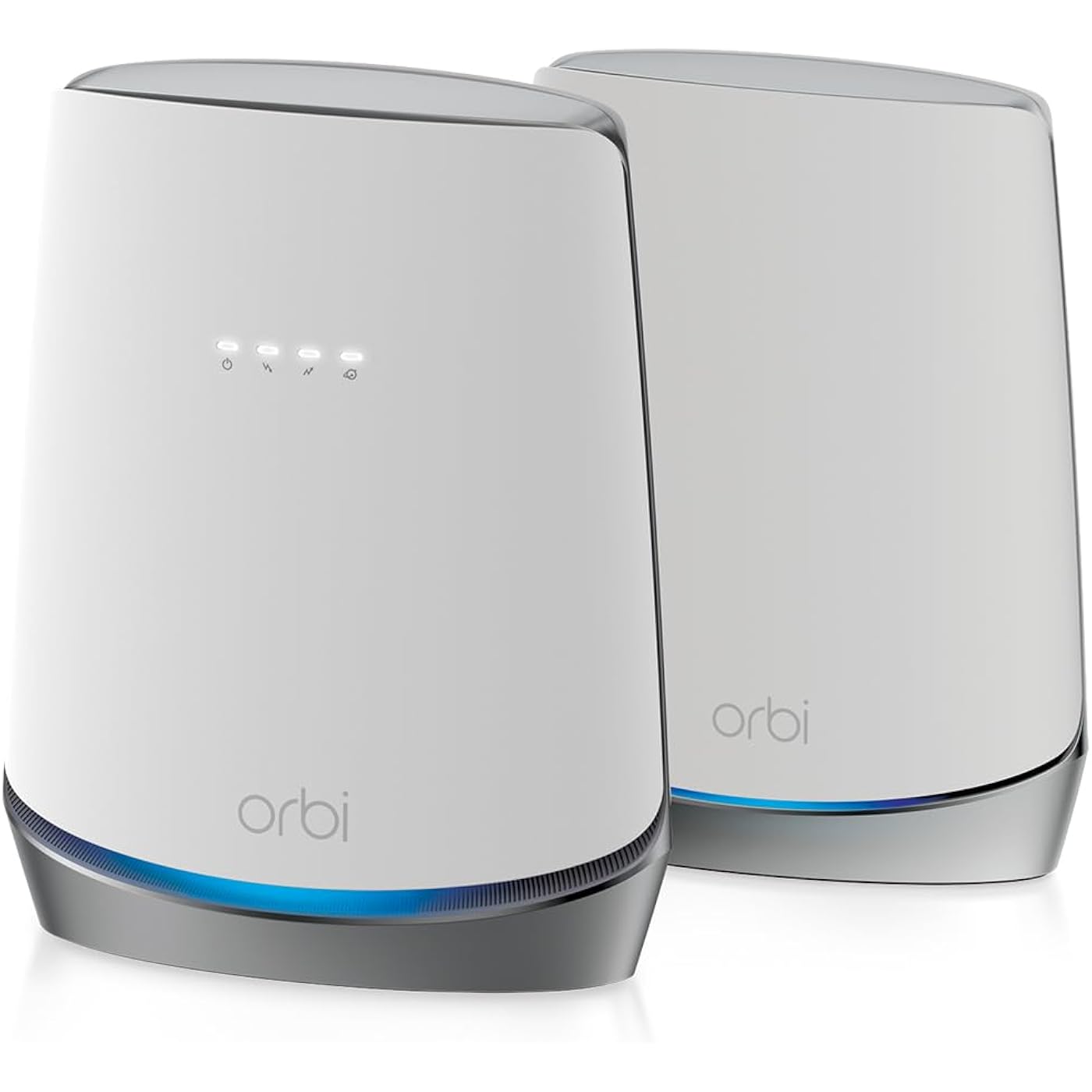
NETGEAR Orbi Cable Modem Router Combo Mesh System (CBK752) DOCSIS 3.1 – AX4200 WiFi 6 (4.2 Gbps) – Certified with Xfinity (up to 900Mbps, Spectrum & Cox (up to 1Gbps) – Covers 5,000 sq.ft.




Buy Now, Pay Later
- – 6-month term
- – No impact on credit to apply
- – Instant approval decision
- – Secure and straightforward checkout
Ready to go? Add this product to your cart and select a plan during checkout.
Payment plans are offered through our trusted finance partners Klarna, Affirm, Afterpay, Zip, Apple Pay, and Google Pay. No-credit-needed leasing options through Acima may also be available at checkout.
Learn more about financing & leasing here.
Selected Option
FREE 30-day refund/replacement
To qualify for a full refund, items must be returned in their original, unused condition. If an item is returned in a used, damaged, or materially different state, you may be granted a partial refund.
To initiate a return, please visit our Returns Center.
View our full returns policy here.




Style: 2-Pack
Features
- ONE SYSTEM FOR YOUR CABLE INTERNET AND WHOLE-HOME WIFI: A cable modem router and mesh satellite that work together as one WiFi network, so devices move room to room without dropping. Upgrades your separate modem and router into a single system.
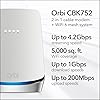
- WHOLE-HOME WIFI COVERAGE WITH NO DEAD ZONES: The router and mesh satellite cover up to 5,000 sq. ft. in open layouts for 40 or more devices. Walls, floors, and interference can reduce range. Add an optional RBS750 satellite for 2,500 sq. ft. more.
- STREAM, GAME, AND WORK WITHOUT THE BUFFERING: AX4200 tri-band WiFi 6 delivers speeds up to 4.2 Gbps with a full band dedicated to the mesh connection. Real-world speeds depend on your connected devices and internet plan.
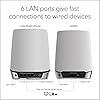
- A WIRED CONNECTION WHEN YOU NEED IT MOST: Four Gigabit Ethernet LAN ports on the cable modem router and two on the satellite let you plug in gaming consoles, streaming players, computers, and storage drives directly for a fast, stable connection.
- SET UP AND MANAGE YOUR NETWORK WITH THE ORBI APP: Connect the coax cable, then use the Orbi app on iOS or Android, or a web browser, to set up your system and manage devices from anywhere. If the connection drops, power cycle the system and wait two minutes.
- WORKS WITH YOUR EXISTING CABLE INTERNET: Works with most cable providers and is certified with Xfinity up to 900 Mbps, Spectrum up to 1 Gbps, and Cox up to 1 Gbps. Not compatible with fiber, DSL, or satellite. Contact your provider to activate the modem.
- YOUR SECURITY AND PRIVACY ARE OUR TOP PRIORITY: NETGEAR routers have security features enabled out of the box with automatic firmware updates, WiFi encryption, and a separate guest network to help protect you and your family.
- NETGEAR ARMOR SECURITY (30-DAY FREE TRIAL): NETGEAR Armor provides enhanced protection against hackers, malware, and identity theft, at home or on the go. A separate subscription is required to continue after the trial.
- Expert help available from NETGEAR at .
- Made for use in the U.S. only
Description
Keeping up with everyday life should not mean fighting your WiFi. The NETGEAR Orbi CBK752 brings a DOCSIS 3.1 cable modem, a WiFi 6 router, and a mesh satellite together in one system, with coverage up to 5,000 sq. ft. and speeds up to 4.2 Gbps for the everyday connected home. This is a cable internet system with a built-in modem. Certified with Xfinity, Spectrum, and Cox, and compatible with most US cable providers. Not compatible with fiber, DSL, or satellite service. Most providers require a short activation call before your internet goes live. Set up using the free Orbi app on iOS or Android, or any web browser, then manage devices from anywhere. Automatic firmware updates and WiFi encryption protect your network, and NETGEAR Armor is included as a 30-day trial. Engineered by NETGEAR, over 30 years of home networking innovation, FCC certified for the United States.
Brand: NETGEAR
Model Name: CBK752-100NAS
Special Feature: Internet Security
Frequency Band Class: Tri-Band
Wireless Communication Standard: 802.11ax
Compatible Devices: Gaming Console, Smart Television, Smartphone, Tablet
Recommended Uses For Product: Home
Included Components: One (1) Orbi Cable Modem Router (CBR750), One (1) Orbi Satellite (RBS750), One (1) 19V/3.16A power adapter (router), One (1) 12V/2.5A power adapter (satellite), One (1) 2m Ethernet cable, Quick start guide See more
Connectivity Technology: Ethernet, Wi-Fi
Color: White
Other Special Features of the Product: Internet Security
Frequency Band Class: Tri-Band
Wireless Compability: 802.11ax
Compatible Devices: Gaming Console, Smart Television, Smartphone, Tablet
Antenna Location: Home
Connectivity Technology: Ethernet, Wi-Fi
Antenna Type: Internal
Operating System: RouterOS
Security Protocol: WPA2-PSK
Number of Ports: 4
Control Method: App
Data Transfer Rate: 1 gigabits_per_second
LAN Port Bandwidth: Gigabit Ethernet
Voltage: 100240 volts
Maximum Upstream Data Transfer Rate: 4000 megabits_per_second
Number of Antennas: 6
Router Firewall Security Level: Advanced
Wi-Fi Generation: WiFi 6
Router Network Type: Cable
Connectivity Range: 5000 square_feet
Connectivity Protocol: wi-fi
Controller Type: ios, vera
Coverage: Up to 5,000 sq. ft.
Frequency: 120
Brand: NETGEAR
Model Name: CBK752-100NAS
Built-In Media: One (1) Orbi Cable Modem Router (CBR750), One (1) Orbi Satellite (RBS750), One (1) 19V/3.16A power adapter (router), One (1) 12V/2.5A power adapter (satellite), One (1) 2m Ethernet cable, Quick start guide
Model Number: CBK752-100NAS
Unit Count: 1 Count
UPC: 606449146295
Number of Items: 1
Number of Packs: 1
Manufacturer: Netgear
Item Type Name: Wireless Router
Mfr Part Number: CBK752-100NAS
Warranty Description: 1 year warranty
Item Weight: 8.2 pounds
Item Dimensions L x W x H: 11.4"L x 10.3"W x 8.9"H
Color: White
Frequently asked questions
To initiate a return, please visit our Returns Center.
View our full returns policy here.
- Klarna Financing
- Affirm Pay in 4
- Affirm Financing
- Afterpay Financing
- Zip Pay in 4
- Financing through Apple Pay
- Financing through Google Pay
Learn more about financing & leasing here.
Similar Products


M1 LoRaWAN Indoor Gateway Helium Crypto Miner - US915







