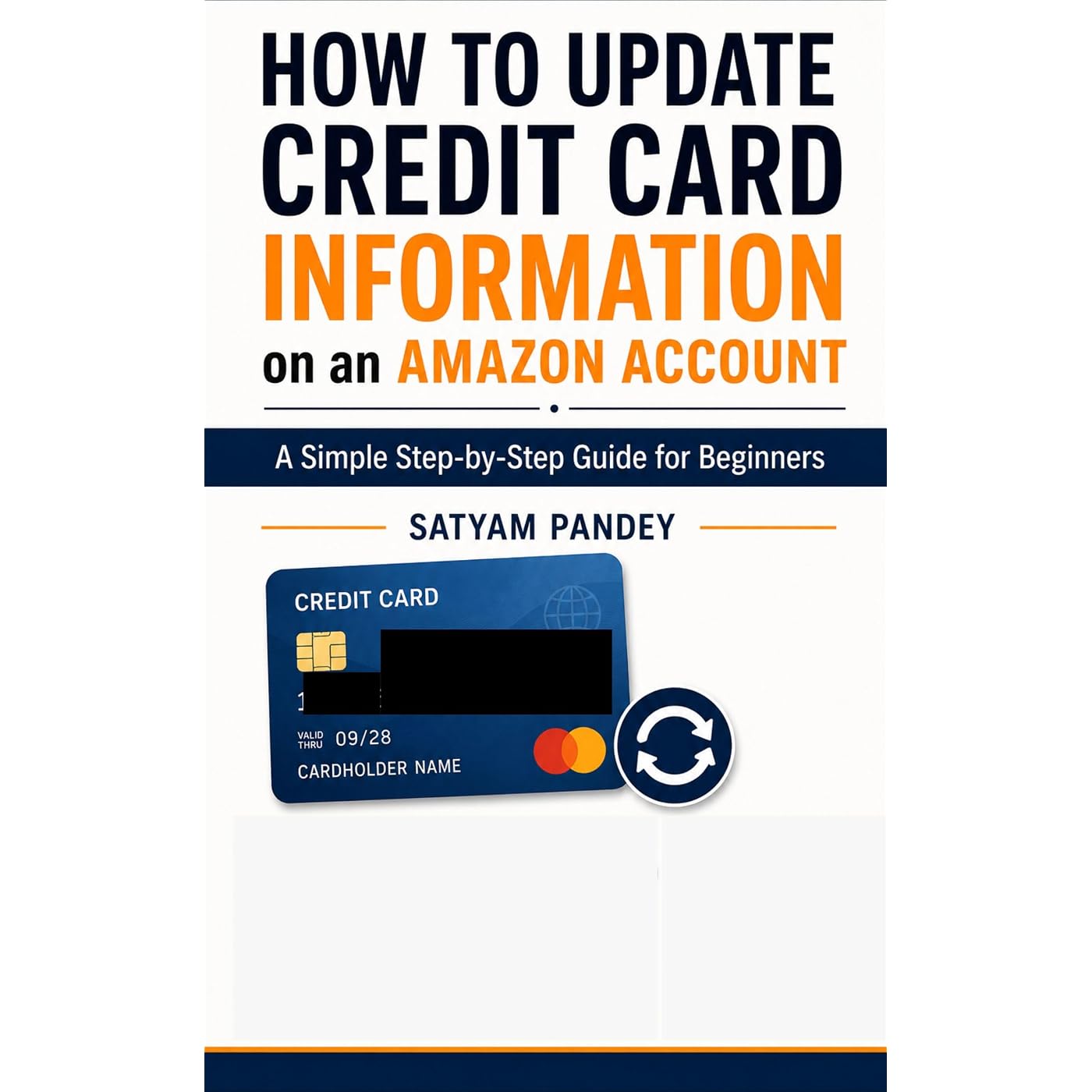
How to Update Credit Card Information on an Amazon Account: A Simple Step-by-Step Guide for Beginners
Buy Now, Pay Later
- – 4-month term
- – No impact on credit to apply
- – Instant approval decision
- – Secure and straightforward checkout
Ready to go? Add this product to your cart and select a plan during checkout.
Payment plans are offered through our trusted finance partners Klarna, Affirm, Afterpay, Zip, Apple Pay, and Google Pay. No-credit-needed leasing options through Acima may also be available at checkout.
Learn more about financing & leasing here.
This item is eligible for return within 30 days of receipt
To qualify for a full refund, items must be returned in their original, unused condition. If an item is returned in a used, damaged, or materially different state, you may be granted a partial refund.
To initiate a return, please visit our Returns Center.
View our full returns policy here.


At a glance
- Condition
- New
- Accessibility
- Learn more
- Publication date
- May 14, 2026
- Edition
- 1st
- Language
- English
- File size
- 457 KB
- Enhanced typesetting
- Enabled
Description
Want to update your credit card information on your Amazon account but don’t know where to start?This beginner-friendly guide explains the simple steps to add, edit, update, set as default, or remove a credit card from an Amazon account.Written in clear and easy language, this guide is designed for beginners who want to manage their payment methods safely and confidently. Whether your old card has expired, you received a new card, changed your billing address, or want to remove an unused card, this book walks you through the process in a simple way.Inside this guide, you will learn:What information you need before updating a cardHow to log in to your account safelyHow to find the payment settings sectionHow to add a new credit or debit cardHow to edit an existing cardHow to set a default payment methodHow to remove old or expired cardsCommon payment errors and how to fix themBasic safety tips for protecting your account and payment informationThis book is an independent educational guide and is not affiliated with, sponsored by, or endorsed by Amazon. All trademarks belong to their respective owners.Perfect for beginners, seniors, and anyone who wants a simple step-by-step explanation of managing payment information online. Read more
Specs 9
| Accessibility | Learn more |
|---|---|
| Publication date | May 14, 2026 |
| Edition | 1st |
| Language | English |
| File size | 457 KB |
| Enhanced typesetting | Enabled |
| X-Ray | Not Enabled |
| Word Wise | Not Enabled |
| Print length | 38 pages |
No specs match.
Frequently asked questions
To initiate a return, please visit our Returns Center.
View our full returns policy here.
- Klarna Financing
- Affirm Pay in 4
- Affirm Financing
- Afterpay Financing
- Zip Pay in 4
- Financing through Apple Pay
- Financing through Google Pay
Learn more about financing & leasing here.