





Buy Now, Pay Later
- – 4-month term
- – No impact on credit to apply
- – Instant approval decision
- – Secure and straightforward checkout
Ready to go? Add this product to your cart and select a plan during checkout.
Payment plans are offered through our trusted finance partners Klarna, Affirm, Afterpay, Zip, Apple Pay, and Google Pay. No-credit-needed leasing options through Acima may also be available at checkout.
Learn more about financing & leasing here.
FREE 30-day refund/replacement
To qualify for a full refund, items must be returned in their original, unused condition. If an item is returned in a used, damaged, or materially different state, you may be granted a partial refund.
To initiate a return, please visit our Returns Center.
View our full returns policy here.


At a glance
- Condition
- New
- Model
- A003BK
- Dimensions
- 3 x 0.6 x 3 in
- Color
- Black
- Connector Type
- Micro USB, USB Type A
- Input Voltage
- 5 volts
- Current Rating
- 2.1 A
- Works with
- Television
Features 5
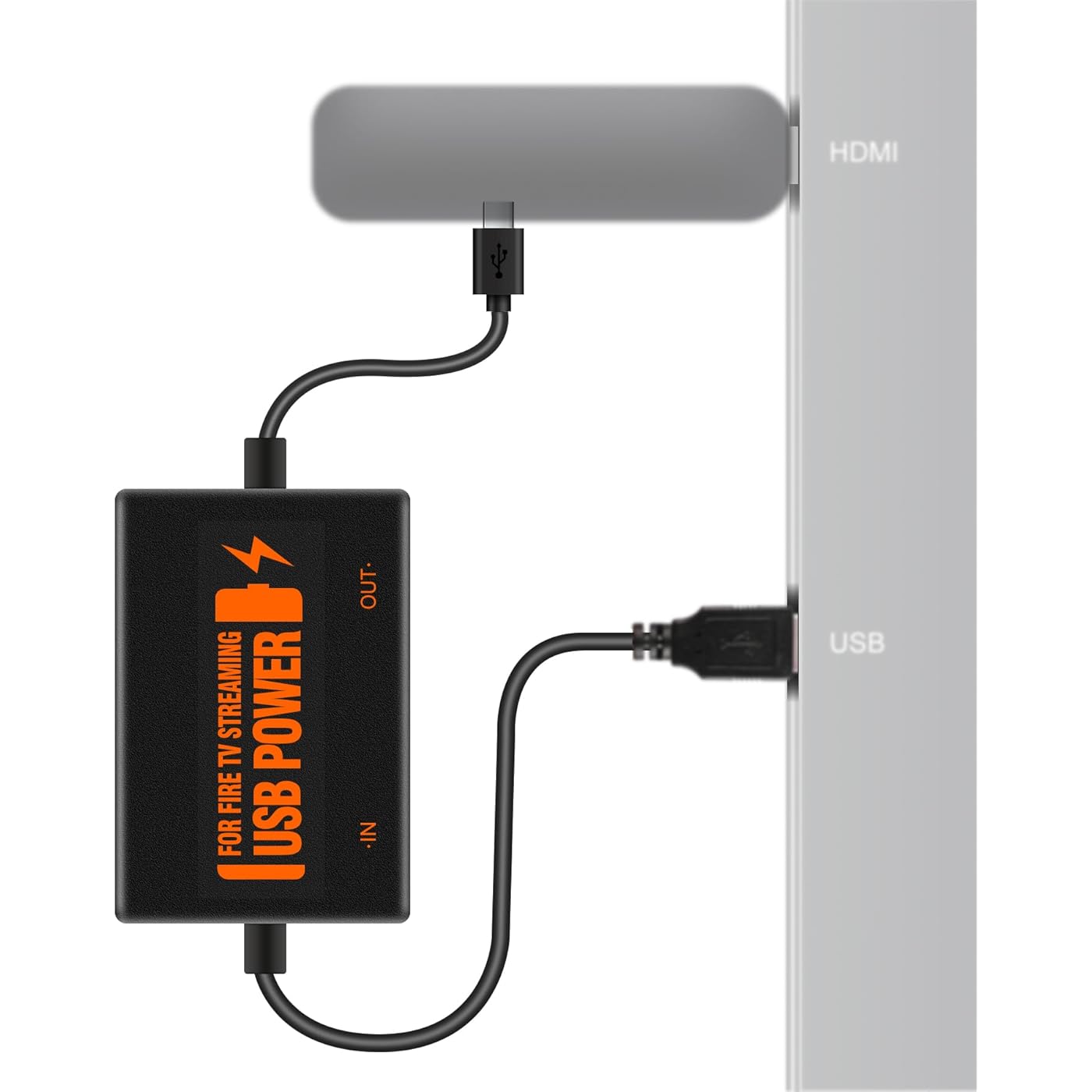
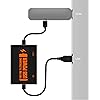
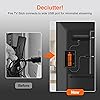
- No AC Adapter Needed: Power your Fire TV Stick directly from the TV's USB port, eliminating the need for an AC adapter and long power cables, just plug the micro USB into the Fire Stick, and then plug the USB A into the USB port on the side of the TV, which perfectly solves the problem of some TVs failing to start or restarting repeatedly due to insufficient power supply.And this solution keeps your setup clean and tidy. Before using your device for the first time, please fully charge it.
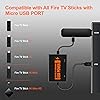
- Works with All Devices: Our fire stick power adapter is compatible with all streaming devices that support micro USB ports, including all Fire Stick models (such as the new 4K/Max version), Chromecast1/2/Utral, TV Sticks, and other streaming sticks. Fire Stick Power Adapter ONLY!!! Not compatible with Fire TV Stick HD (2nd Gen, 2026).
- Easy Plug-and-Play: Just plug the micro USB into your Fire Stick and the USB A into your TV. It solves power issues and keeps your setup tidy.
- Stable Power Supply: Built-in 5V power module ensures a stable 5V/2.1A output (max), perfect for 4K streaming.
- Energy-Saving: Only powers the Fire Stick when the TV is on. Automatically stops when the TV is off. Smart tip: Please Charge for 10 minutes before first use. If you have questions, contact us for a quick response.
Description
1. Clean device & surface with alcohol/water. 2. Peel one backing, stick tape to device, press firmly. 3. Peel second backing, press device onto target spot. 4. Check adhesion; avoid re-sticking. This adapter has a built in battery, is it possible to charge the firestick even when not connected to the TV? No. The 1800 mAh cell is only a buffer; the Fire Stick still needs a 5 V USB source and cannot run or charge from the battery alone. Why should I turn on the TV and charge for ten minutes after the initial installation before starting to use it? Charge it fully first so the battery can back up the main power; if the USB supply drops, the battery instantly adds power to keep video smooth and uninterrupted. We listen to your needs and create practical, innovative products. We love seeing our products get praised by customers. We turn their needs into high-quality solutions. Finevoy provides durable household tools with simple designs. We keep high standards to deliver perfect products.
Specs 17
| Specific Uses For Product | TV Box |
|---|---|
| Connector Type | Micro USB, USB Type A |
| Color | Black |
| Item dimensions L x W x H | 3 x 0.6 x 3 inches |
| Number of Ports | 2 |
| Input Voltage | 5 volts |
| Current Rating | 2.1 A |
| Power Plug Type | Type A - 2 pin (North American) |
| Warranty Type | Limited |
| Item Dimensions | 3 x 0.6 x 3 inches |
| Package Quantity | 1 |
| Unit Count | 1 Count |
| Number of Items | 1 |
| Brand | Finevoy |
| Manufacturer | Finevoy Direct |
| Built-In Media | USB Power Cable Adapter |
| Mfr Part Number | A003BK |
No specs match.
Frequently asked questions
To initiate a return, please visit our Returns Center.
View our full returns policy here.
- Klarna Financing
- Affirm Pay in 4
- Affirm Financing
- Afterpay Financing
- Zip Pay in 4
- Financing through Apple Pay
- Financing through Google Pay
Learn more about financing & leasing here.