




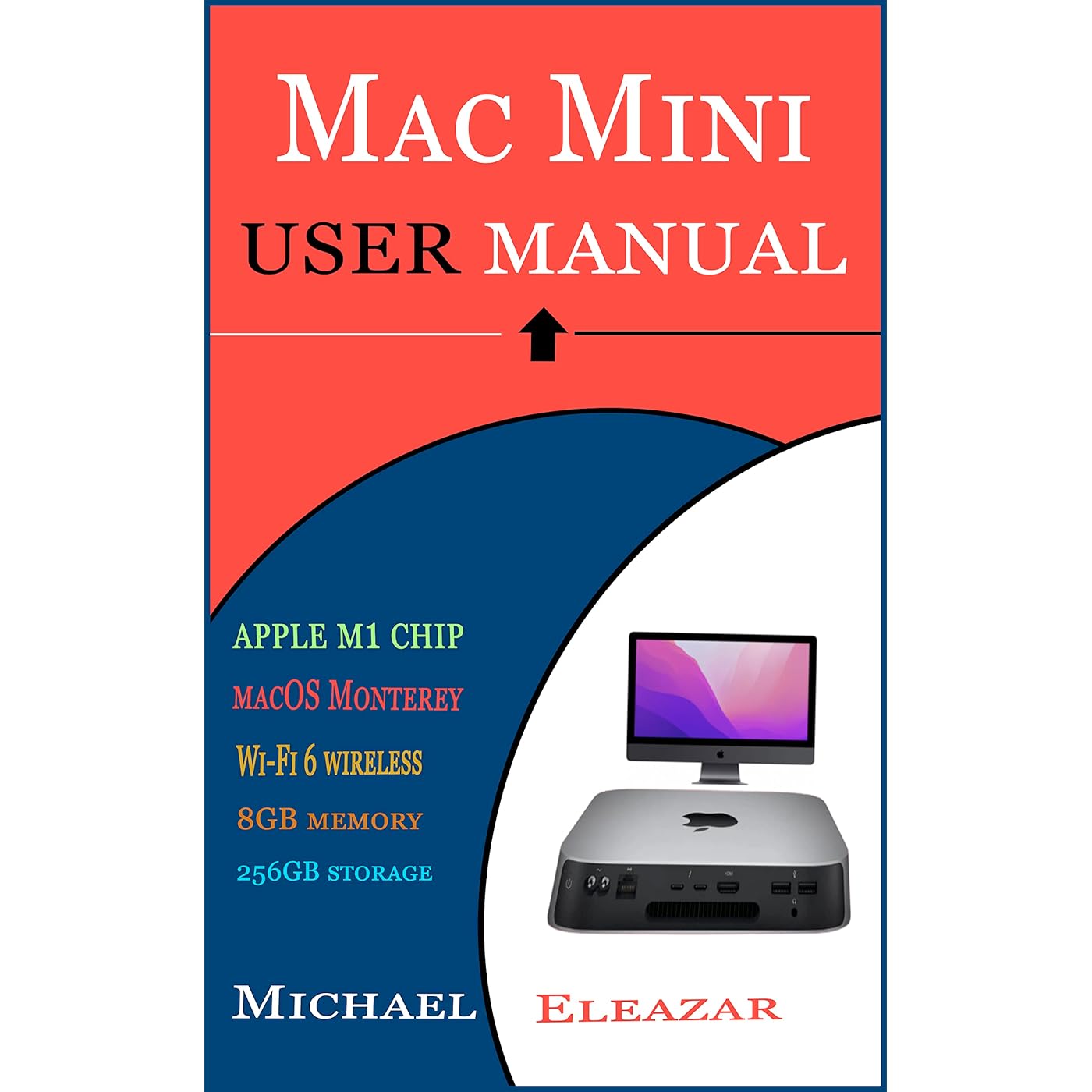
MAC MINI USER MANUAL: The Comprehensive User Guide For Effective Setup And Operation Of Your Apple Mac Mini Device
Notify me when this product is back in stock
Buy Now, Pay Later
- – 4-month term
- – No impact on credit to apply
- – Instant approval decision
- – Secure and straightforward checkout
Payment plans are offered through our trusted finance partners Klarna, Affirm, Afterpay, Zip, Apple Pay, and Google Pay. No-credit-needed leasing options through Acima may also be available at checkout.
Learn more about financing & leasing here.
This item is eligible for return within 30 days of receipt
To qualify for a full refund, items must be returned in their original, unused condition. If an item is returned in a used, damaged, or materially different state, you may be granted a partial refund.
To initiate a return, please visit our Returns Center.
View our full returns policy here.


Description
The 2020 M1 Apple Mac mini is indeed an outstanding value for desktop computing, especially for those who already own a quality display. It is distinctive in major part due to Apple's groundbreaking M1 chip, and it is the only Apple desktop to employ it so far. Due to the capability of the M1 CPU, all versions of the mini, including the entry-level model, can do the vast majority of common computing tasks as well as, if not better than, earlier Apple computers powered by Intel that cost significantly more. The M1 system- on-a-chip (SoC) operates at a whisper-quiet level, even under heavy processing demands. This is a significant benefit of Apple's silicon for consumers who are typically annoyed by fan noise or heat. In contrast to Intel-powered Macs, M1-powered Macs like the new mini are more likely to be supported with software upgrades indefinitely. This should be a substantial source of reassurance for consumers interested in purchasing a computer for long-term use. Understanding and operating this device seamlessly is the objective of this user guide. Do not forget to consult it whenever you’re stuck. Some topics you will find helpful include:Understanding The ControlsHow To Connect The AccessoriesHow To Use Adapters With Mac MiniHow To Connect A DisplayConfiguring Your Mac MiniHow To Access And Manage Apple AccountsHow To Use The Desktop, Menu Bar, And HelpHow To Use The Finder AppHow To Use Mac's DockHow To Use The Notification CenterHow To Use The Control CenterHow To Use The System PreferencesHow To Use The SpotlightHow To Use SiriHow To Manage System WindowHow To Modify Display SettingsTurn Your Mac Mini Into A ServerHow To Transfer Data To A New Mac MiniHow To Back Up And Restore ContentsHow To Use Mac Mini AccessibilityHow To Use Mac Mini With Icloud And ContinuityHow To Access Icloud Content From Mac MiniHow To Use Screen TimeHow To Use HandoffUsing Universal ClipboardHow To Use SidecarUsing Mac’s Continuity CameraUsing Airdrop On Mac MiniAnd more Read more
Accessibility : Learn more
Publication date : September 2, 2022
Language : English
File size : 5.2 MB
Screen Reader : Supported
Enhanced typesetting : Enabled
X-Ray : Not Enabled
Word Wise : Not Enabled
Print length : 112 pages
Frequently asked questions
To initiate a return, please visit our Returns Center.
View our full returns policy here.
- Klarna Financing
- Affirm Pay in 4
- Affirm Financing
- Afterpay Financing
- Zip Pay in 4
- Financing through Apple Pay
- Financing through Google Pay
Learn more about financing & leasing here.


