Search  for anything...

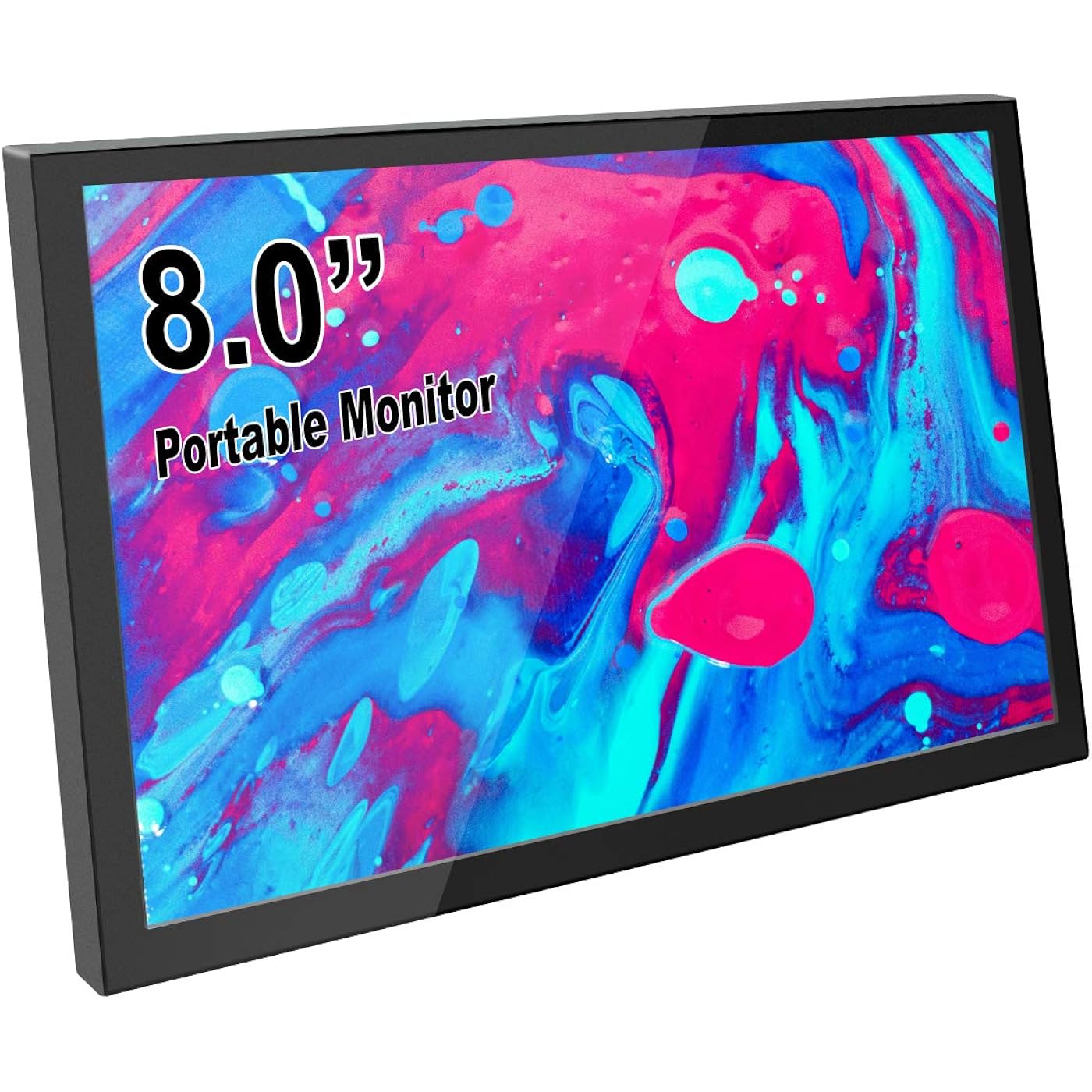
ELECROW 8" Portable Monitor, 1280x800 Mini Non-Touch Capacitive Monitor with HD Port Compatible with Raspberry Pi, LCD Display Built-in Dual Speakers VESA Mount for Windows 11/10/8/7, Game Consoles
  • Based on 893 reviews
Condition: New
Checking for the best price...
$69.98 Why this price?
Save $8.00 was $77.98

Buy Now, Pay Later


As low as $11.66 / mo
  • – 6-month term
  • – No impact on credit to apply
  • – Instant approval decision
  • – Secure and straightforward checkout

Ready to go? Add this product to your cart and select a plan during checkout.

Payment plans are offered through our trusted finance partners Klarna, Affirm, Afterpay, Zip, Apple Pay, and Google Pay. No-credit-needed leasing options through Acima may also be available at checkout.

Learn more about financing & leasing here.

Selected Option

Free shipping on this product

This item is eligible for return within 30 days of receipt

To qualify for a full refund, items must be returned in their original, unused condition. If an item is returned in a used, damaged, or materially different state, you may be granted a partial refund.

To initiate a return, please visit our Returns Center.

View our full returns policy here.


Availability: Only 4 left in stock, order soon!
Fulfilled by Amazon

Arrives Thursday, Aug 13
Order within 19 hours and 12 minutes
Available payment plans shown during checkout

Protection Plan Protect Your Purchase
Checking for protection plans...

Size: 8" Non-touch Display


Features

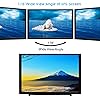
  • Mini Screen: Experience remarkable visual clarity with a full HD resolution of 1280 x 800 and a 16:10 aspect ratio. This monitor delivers vibrant colors that elevate your viewing experience. Note: If you observe any white lines or flickering during use, please adjust the output resolution to 1280 x 800
  • Versatile Compatibility: This monitor is designed to work seamlessly with a variety of HDMI-compatible devices, including gaming consoles and PCs, ensuring you can connect effortlessly
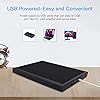
  • Easy Setup: With a mini HD port for signal transmission and a USB port for power, setting up this monitor is a breezejust connect two cables. Plus, it supports VESA mounting for versatile installation options.
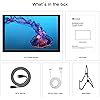
  • Package Included: 1*8 inch monitor, 1*HD cable, 1*USB power cord, 1*Metal Stand; Note: This model is NOT a touch screen version

Brand: ELECROW


Screen Size: 8 Inches


Resolution: 1280x800


Aspect Ratio: 1610


Screen Surface Description: Glossy


Aspect Ratio: 1610


Screen Finish: Glossy


Contrast Ratio: 8001


Refresh Rate: 60 Hz


Display Type: LCD


Display Technology: LCD


Viewing Angle: 170 Degrees


Brightness: 300 lm


Has Color Screen: Yes


Picture Quality Enhancement Technology: Standard


Screen Size: 8 Inches


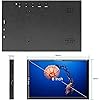
Item Dimensions D x W x H: 0.6"D x 7.7"W x 4.8"H


Resolution: 1280x800


Display Resolution Maximum: 1280 x 800 Pixels


Native Resolution: 1280x800


Voltage: 5 Volts


Response Time: 16 Milliseconds


Total Number of HDMI Ports: 1


Total Usb Ports: 1


Number of Component Outputs: 1


Total USB 2.0 Ports: 1


Additional Features: Built-In Speakers, Eye Care, Portable, VESA Mount


Specific Uses For Product: Business, Entertainment, Gaming


Color: Black


Mounting Type: Desk Mount, Wall Mount


Compatible Devices: Desktop, Laptop, Tablet, Gaming Console, Jetson Nano, Raspberry Pi (5/4/4B/3/3B)


Warranty Type: 1 Year Manufacturer Warranty


Shape: Rectangular


Brand: ELECROW


Model Number: Portable Monitor


Model Name: DIS00008R


Warranty Description: 1 Year Manufacturer


UPC: 741311076079


Manufacturer: ELECROW


Built-In Media: 1 x 8 inch monitor, 1 x HD to Mini HD cable, 1 x Metal stand, 1 x Power adapter, 1 x USB C Micro USB cable


Connectivity Technology: HDMI, USB Type C


Hardware Connectivity: mini HDMI


Frequently asked questions

If you place your order now, the estimated arrival date for this product is: Thursday, Aug 13

Yes, absolutely! You may return this product for a full refund within 30 days of receiving it.

To initiate a return, please visit our Returns Center.

View our full returns policy here.

  • Klarna Financing
  • Affirm Pay in 4
  • Affirm Financing
  • Afterpay Financing
  • Zip Pay in 4
  • Financing through Apple Pay
  • Financing through Google Pay
Leasing options through Acima may also be available during checkout.

Learn more about financing & leasing here.

Top Amazon Reviews


  • Great for Raspberry PI, but read this to get best results.
Size: 10.1" Non-touch Display
This is a nifty monitor for a Raspberry Pi Zero project that I am working on. Hauling around a monstrous monitor does not make sense for a computer scarcely bigger than my thumb. I have tried some of the small, cheap screens that you can get that just plug into a Raspberry Pi, and they have their place. Sure, they have touch input, but the resolution is quite low. As I have to sometimes do some development work on the PI, this smaller screen is often insufficient for my needs. So I was looking for a bigger screen with better resolution. I found this one, with 1920x1200 resolution (for real resolution, many screen sellers will lie and say that it is an HD screen when it is really a 320x240 resolution screen that is capable of displaying downsampled 1920x1200 images - an outright lie in my books). I got this and experienced two hiccups. The first is that the menu is by default in Mandarin. Since I don't read Mandarin, and in the infinite wisdom of the designers of this, they chose all of the menu entries that you need to change the language be in Mandarin by default. I have seen this before, it it seems to be a really odd design decision - if you can read Mandarin, you don't need to change the menu, if if you can't then you cannot tell how to change it. Fortunately, there are a few reviews here that tell you how to change it to English. In the end, I really didn't need the menu, but I wanted to see what the options were. Onto the second hiccup. I hooked this up, and the image was nice indeed. I was excited. Then something happened. The screen blanked, made a bit of a soft "bzzzzt" sound stayed off for a second or so, and came back on. Then it happened again in a few minutes. I checked the HDMI connector and the power connector, and all seemed good. So I worked on it for a while, and this continued. Very aggravating. So I tried it on a PC, and it was fine. I wanted to hold off on my review until I got to the bottom of this. So I did some searching. Then I found the following suggestion: Open up a terminal window and run "sudo leafpad /boot/config.txt" (without quotes of course). Search for the following entries, remove the '#' character at the beginning of its line (if present), and change to the following values: hdmi_force_hotplug=1 hdmi_drive=1 hdmi_mode=16 disable_overscan=1 Save the file and reboot. It worked wonders. There had been a black border around the screen (that I didn't really notice at the time) that disappeared as well. So the problem was with the configuration on the Pi, not the monitor. Very happy now and I will probably be buying at least one more. ... show more
Reviewed in the United States on March 13, 2018 by brunt

  • This one set up fine, however the colors were washed out to an ...
Size: 10.1" Non-touch Display
Bought 2 of these as a 4th and 5th monitor for use as smaller displays for lesser stuff of importance while leaving me a lot of retail space on my desk. Originally I would have given this a 5stars as I purchased one as a test. It worked perfectly out the box, vibrant colors, no problems setting anything up, heck, it started in English rather than mandarin. I've lowered this to 3stars however as what I suspect isn't too rare of a problem with monitors crept up with the second one purchased the same day. This one set up fine, however the colors were washed out to an excessive extent. I fiddled around with all the, admittedly, limited options on the device aswell as my own computer settings. However nothing could bring this second monitor even close to the value I was getting from the first and there was no one I could keep this when I had 4 monitors with perfect colors and one without. As such I docked 2 stars as I return the second one but will raise it back to four stars should the third one work perfectly. Aside from color issues and vibrancy problems, these monitors are great. Their low profile works perfectly for someone who wants something smaller yet without a sacrifice in quality. The display is comparable to my 3 main monitors aside from the obvious size difference(3x 23in vs a 10.1). Honestly, atleast from the side I know of, if space is an issue and you just want another monitor for use as a small client for perhaps web browsing, holding programs such as irc out of the way to leave you your main display(s) free, etc, then I can recommend this provided you get one with proper coloring. Edit: July 23, 2018 Updated to 5 stars cause honestly, I couldn't find anything wrong. I returned the one with the color problem, got a new one. Tested them both for a few days and they're perfect for their job. I don't think it's worth it to dock a star for one faulty item. So review will stand but with this update that I'm pleased as punch with my purchase. I doubt I'll ever need more than 2 but for the two I have, their price and quality is well worth what I used them for. ... show more
Reviewed in the United States on July 17, 2018 by UnspunReality

  • Lightweight Good Quality Travel Display
Size: 10.1" Non-touch Display
This is an affordable non-touch display when working with devices for configuration or for playing videos without getting out a heavy bulky laptop. I primarily use this with an ASUS Tinkerboard running Android for playing videos, browsing websites, or general mobile app usage. Aside from that, this is great for Raspberry Pi initial setup or device recovery where a display is needed. The material quality is good, the sound is satisfactory given the speaker size and picture quality is very good. The included stand is not the best fit for the product, however, a simple fix I used for this was taping a few magnets to the display where the stand would be resting. This keeps the display firmly attached to the stand when inflexible HDMI cables can cause the display to be easily pulled off the stand. ... show more
Reviewed in the United States on March 20, 2019 by Kevin

Can't find a product?

Find it on Amazon first, then paste the link below.
Checking for best price...