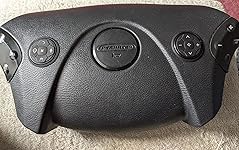
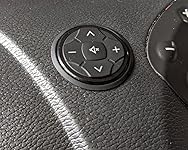
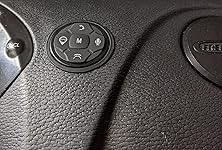
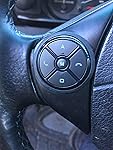
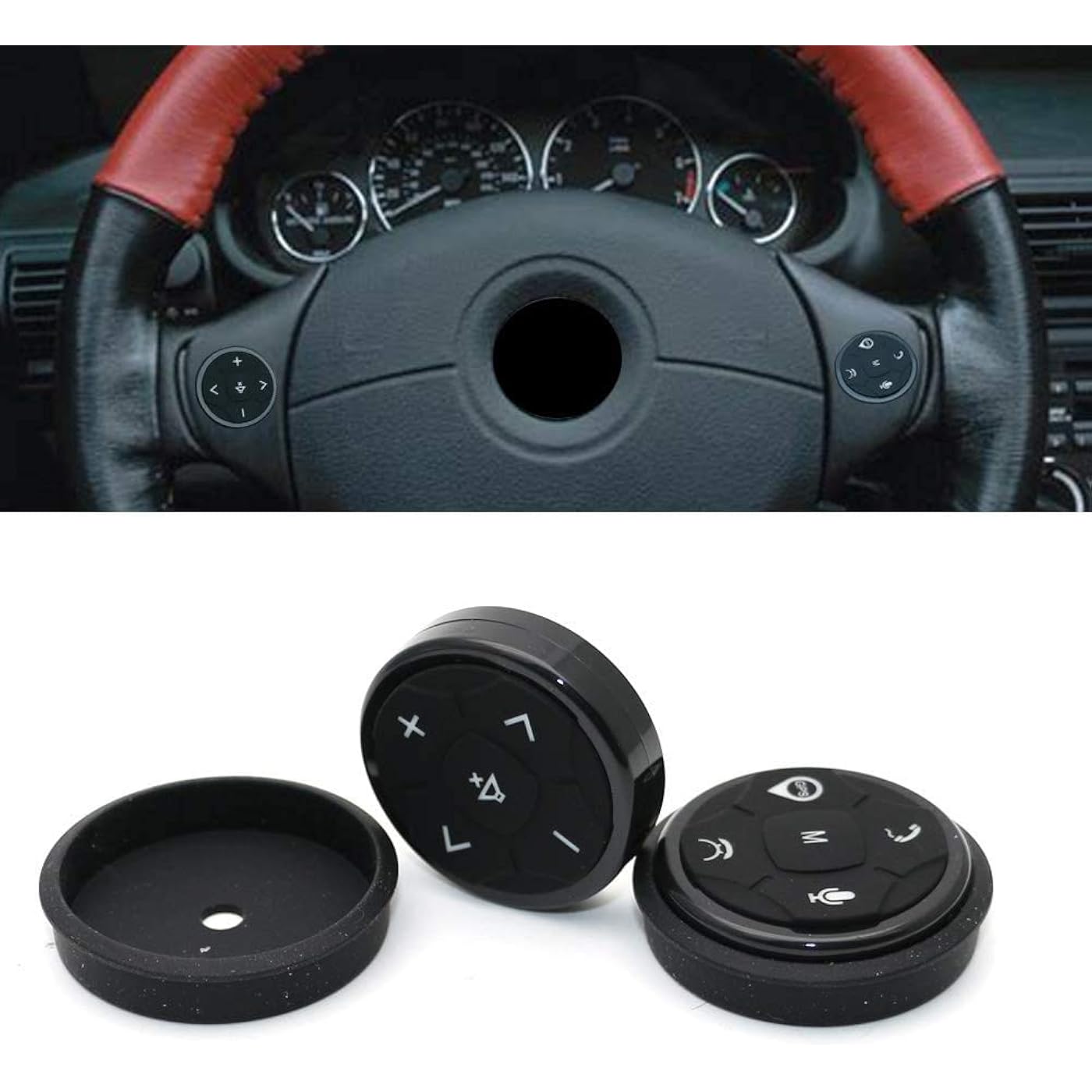
Car Steering Wheel Control DVD Button Universal Wireless Android GPS Navigation Car Steering Wheel Remote Control Buttons



Buy Now, Pay Later
- – 4-month term
- – No impact on credit to apply
- – Instant approval decision
- – Secure and straightforward checkout
Ready to go? Add this product to your cart and select a plan during checkout.
Payment plans are offered through our trusted finance partners Klarna, Affirm, Afterpay, Zip, Apple Pay, and Google Pay. No-credit-needed leasing options through Acima may also be available at checkout.
Learn more about financing & leasing here.
Selected Option
FREE 30-day refund/replacement
To qualify for a full refund, items must be returned in their original, unused condition. If an item is returned in a used, damaged, or materially different state, you may be granted a partial refund.
To initiate a return, please visit our Returns Center.
View our full returns policy here.


Size: 04
Features
- Condition:100%r Band new in Box
- Color: Black, Built-in high receive chip.
- Material: High quality plastic
- Button: With 10 function keys to be set, this controller can meet all your needs on the common functions you use in a car.
- Car maker: for all GPS DVD has steering wheel controlling function
Description
Installation Method: 1. Remove DVD navigation. 2.navigation host, on the rear line to find the steering wheel multifunction control line, ACC line, ground wire, specific line function, consult the browser manufacturers. 3.The receiver has a corresponding bit line ACC stickers for automotive ignition cable, GND for the ground line KEY1 and KEY2 for the control line connect the corresponding line. If the navigation host has only one direction control line, connect Receiving KEY1 and KEY2 to navigation at the same time ( Learning to copy If there is a button learning is not successful, please adjust the KEY1 KEY2 line) 4 Enter the DVD navigation settings, find the learning of the multifunction button (Steering wheel settings), press and hold the button to learn the corresponding function (see DVD navigation instructions for specific operations) 5. Enter Android navigation or DVD navigation (Steering wheel configuration or steering wheel learning interface) Volume-, volume +, silence, previous song, next song 5 buttons together for 10 seconds to pair, after pairing correctly, the control receiver The direction of the plug can see a red light on, which proves that the pairing has been successful. (You can see the red light in the small hole of the address control receiver at night.) The button works when you answer the phone and hang up the phone is the same as the previous one. Next, enter Android or DVD navigation (Steering wheel configuration or steering wheel learning interface) for each learning button. 6. Note: Each button can also be customized to learn. It does not matter if you do not understand.Please leave us a message in the order.
Brand: YuYue Electronic
Special Feature: Universal
Color: Black
Max Number of Supported Devices: 1
Compatible Devices: GPS DVD
Additional Features: Universal
Maximum Number of Supported Devices: 1
Compatible Devices: GPS DVD
Connectivity Technology: Bluetooth
Button Quantity: 10
Controller Type: Button Control
Maximum Range: 10 Meters
Battery Type: Alkaline
Color: Black
Brand: YuYue Electronic
Model Name: Yuyue Universal 10K
Model Number: Yuyue Universal 10K
UPC: 656721772506
Unit Count: 1 Count
Manufacturer: Yuyue Electronic
Frequently asked questions
To initiate a return, please visit our Returns Center.
View our full returns policy here.
- Klarna Financing
- Affirm Pay in 4
- Affirm Financing
- Afterpay Financing
- Zip Pay in 4
- Financing through Apple Pay
- Financing through Google Pay
Learn more about financing & leasing here.
Similar Products





Top Amazon Reviews